CMP100 User Guide
11
Section 3 Web Interface Operation
3.1 OMP150 Web Interface Overview
3.1.1 Connecting to the Management Port
OMP150 has multiple Ethernet ports, with which you can access the management
interface of the device. There are six (6) ports tagged with ETH0, ETH1, ETH2, ETH3,
ETH4 and ETH5. You can see the labels on the front panel of OMP150100. For
OMP150200, the six ports (ETH0 to ETH5) are placed at the back on the unit from left to
right.
3.1.2 Login to the OMP150 Web Interface
To enter the OMP150 web interface, use one of the following supported browsers and
navigate to the unit’s IP address:
• Firefox
• Google Chrome
OMP150 has six (6) Ethernet ports where you can log in and access the management
interface. Factory network settings of management port are:
• IP address: 192.168.1.201 Gateway:192.168.1.254 for ETH0
• IP address: 192.168.2.201 Gateway:192.168.2.254 for ETH1
• IP address: 192.168.3.201 Gateway:192.168.3.254 for ETH2
• IP address: 192.168.4.201 Gateway:192.168.4.254 for ETH3
• IP address: 192.168.5.201 Gateway:192.168.5.254 for ETH4
• IP address: 192.168.6.201 Gateway:192.168.6.254for ETH5
• Subnet Mask: 255.255.255.0
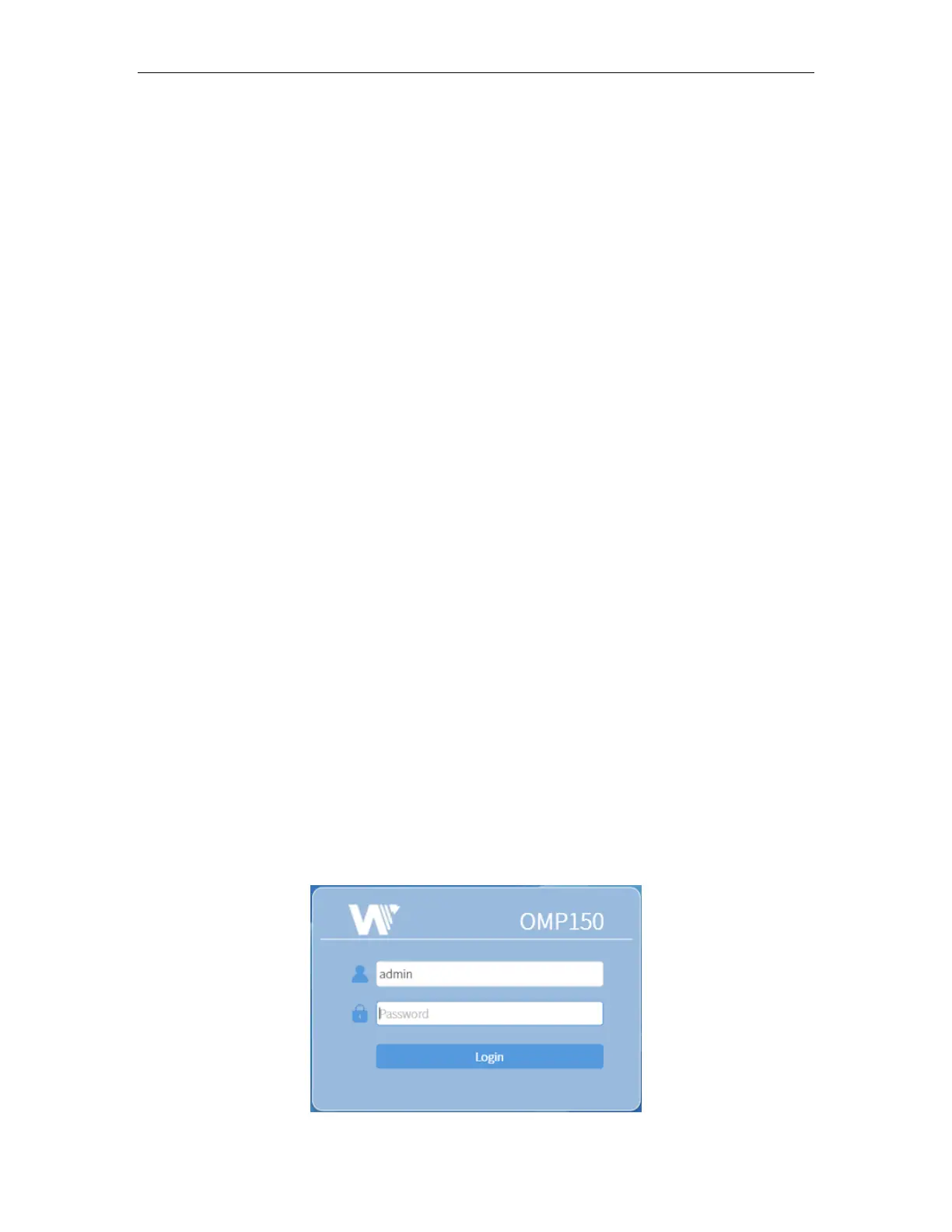
You can connect to any port and type the corresponding IP address to log in to the web
interface. The default username/password are admin/admin. Click the login button to
access the web interface.



 To Next Page