CMP100 User Guide
24
3.5 VOD
Video on Demand or known as VOD is supported by OMP150. You can upload a video
on this page and include the video on the VOD channel service. VOD menu are divided
in 4 sub-menus that can help you manage the System.
• Local VOD
• VOD Home Page
• VOD Grouping
• 3
rd
party VOD
• 3
rd
Party APPs
3.5.1 Local VOD
Local VOD is the uploaded video on the Server. You can access the OMP150 and
upload several videos to the server. The Server capacity to store VOD are limited.
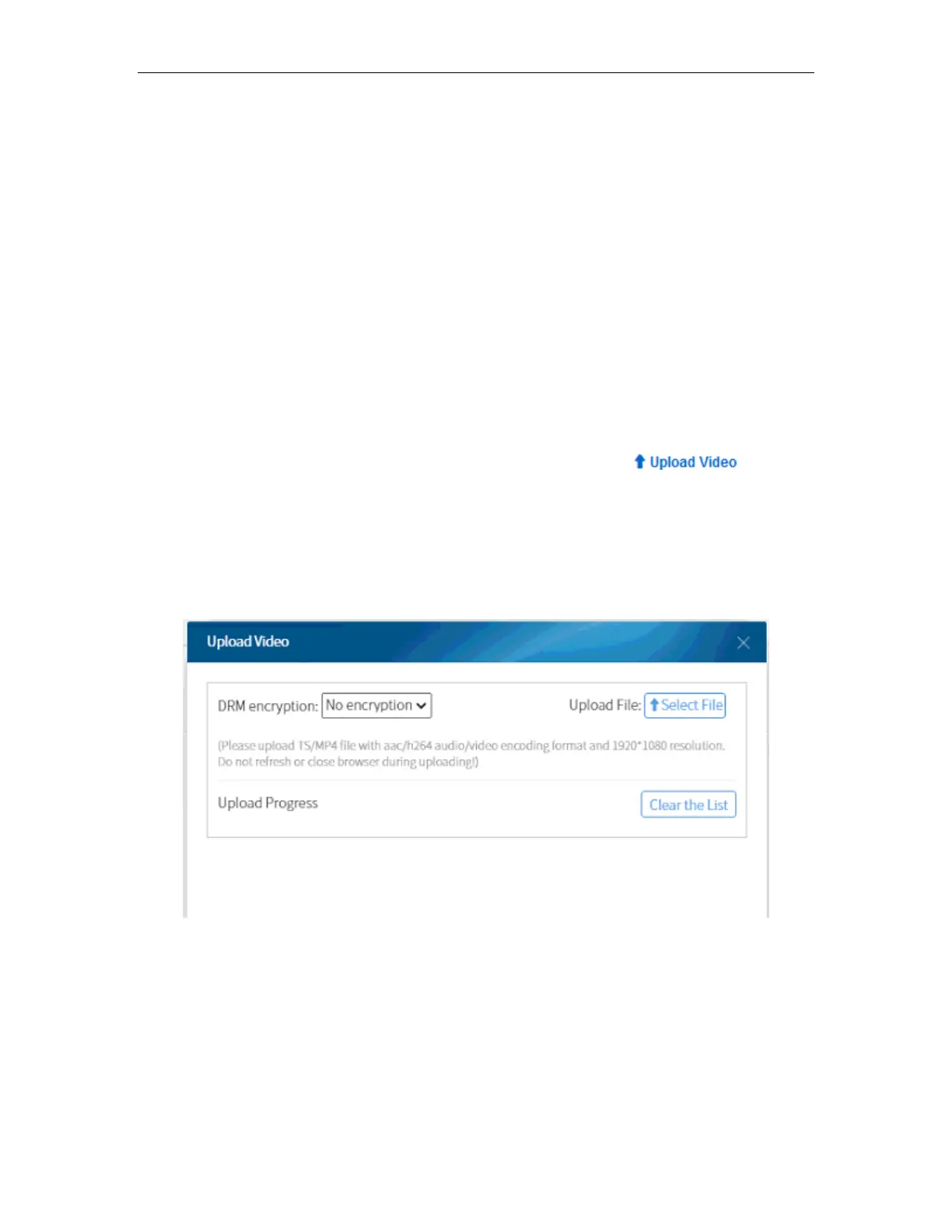
To upload a video to the Unit, go to VOD > Local VOD and click . Look for
the video you want to upload and enable it so that the terminal can view the service.
After you select the video, it will show the upload status will be shown as the picture
below. You can select and upload multiple videos.
Note: Videos should be TS/MP4 files with AAC/H.264 audio/video encoding format and
resolution of 1920*1080.
Once the upload is finished, you will see the video name in the List of Local VOD.
It will take some time before you can enable the video. The status of the video will be
changed from “Unprepared” to “Offline”.



 To Next Page