CMP100 User Guide
8
1. USB interface*2
2. Reset to Factory Default button
3. Power switch button
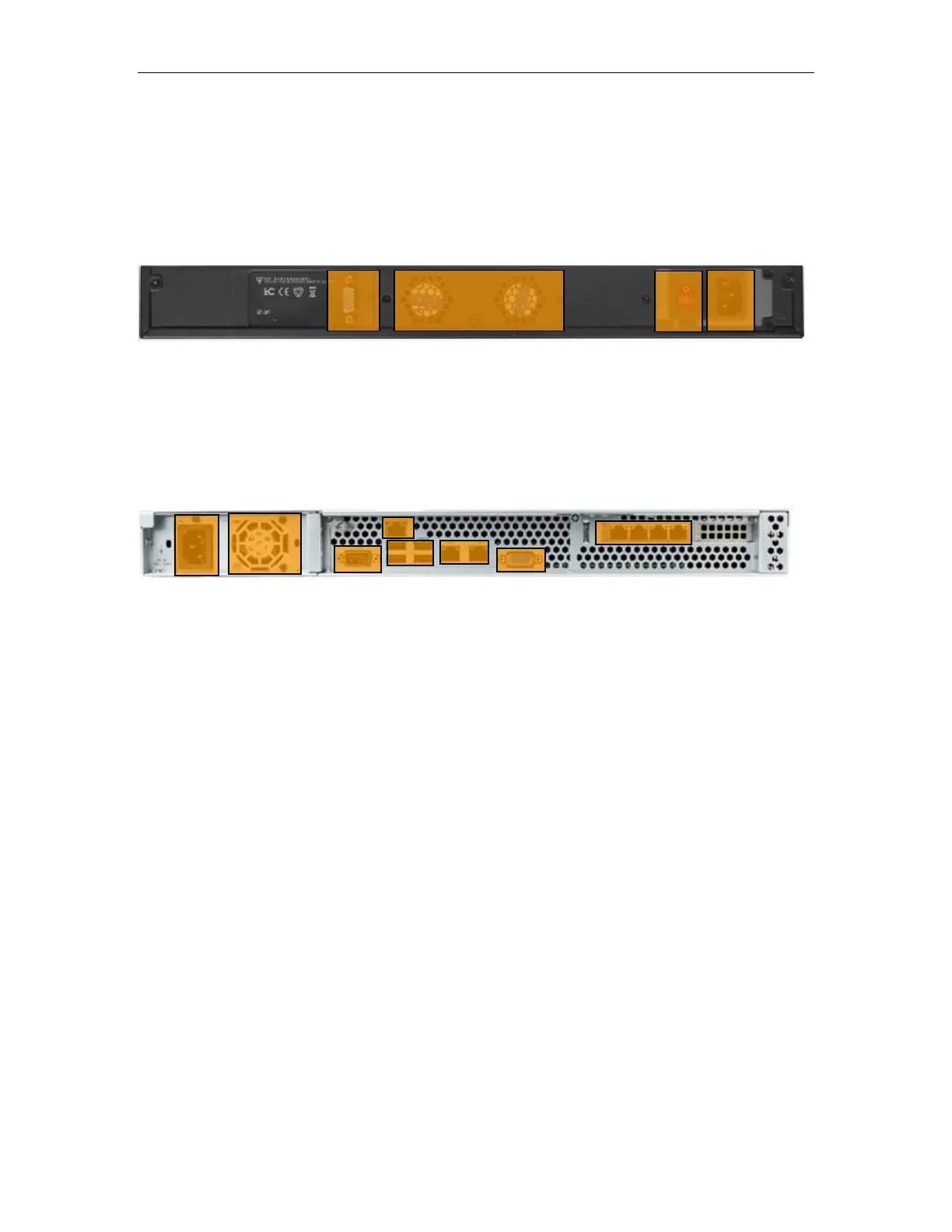
1.3 Rear Panel Overview
OMP150100
1. VGA interface
2. Fan for ventilation
3. Power switch button
4. Power input interface: AC100~240V, 50/60Hz
OMP150200
1. Power input interface: AC100~240V, 50/60Hz
2. Fan for ventilation
3. VGA interface for monitor display
4. PMIT remotely connect to the server BIOS system
5. USB interface
6. VGA interface for monitor display
7. Ethernet port for management and data traffic



 To Next Page