APPENDIX B - APK Management
1. Install an APK of the same version as the OMP150 on the STB or TV.
2. Ensure that the IP address of the terminal (STB or TV) is in the same network
segment as the ETH port of the OMP150 which the terminal is connected.
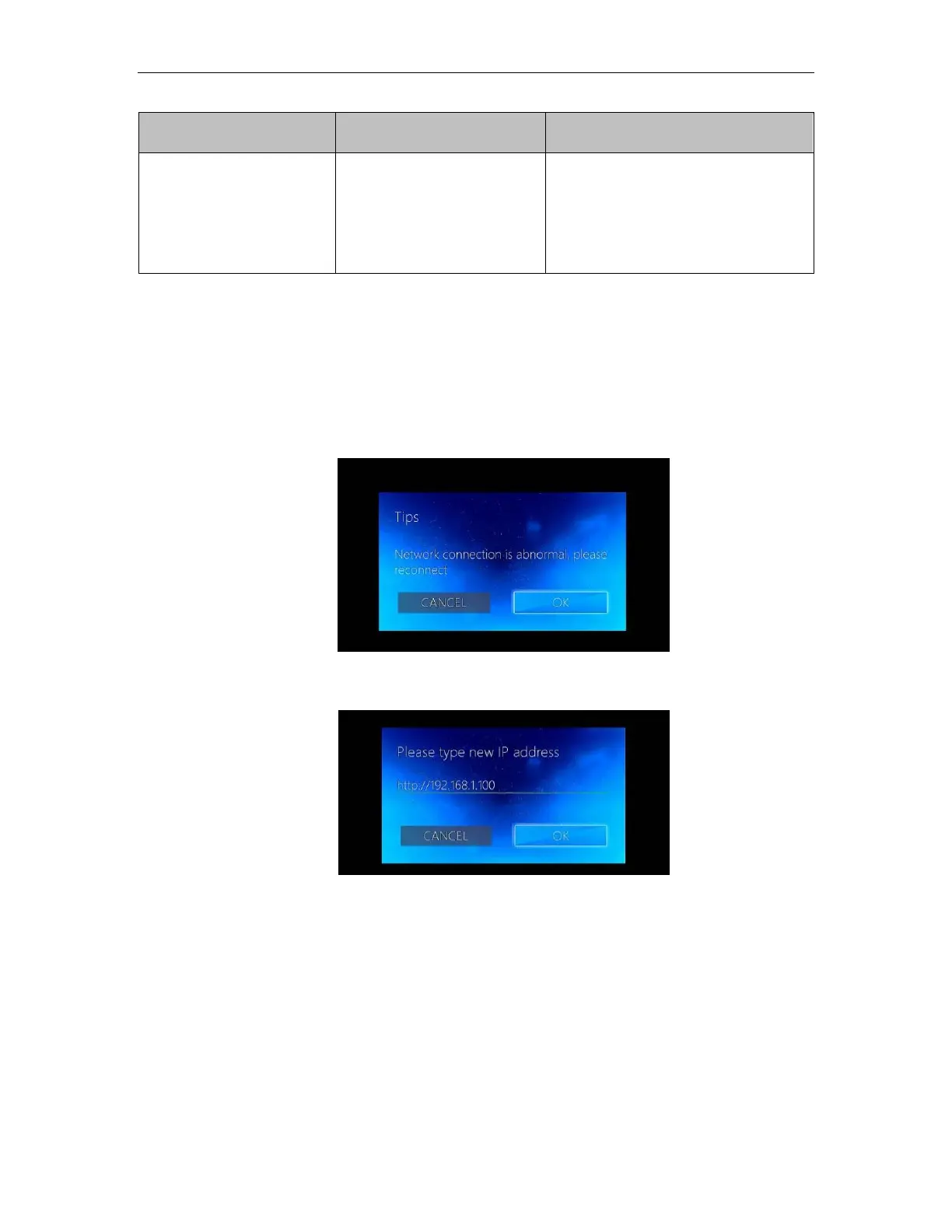
3. Installing the APK successfully in the terminal will display a pop-up prompt when
you open the APP in the box.
4. Quickly press up/up/down/down arrows on the remote control access the IP
settings on the interface.
5. Press again up/up/down/down and click OK
6. After setting the APP's IP address, click on OK in the APP interface and you will
be able to login on the Main Interface od the APP



 To Next Page