CMP100 User Guide
60
• System
• DHCP
• Time
• License
3.10.1 Network
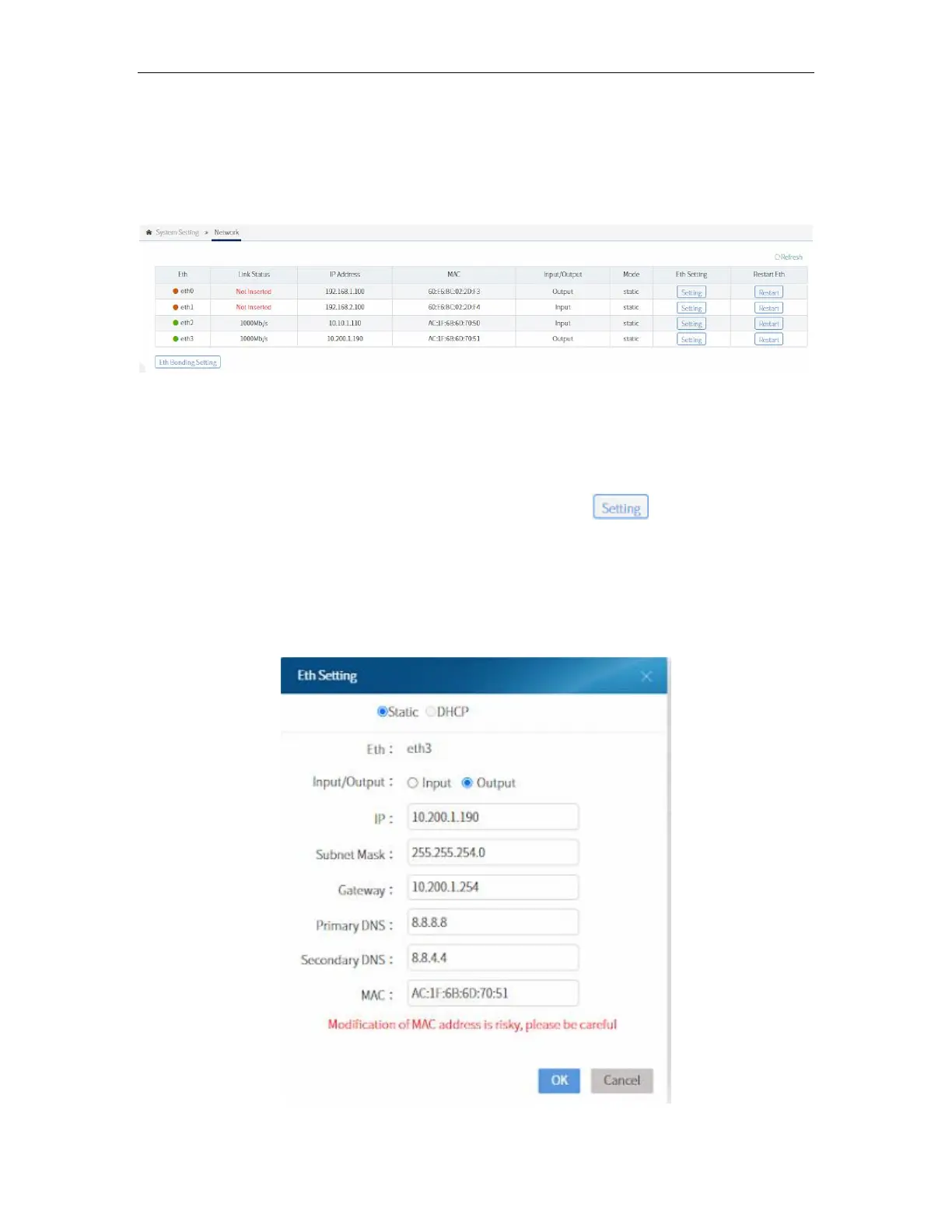
Network tab allows you to check parameters of each Ethernet port. This will display the
status, IP address, MAC address, input/output mode, and static/DHCP of each port. It
allows you to change parameters of a port by clicking on . You can modify the
followings:
• Set the port as STATIC or DHCP
• Input the IP address of the port
• Select to use the port for INPUT or OUTPUT
• Change the subnet mask and gateway



 To Next Page