CMP100 User Guide
47
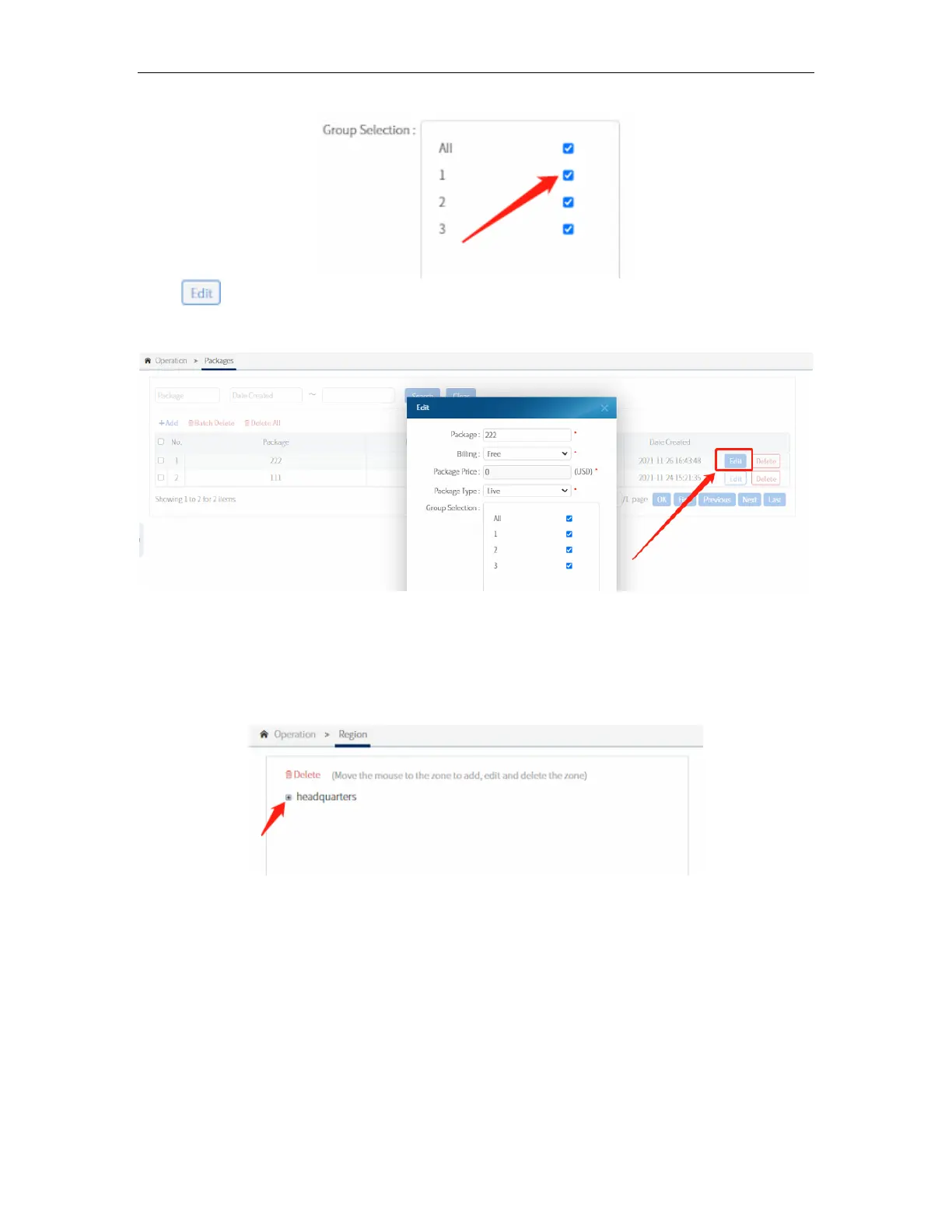
Click to modify a package.
3.8.4 Region
In this submenu, a region can be made to which the user can be assigned to. This will
be helpful to group and to easily filter out the users. The default master region is the
“headquarters”. Move the mouse to the region to add or edit a subregion.
A window will pop up once the “+” is clicked. Input the sub-regions you wanted to add
and click OK.



 To Next Page