CMP100 User Guide
31
3.6 Overlays
On this page, you can insert and manage videos, pictures, or subtitles on any live
channels immediately or by scheduled.
3.6.1 Video Takeover
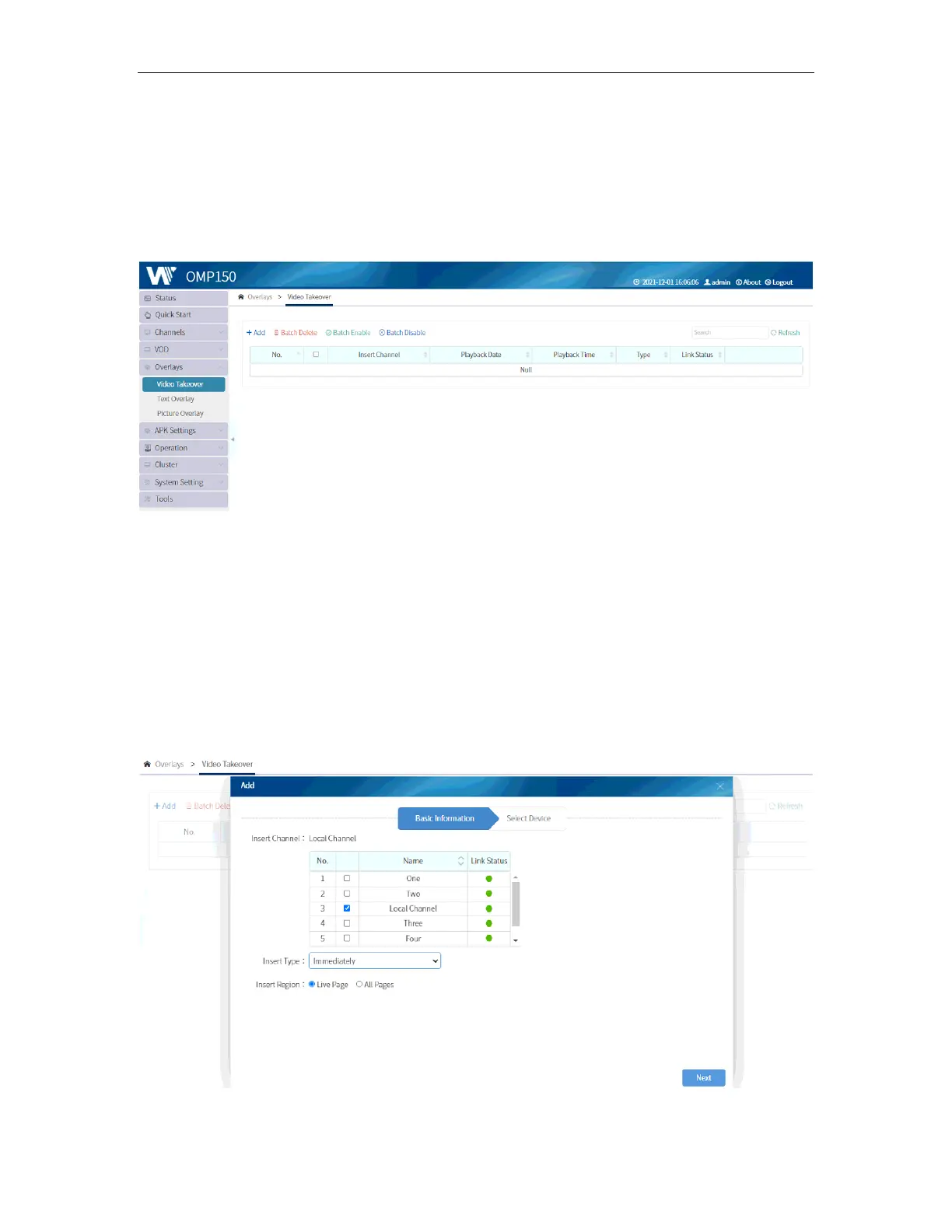
Video Takeover allows you to select and insert any live channels to ALL or ANY terminal
on LIVE interface or ALL interface. This is usually used when there is an emergency that
the Hotel wants their guests to view the emergency video.
To do this, go to Overlays and select Video Takeover. Click on ADD and select the live
channel you want to use. You can select Insert Type as “Immediately” or “Scheduled”
and select the Insert Area as “Live Page” or “All Pages”.



 To Next Page