CMP100 User Guide
65
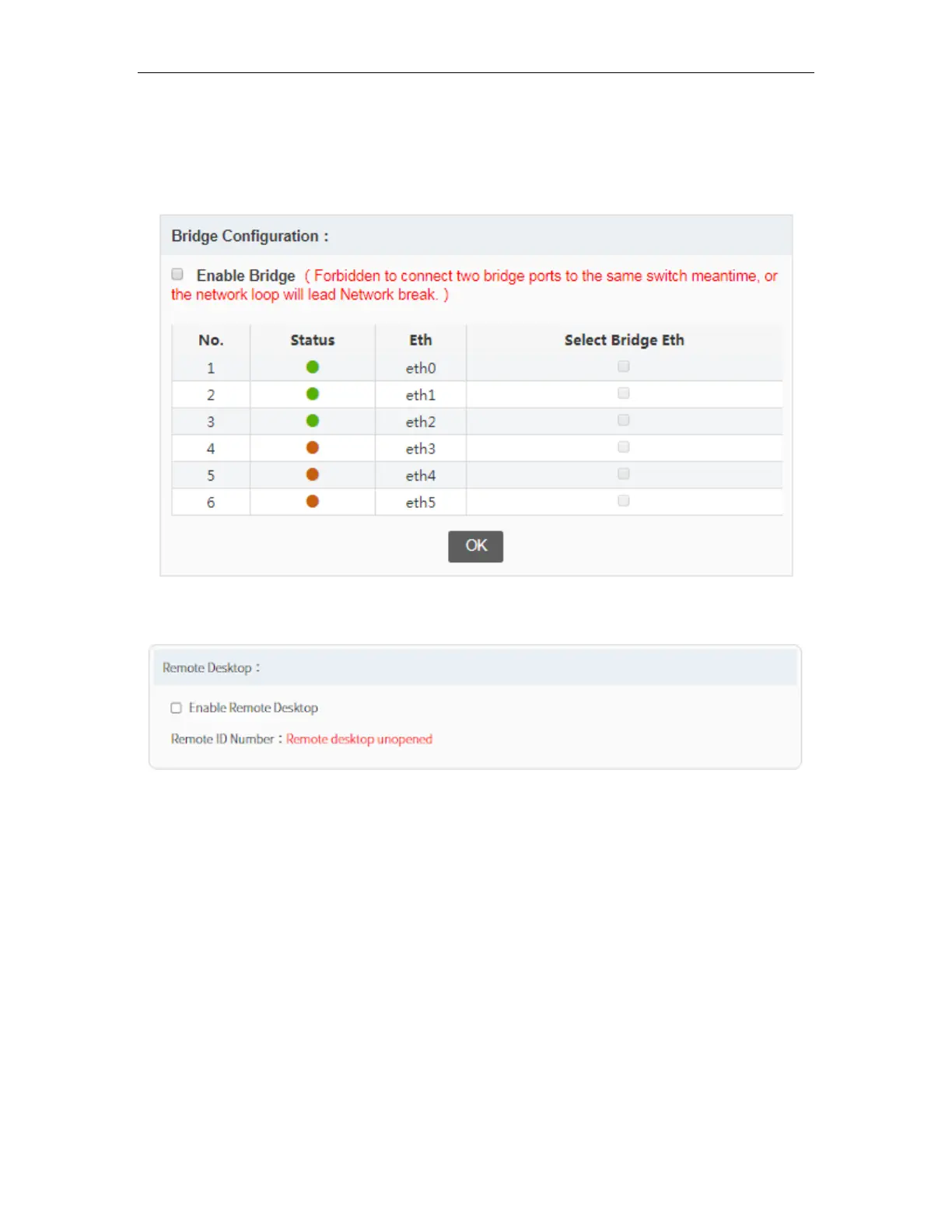
Bridge Configuration is used to make two (2) Ethernet ports in Bridge mode. You can
click on “Enable Bridge” then select ports you want to Bridge. When the ports are in
Bridge mode, they should not be connected to the same switch. Click OK to apply the
configuration.
Remote Desktop is used to access the unit remotely. You can click check the box
“Enable Remote Desktop” to use this feature.



 To Next Page