CMP100 User Guide
43
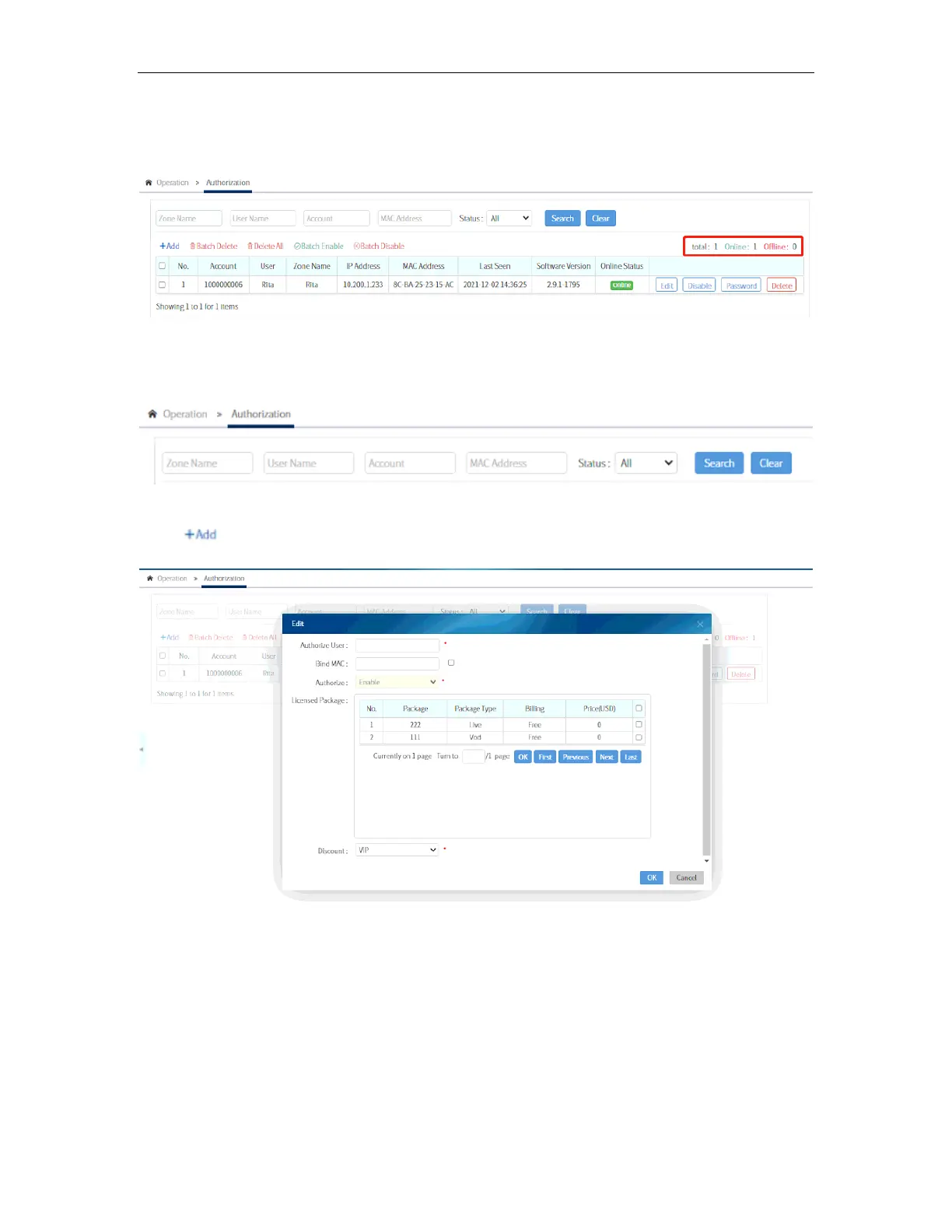
It also displays the total number of terminals that is registered to the system and the
number of online and offline in those.
You can filter out the displayed terminals by searching a particular None, User name,
Account or MAC Address.
Click to add an account.
A window will pop up upon selecting the field for Authorize User. The list of users will
appear in the bottom part. Click the regions (discussed in 3.8.4) on the left side to filter
out the users that is shown on the right side. Select the user from which you will
authorize the new account then click OK.



 To Next Page