17
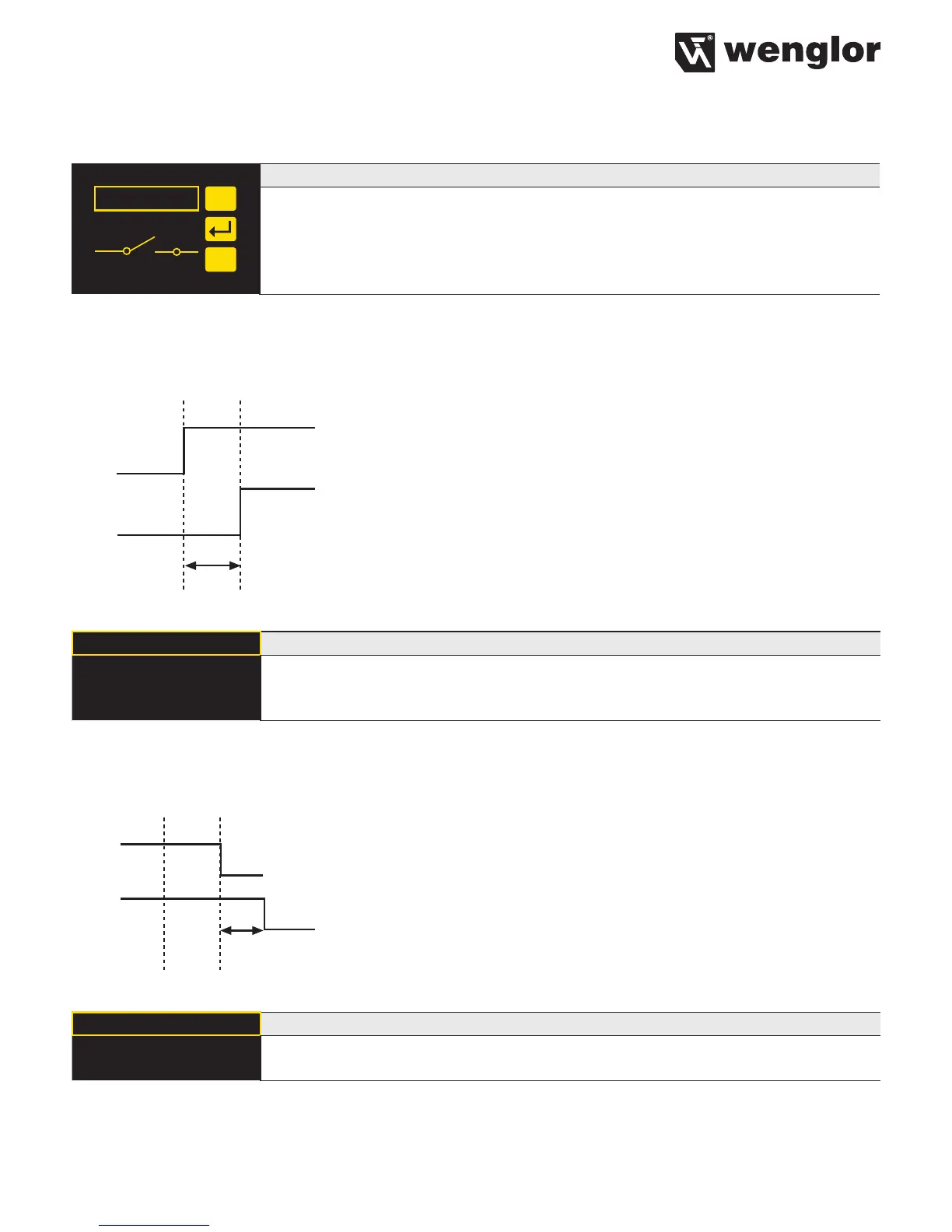
7.3.8. Switching Output NO/NC
NO/NC
NO
NC
Configuration of the outputs
The output is set as a normally open contact by pressing the “NO” key. The output
closes immediately when an object reaches the switching point.
The output is set as a normally closed contact by pressing the “NC” key. The out-
put opens immediately when an object reaches the switching point.
7.3.9. Switching Output Response Time Delay
The response time delay is an adjustable lengthening of the response time.
utput
On-Delay
Note: The menu item is only visible if Expert Menu “On” has been set (see chapter 7.6 on page 20).
ON Delay Adjust response delay time
ON Delay in ms An output time delay of 0 to 10,000 ms can be set by pressing the “+” or “–” key.
You can keep a key pressed for a longer time in order to make larger numerical
jumps.
7.3.10. Switching Output Fall Time Delay
The fall time delay is an adjustable lengthening of the fall time.
Object
utput
Off-Delay
Note: The menu item is only visible if Expert Menu “On” has been set.
OFF Delay Adjust fall time delay
OFF Delay in ms A fall time delay can be set by pressing the “+” or “–” key. You can keep a key
pressed for a longer time in order to make larger numerical jumps.
Note: If a pulse length has been set, a fall time delay cannot be set In this case the note “Pulse” appears in
the control panel!












 To Next Page