6. Initial Operation
6.1. Initial Operation
Before the configuration, connect the Sensor to 18…30 V DC.
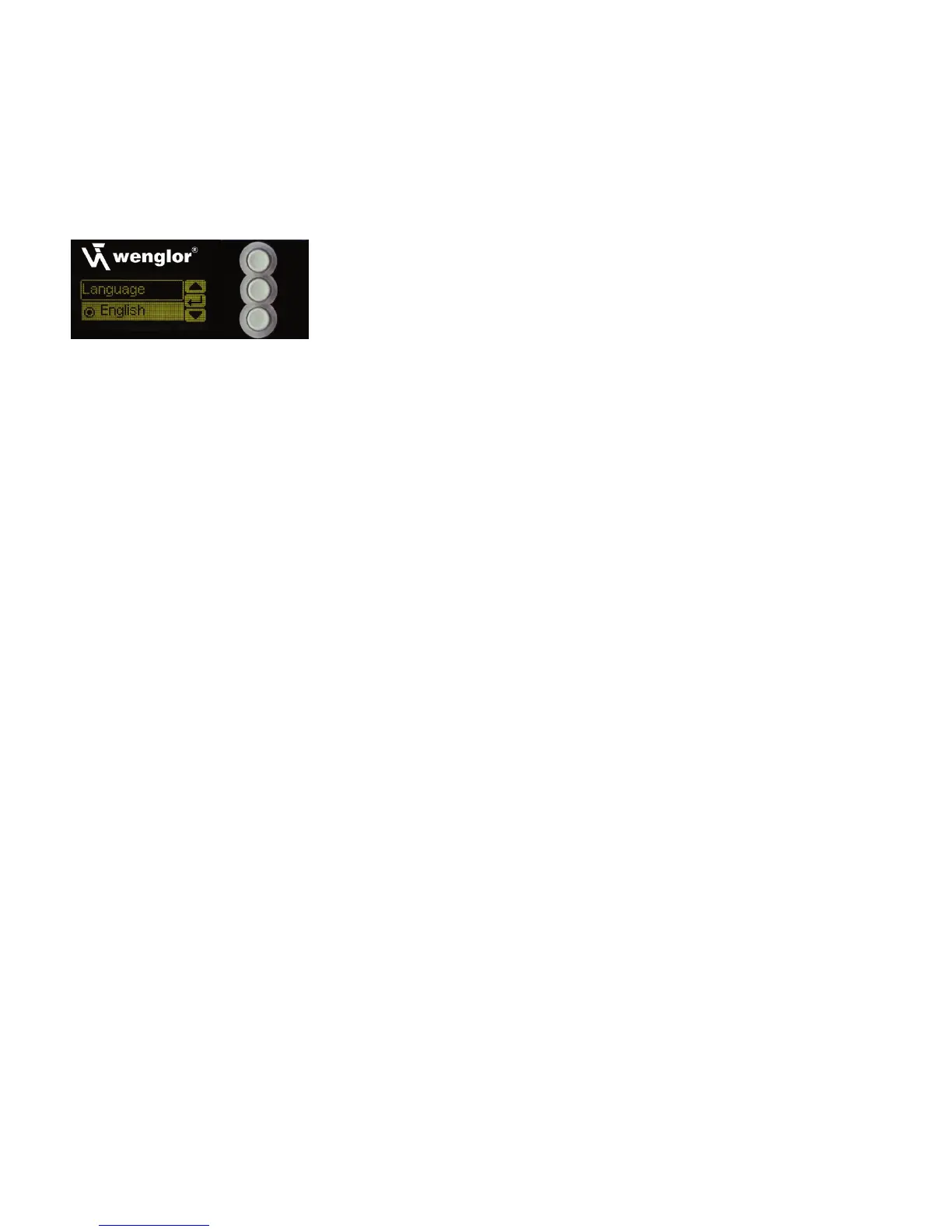
The desired menu language must be selected after initial start-up, and after each reset (see fig. 1).
Fig. 1: Set menu language
The functions of the keys appear in the display as follows:
5 : Navigate up.
6 : Navigate down.
: Selection is acknowledged with the enter key.
The keys within a menu item can also be assigned to letters or other symbols such as “+” and “–”. You can
keep the “+” or “–” key pressed for a longer time in order to make larger numerical jumps.












 To Next Page