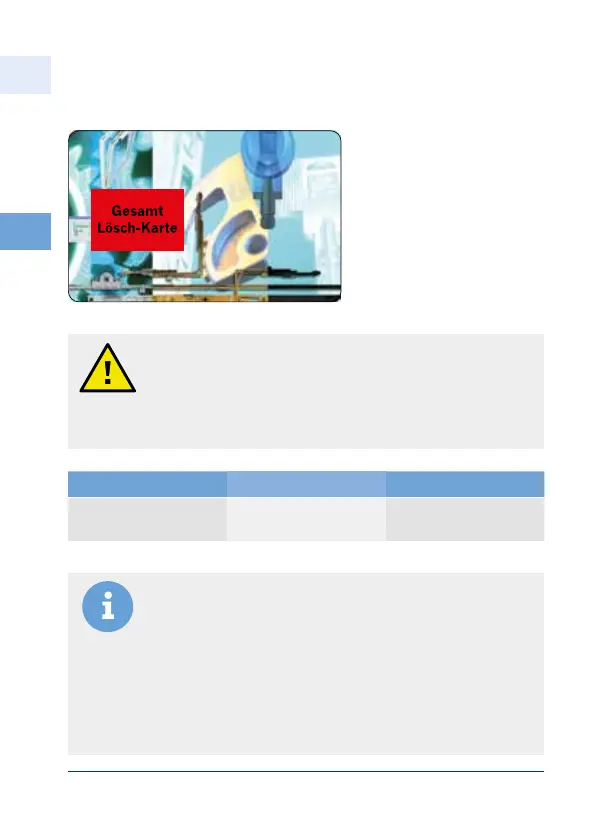
Notice: All transponder chips have been deleted and the reader
unit is at delivery status.
The delete-all card and the programming card are saved, a
transponder chip is not saved. In this state you cannot open the
door via transponder chip or card; rather you will have to
re-progamm the transponder chip.
Keep the programming cards at a safe place to prevent any kind
of misuse.
If you lose the cards, the reader unit will have to be exchanged
in its entirety! Please contact customer service in such a case.
Caution! By using the delete-all card all the transponder chips
stored in the system will be deleted!
The action of deleting all transponder chips is irrevocable once
the process has been completed!
You have to teach up to 250 new transponder chips from the start!
The programming cards cannot open the door!
504474470
4
EN
Aug. Winkhaus GmbH & Co. KG ∙ Berkeser Straße 6 ∙ 98617 Meiningen
T +49 369 3950 - 0 ∙ www.winkhaus.de ∙ Subject to technical changes
blueMatic EAV Installation, Operating and
Maintenance Instructions
Delete mode
Delete-all card:
Delete mode "All
transponder chips"
Deletes all transponder
chips (key fob)
Action Acoustic Signal Result
Pass the delete-all card
over the antenna
nnnnn
for about second
end of delete mode
All transponder chips



 To Next Page