Notice: If you do not swipe the transponder chip across the
antenna for a period of 5 seconds, the teach-in mode will be
stopped. The reader unit returns to operating mode.
504474469
4
EN
Aug. Winkhaus GmbH & Co. KG ∙ Berkeser Straße 6 ∙ 98617 Meiningen
T +49 369 3950 - 0 ∙ www.winkhaus.de ∙ Subject to technical changes
blueMatic EAV Installation, Operating and
Maintenance Instructions
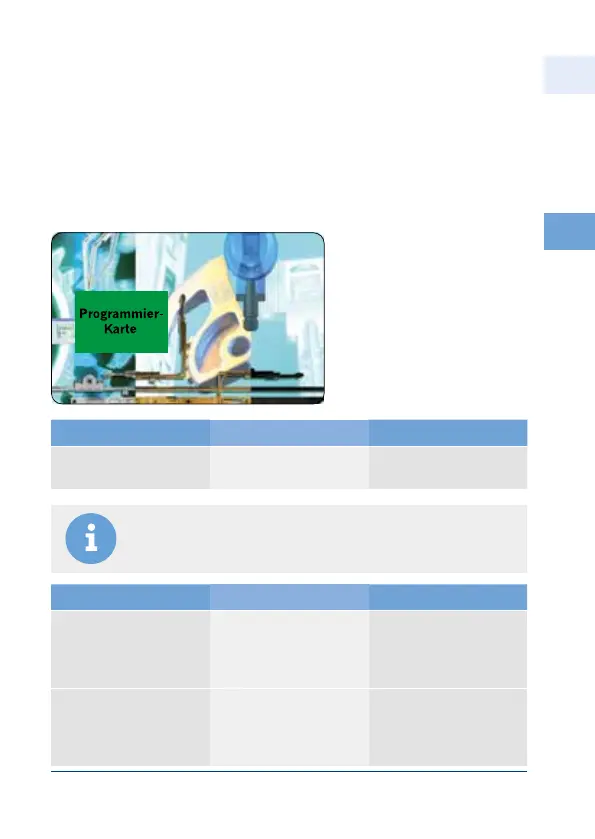
Each transponder set is supplied with 2 programming cards.
(programming card = green; delete-all card = red)
These cards are programmed to this reader/control unit.
4.2.2 Programming
Teach-in mode
Programming card:
Set teach-in mode
teach transponder chip
Action Acoustic Signal Result
Pass the programmable
card over the antenna
n n
short every seconds
Teach-in mode
active
Action Acoustic Signal Result
Pass all the transponder
chips to be authorised
in succession over the
antenna
nnnnn
for about second
Transponder chips
authorised
Pass all the transponder
chips to be authorised
in succession over the
antenna
no acoustic signal
(no more transponder
chips can be authorised
max )
no acoustic signal
(no more transponder
chips can be authorised
max )



 To Next Page