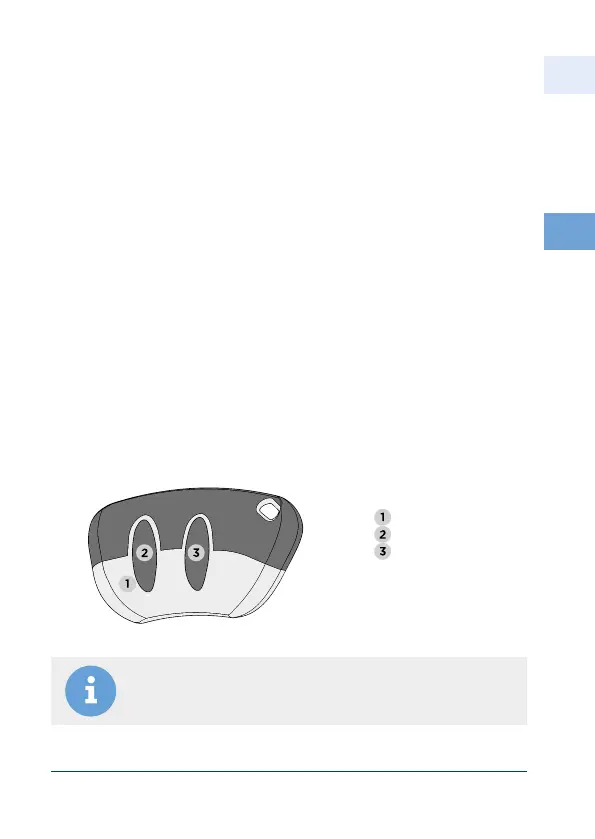
Notice: Keep the buttons pressed until you hear the acoustic
signal at the receiver!
504474471
4
EN
Aug. Winkhaus GmbH & Co. KG ∙ Berkeser Straße 6 ∙ 98617 Meiningen
T +49 369 3950 - 0 ∙ www.winkhaus.de ∙ Subject to technical changes
blueMatic EAV Installation, Operating and
Maintenance Instructions
• It is operated via the wireless remote controls working contactless.
• The set of 3 wireless remote controls delivered have already been
progammed (button A).
• To trigger a signal, press the A button of a progammed remote control.
The red LED will turn on and the door will be unlocked.
4.3 blueMatic EAV with wireless remote control
4.3.1 Operation
You can program the wireless remote control via the wireless remote control
or the wireless receiver. We recommend programming it by using the wireless
remote control. (max. 85 remote control buttons).
The programming per remote control is not possible for the wireless receiver for
additional applications.
4.3.2 Programming
Teaching a wireless remote control directly at the remote control
(recommended)
LED red
Button A
Button B



 To Next Page