8 M101H Series User Guide
Chapter 2: Getting Started
Thank you for purchasing this rugged Tablet Computer. The rugged design allows you to use it in
harsh outdoor environments.
This chapter tells you step by step how to get the Tablet Computer up and running. You will find
instructions for the following procedures:
• Unpacking
• Description of Parts
• First Time Operations
• Powering On/Off
Unpacking
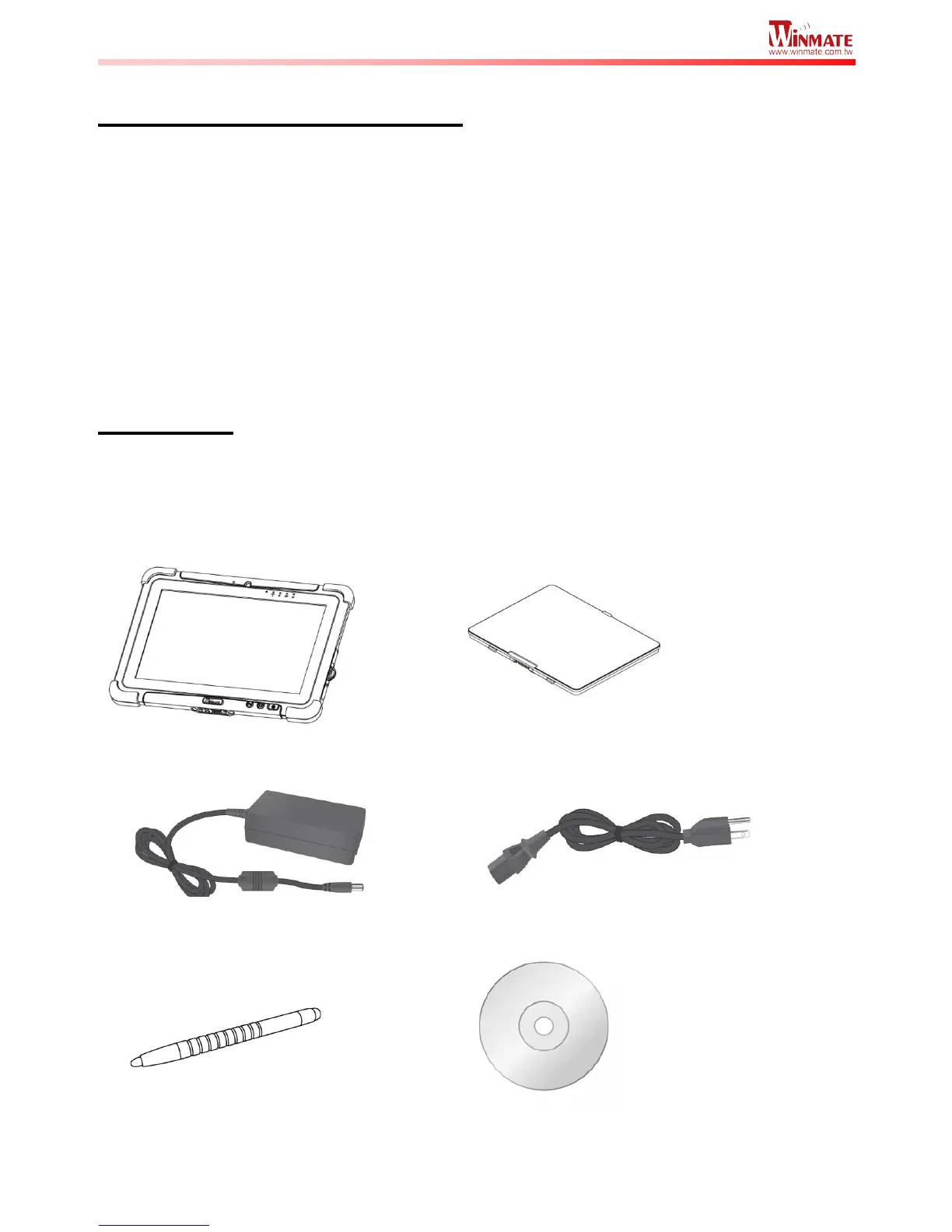
Check and identify the standard supplied accessories.
Standard factory shipment list:


 To Next Page