12 M101H Series User Guide
HotKey For Specific Functions
For the physical buttons on the tablet computer, in addition to its dedicated functions detailed in
the previous section, it can also be used to emulate commonly used keyboard key strokes.
Under different scenario, a single physical button or a combination of physical buttons provide
different keyboard key strokes, which are specified below:
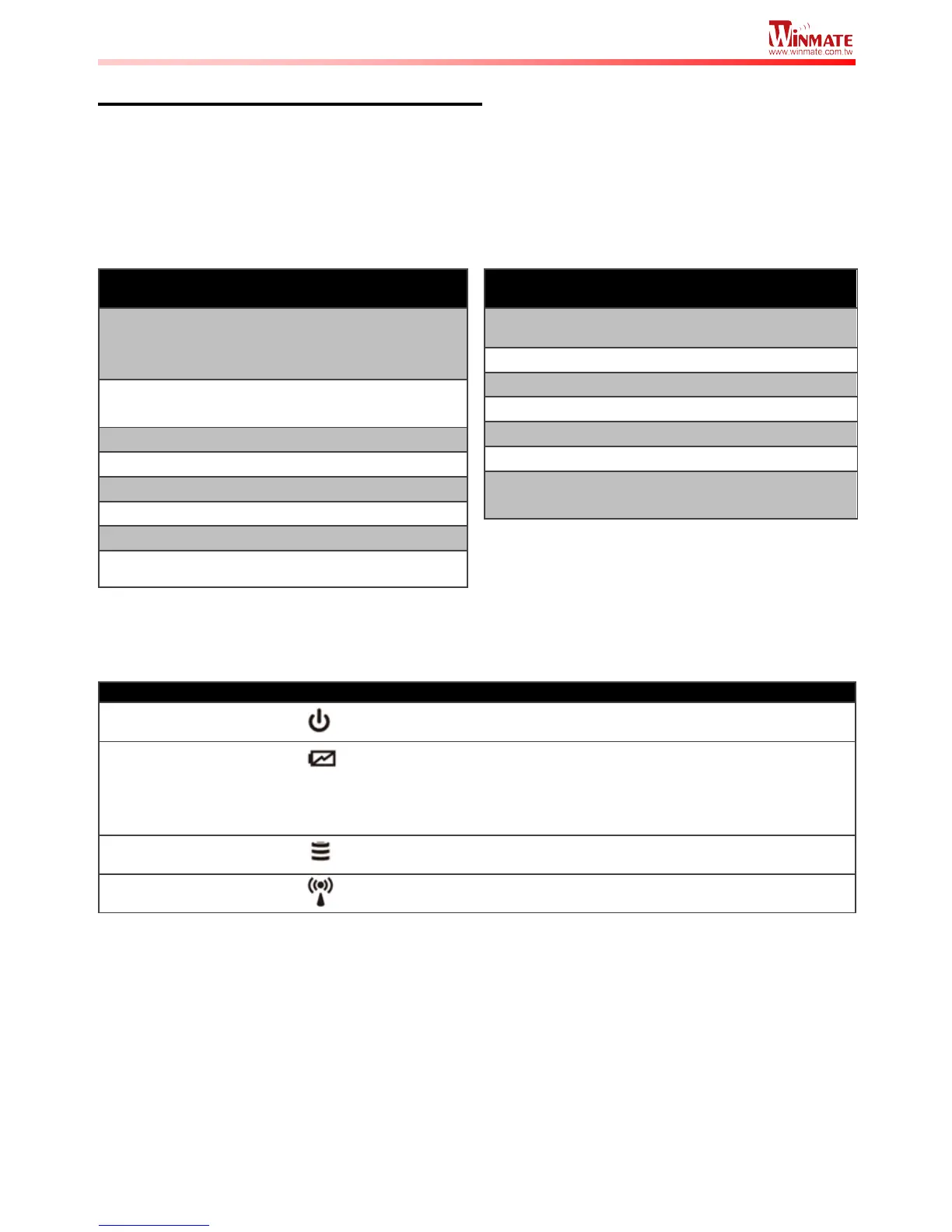
Green–AC adapter is plugged in and battery is full charged
Solid Red - Low battery (<10%)
Blinking Red – Battery is being hot swapped.



 To Next Page