EasyManua.ls Logo

Winmate M101M8 - User Manual

Winmate M101M8
64 pages
Print Icon
To Next Page IconTo Next Page
Loading...
Please read these instructions carefully before using this product, and save this manual for future use
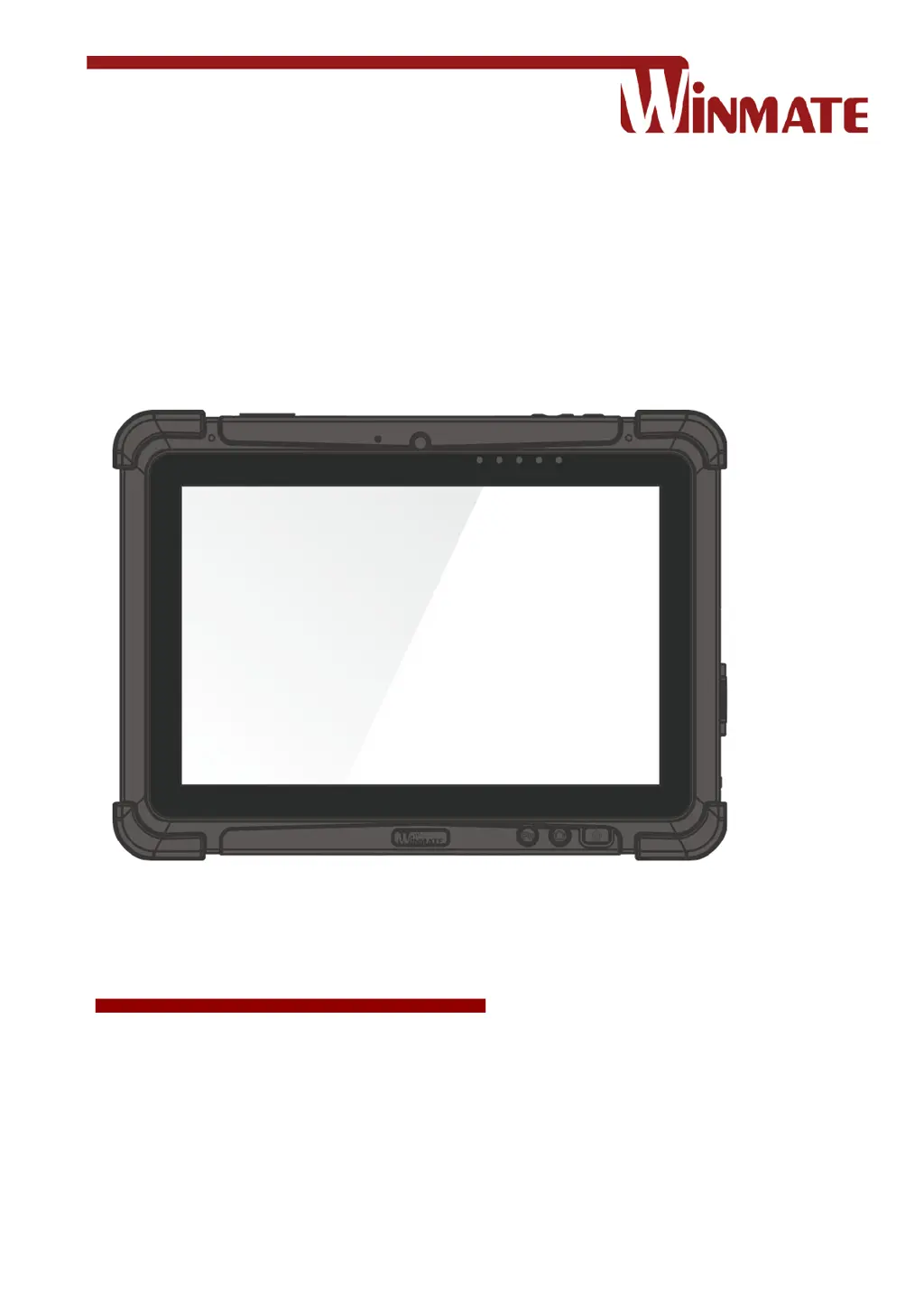
M101M8
Rugged Android Tablet
ARM® Cortex™-A53 Octa-Core, 1.3 GHz
Android 7.0 Nougat
User Guide
Version 1.8
Document Part No. 91521110106A

Table of Contents

Other manuals for Winmate M101M8

Questions and Answers

  • A
    Adam BaxterAug 11, 2025
    Why nothing appears on the screen of my Winmate M101M8?
    • D
      david19Aug 11, 2025
      If nothing appears on the screen of your Winmate Tablet, it might be in sleep mode. Press the power button to wake up the display. Alternatively, the brightness level may be too low, so try increasing the brightness.
  • P
    Philip WilsonAug 16, 2025
    How to improve Wireless LAN signal quality on Winmate Tablet?
    • D
      Derek JamesAug 16, 2025
      If the wireless LAN signal quality is poor on your Winmate Tablet, the tablet might be out of range. Try moving it closer to the access point or another wireless LAN device associated with it. Also, check for interference from microwave ovens or cordless phones in your surroundings. Moving the tablet away from objects causing interference may also improve the signal.
  • W
    williamsbradleyAug 22, 2025
    What to do if the screen suddenly turns blank on Winmate M101M8 Tablet?
    • I
      imyersAug 22, 2025
      If your Winmate Tablet screen suddenly turns blank and the power indicator goes off, ensure the AC adapter is properly connected. If you're running on battery power, the battery may be depleted, so charge it. Also, check that the LED Indicator shows red.
  • N
    Noah MyersAug 29, 2025
    Why GPS application cannot find my location on Winmate Tablet?
    • A
      Amy HillAug 29, 2025
      If the GPS application on your Winmate Tablet cannot find your location, make sure that GPS is turned on in Settings and that the GPS receiver and the location sensor are enabled in Control Panel. The tablet computer may be out of coverage area, so move it outdoors or closer to a window. Check for interferences from microwave ovens or cordless phones in your surroundings and move the tablet away from objects causing interference.
  • M
    Miss Heather KelleySep 4, 2025
    How to fix removable battery not charging on Winmate M101M8 Tablet?
    • M
      malexanderSep 4, 2025
      To address the issue of the removable battery not charging on your Winmate Tablet, make sure the AC adapter is properly connected and that the removable battery is properly inserted.

Winmate M101M8 Specifications

General IconGeneral
Display Size10.1 inches
Display Resolution1280 x 800 pixels
ProcessorIntel Atom x5-Z8350
RAM4GB
Operating SystemWindows 10 IoT Enterprise
Battery LifeUp to 8 hours
Weight1.2 kg
CellularOptional 4G LTE
Storage64GB
WirelessWi-Fi 802.11ac
RuggednessIP65
Internal Storage64GB
Expandable StorageMicroSD card
ConnectivityBluetooth

Related product manuals