49
Chapter 5: Using Camera
5.1.4 Shooting videos
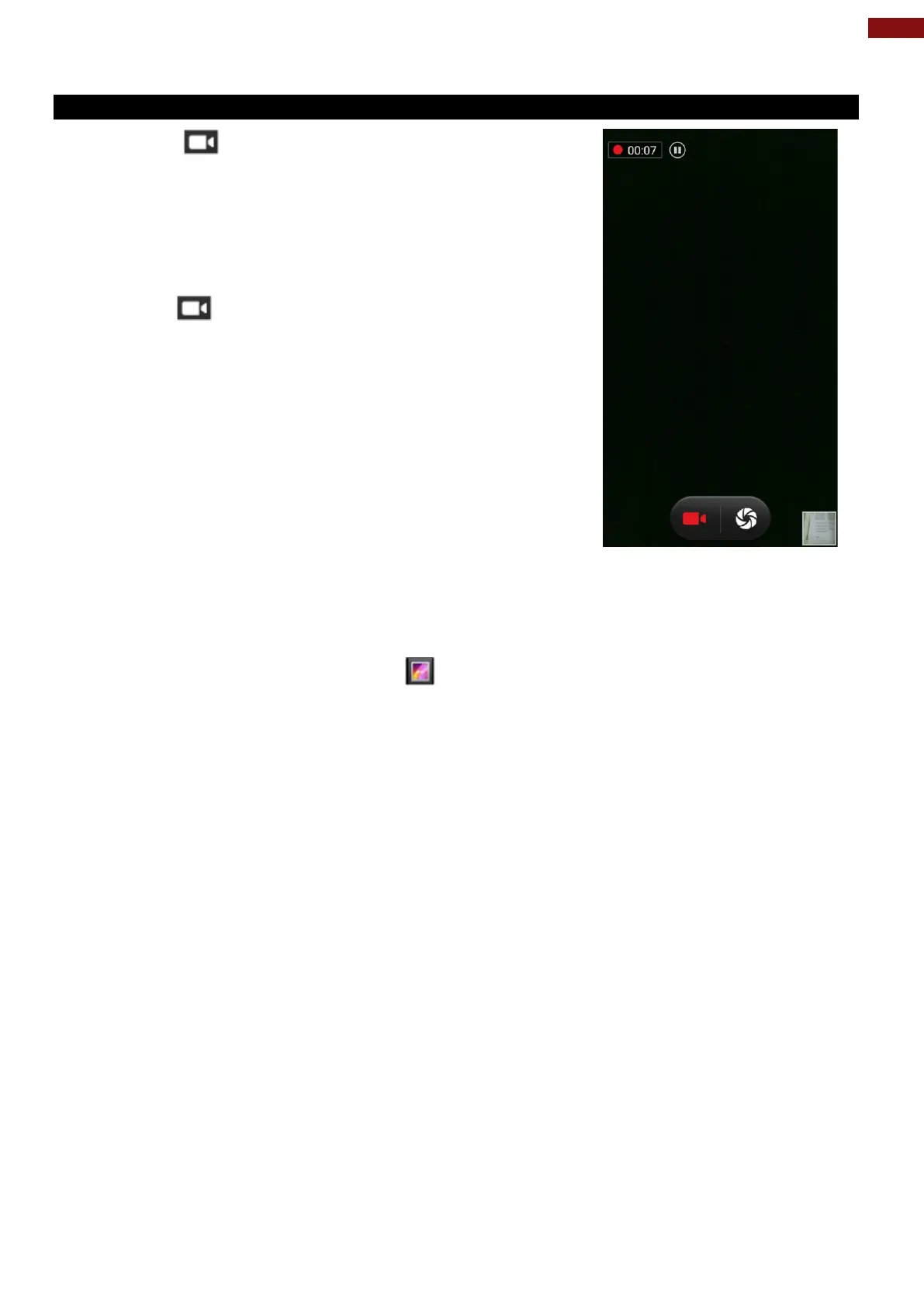
1. Tap the to start recording video.
1. The countdown time remaining to shoot is located on the
upper left; when the time left is less than a minute, the
countdown turns red.
2. Point the lens to record the scene where you want to start.
Tap the icon again to stop shooting.
The time remaining to shoot counts down at the left; when less
than a minute is left, the countdown turns red.
5.2 The Gallery
1. Tap the launcher and then tap Gallery .
2. Tap a folder to view the pictures or video inside in full screen mode.
3. Flick the pictures left or right to view the previous or next picture.



 To Next Page