22 M101M8 Rugged Android Tablet User Guide
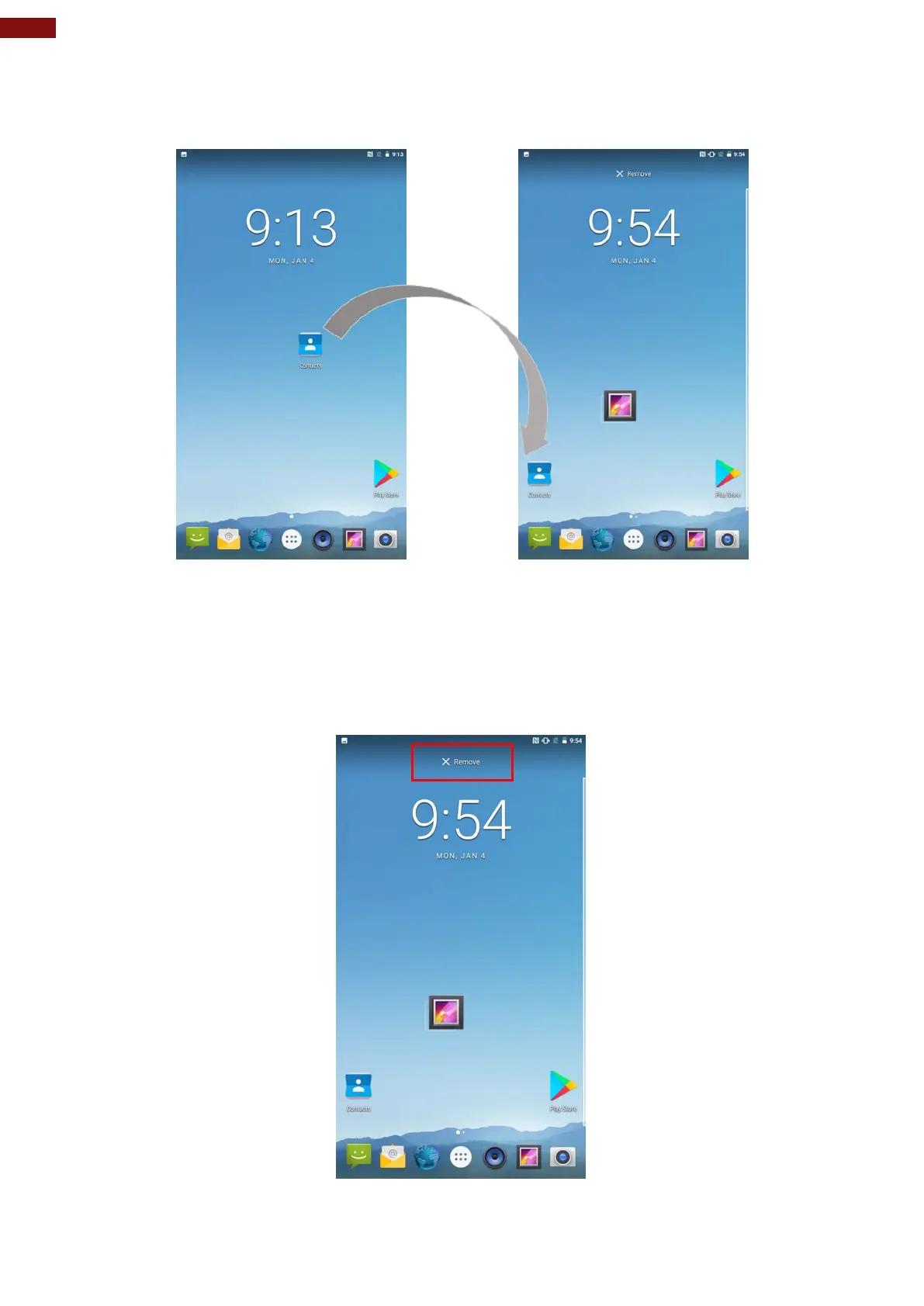
To move an item on the HOME SCREEN:
1. Tap and hold the item you want to move, until it can be moved.
2. Drag it to a new location on the screen.
3. Place the item where you want to put it and lift your finger.
To remove items from the HOME SCREEN:
1. Tap and hold the item you want to remove. The launcher icon will show Remove on the top of the
screen.
2. Drag the item you want to remove to the Remove icon.
3. When the icon turns red, release your finger.



 To Next Page