27 Chapter 2: Using the Tablet
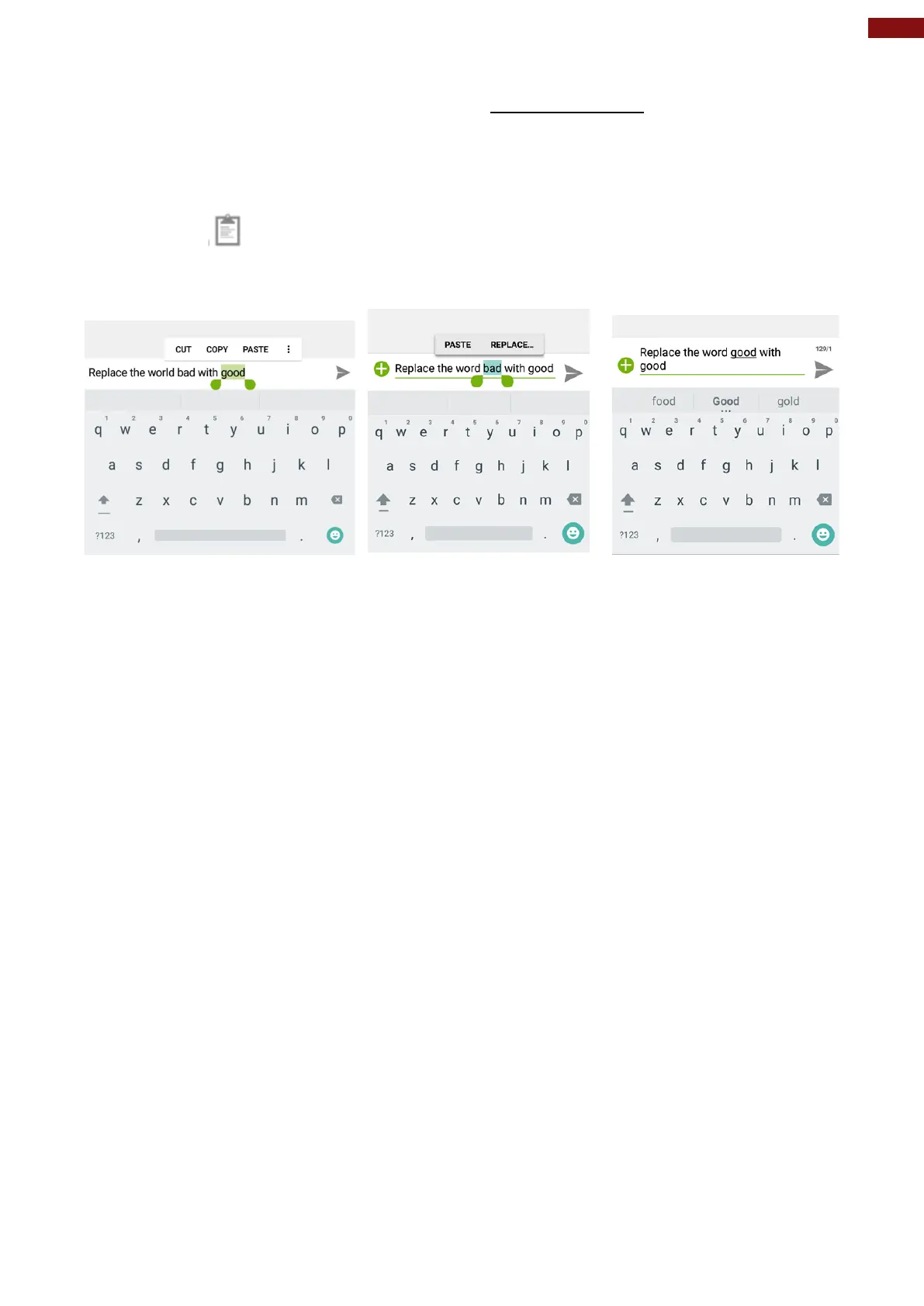
To Paste Text:
1. After Cut or Copy the text, see the section above “To Cut or Copy Text”
2. Place the cursor in the text field where you want to paste the text, user can paste text that you
copied from one application into a text field in any application.
3. Tap and hold into the location that you want to paste. Tap PASTE in the menu that opens or user
can also tap to replace the existing text with copied text.



 To Next Page