32 M101M8 Rugged Android Tablet User Guide
2.10 About Phone
About Phone includes information about user’s device.
• System Update — provides information regarding the local or online update of your devices.
• Status — opens the status screen with a list of information about battery, network, signal
strength and other details.
• Legal Information — lists details about the model number, Android Version, Baseband version
etc. this information is useful if user need to work with support team.
• Model number – displays the model name of the current device.
• Android version – displays the current Android operating system version the device running
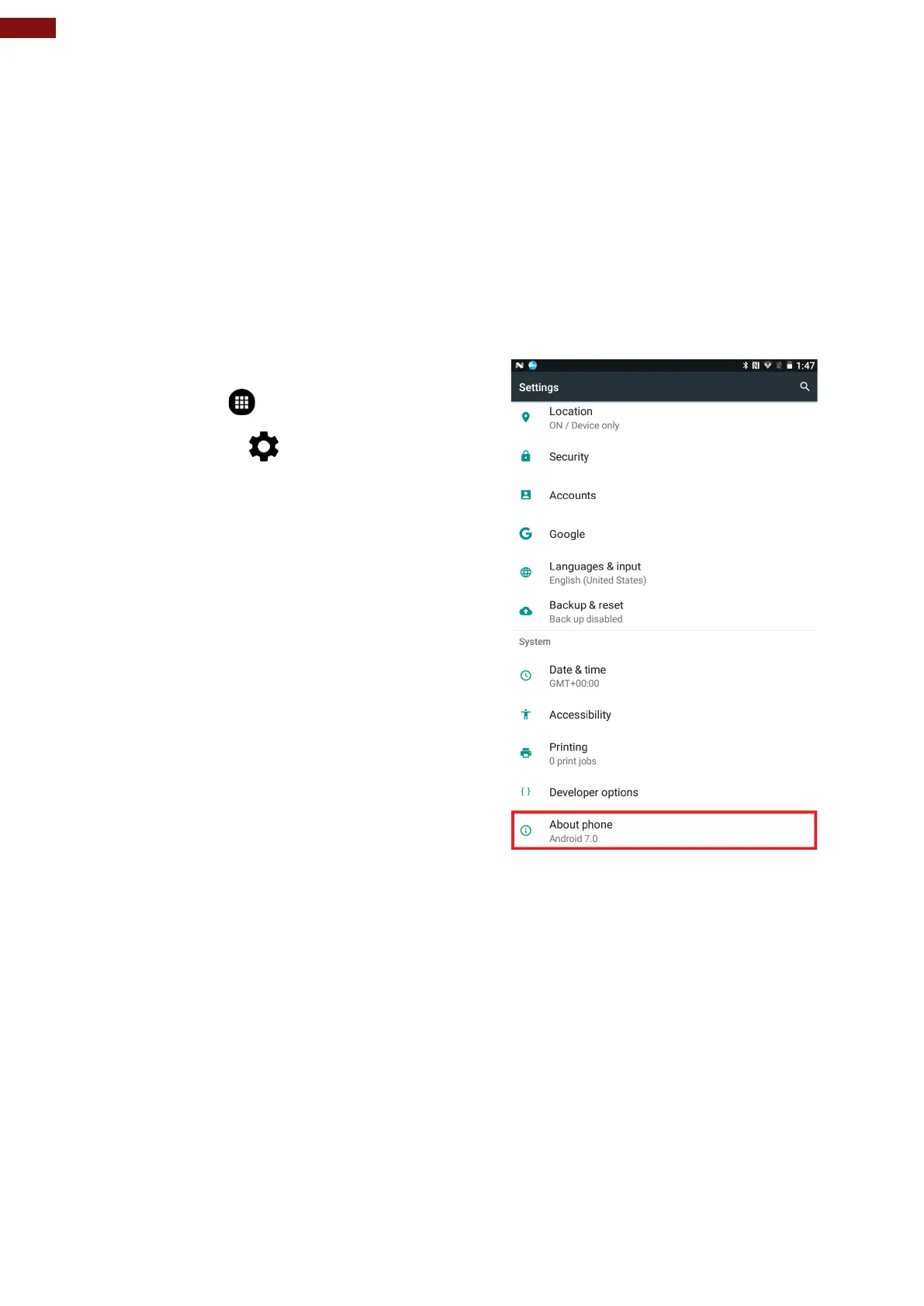
To access the information about the phone:
1. Tap MENU
2. Tap Settings
3. Scroll down to System, and then tap About
phone.



 To Next Page