26 M101M8 Rugged Android Tablet User Guide
2.5.2 Editing Text
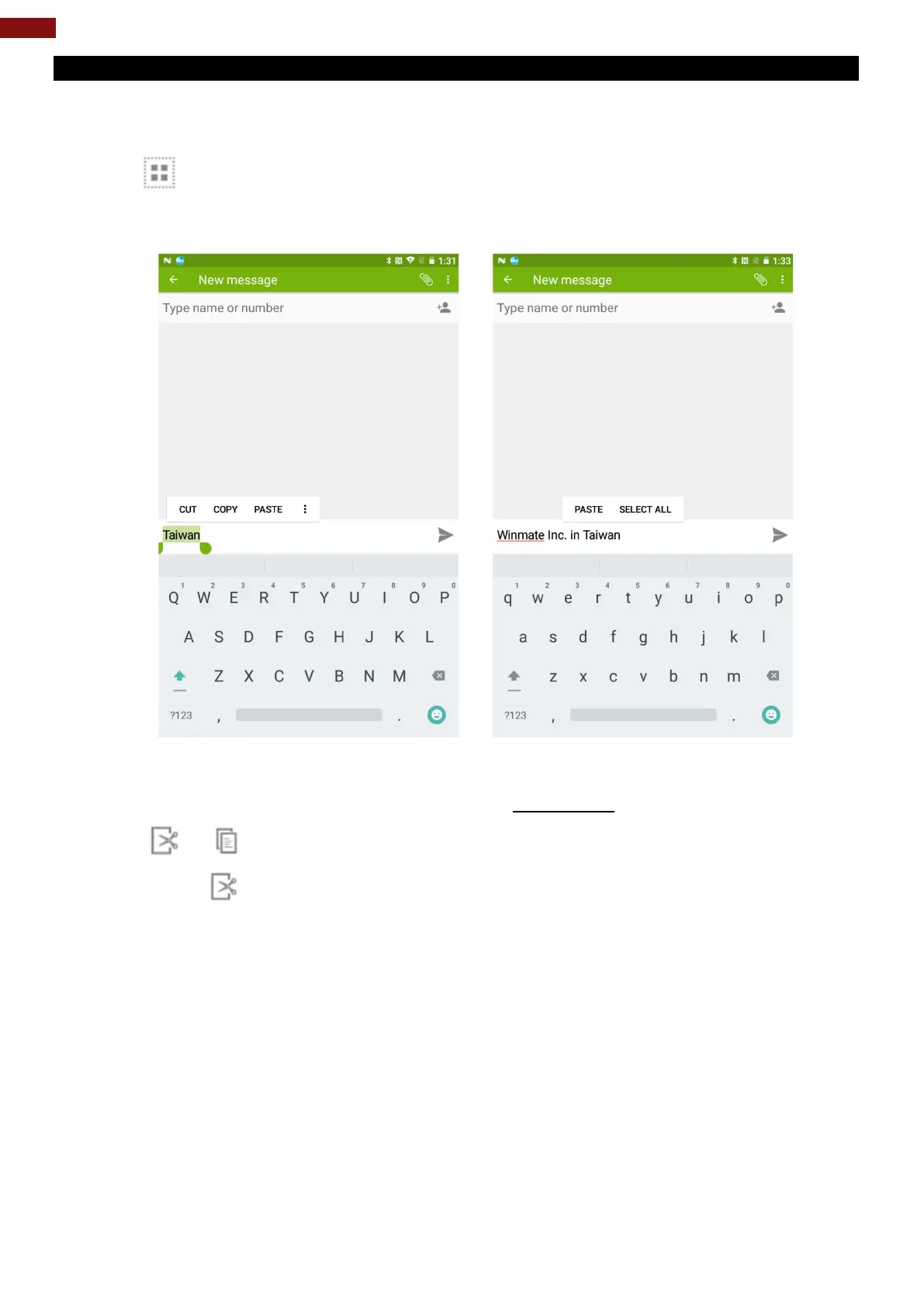
To select text:
1. Double-tap the text you want to select.
2. Tap to select all the sentences in the menu that appears, the selected text is highlighted in
blue, with a tab at each end of the selected word.
3. Drag selection tab to expand or reduce the range of the selected text.
To Cut or Copy Text:
1. Select the text to cut or copy, see the section above “To select text”.
2. Tap or in the Edit text menu.
3. If you select , the selected text is removed from the text field; it is stored in temporary area so
that you can paste it into different text field.



 To Next Page