EasyManua.ls Logo

Winmate M101B - User Manual

Winmate M101B
92 pages
Print Icon
To Next Page IconTo Next Page
Loading...
Please read this instructions carefully before using this product, and save this manual for future use.
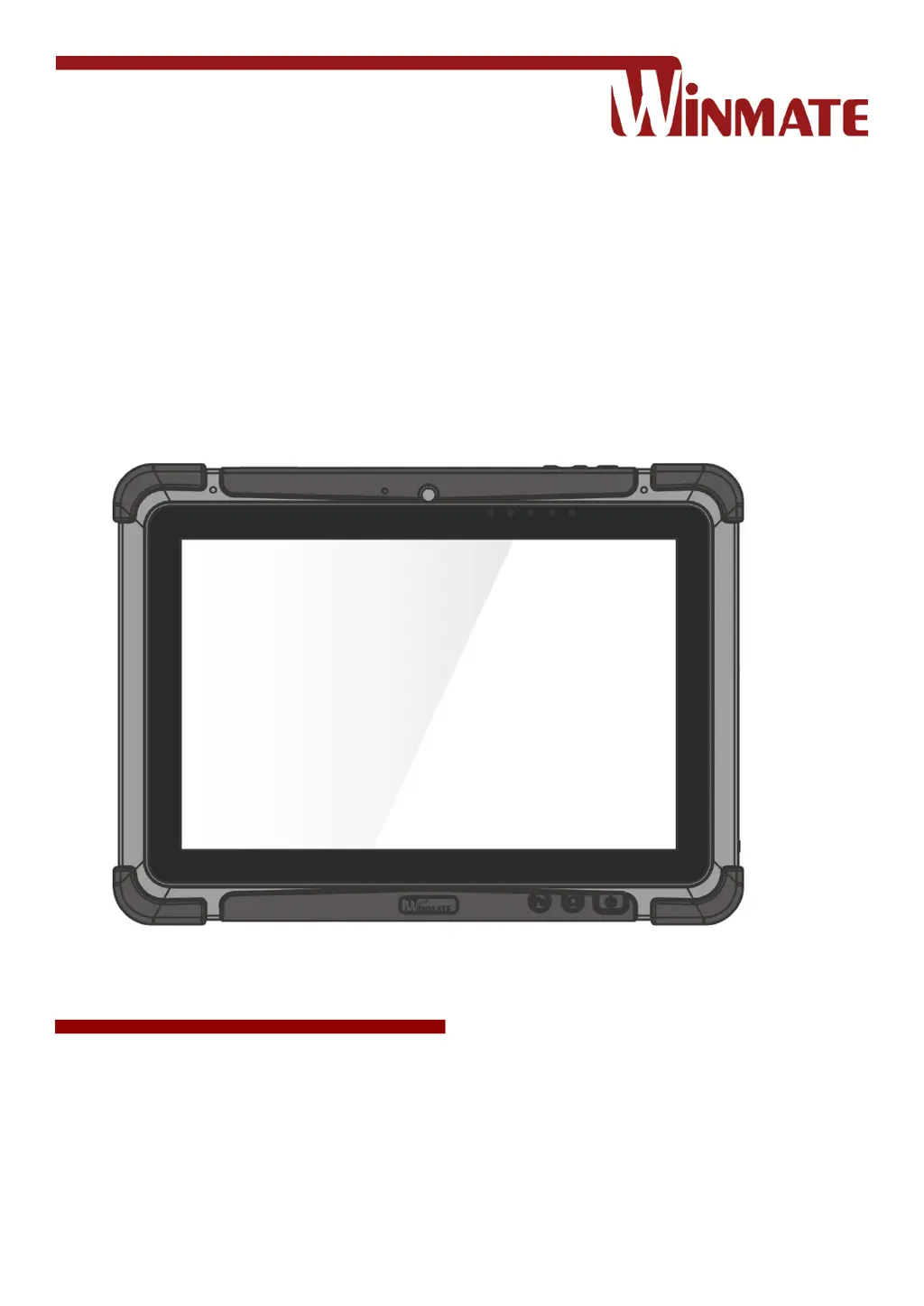
M101B, M101BL
Rugged Windows Tablet
Intel® Celeron® Quad Core N2930, 1.83 GHz
Windows 10 IoT Enterprise
Windows Embedded 8.1 Industry Pro
Windows 7 Pro for Embedded Systems
User Guide
Version 1.6
Document Part No. 9171111K101X

Table of Contents

Other manuals for Winmate M101B

Questions and Answers

  • T
    Tammy LambSep 23, 2025
    Why is the battery of my Winmate Tablet leaking or swollen?
    • G
      Gregory BrandtSep 23, 2025
      The lithium battery used in this Winmate tablet may swell after being charged or discharged many times, but this does not indicate a safety problem. However, continued use in such a state may result in the battery getting jammed, so please stop using the battery and purchase a new one.
  • K
    krystalgarciaAug 23, 2025
    Why is the Wireless LAN signal quality poor on my Winmate M101B Tablet?
    • T
      Timothy MillerAug 23, 2025
      If you are experiencing poor Wireless LAN signal quality on your Winmate Tablet, it could be due to the tablet being out of range. Try moving the tablet closer to the access point or another wireless LAN device associated with it. Also, check for interferences from devices like microwave ovens or cordless phones and move the tablet away from them.
  • M
    Marissa BanksAug 25, 2025
    What to do if I cannot connect to another wireless LAN device with my Winmate M101B Tablet?
    • D
      Daniel WoodAug 25, 2025
      If you cannot connect to another wireless LAN device with your Winmate Tablet, ensure that the wireless LAN feature is turned on. Also, verify that the SSID setting is the same for every wireless LAN device in the network. Try restarting the tablet computer. Finally, confirm that the IP address or subnet mask setting is correct.
  • J
    joshuacaldwellAug 27, 2025
    How to fix Winmate M101B when screen suddenly turns blank and the power indicator goes off?
    • N
      natalieaguilarAug 27, 2025
      If the screen of your Winmate Tablet suddenly turns blank and the power indicator goes off, ensure that the LED indicator is not turned off in HotTab. Also, make sure the AC adapter is properly connected. If you're running on battery power, the battery may be depleted, so charge the battery.
  • L
    lisamartinAug 27, 2025
    Why is there no sound produced by my Winmate Tablet?
    • L
      Linda SanchezAug 28, 2025
      If no sound is being produced by your Winmate Tablet, first adjust the volume using the volume rocker. If you are using an external audio device, ensure that the cable is properly connected.
  • S
    Sara CohenSep 18, 2025
    What to do if the RFID scanner on my Winmate Tablet doesn't seem to work?
    • J
      Jessica LeonardSep 18, 2025
      If the RFID scanner on your Winmate Tablet does not seem to work, make sure that under Windows, the RFID hardware is set to COM 3 port.
  • D
    douglasriveraSep 15, 2025
    What to do if the barcode scanner on my Winmate M101B emits laser beam but does not read barcode?
    • N
      Nicole HarperSep 15, 2025
      If the barcode scanner emits a laser beam but does not read the barcode presented to it on your Winmate Tablet, adjust the distance between the barcode scanner of the device and the barcode being scanned. Also, make sure the barcode code type is enabled in the tablet.
  • H
    Heather WalshSep 16, 2025
    How do I resolve GPS accuracy issues on my Winmate M101B?
    • P
      Pamela GrimesSep 16, 2025
      If you are experiencing GPS accuracy issues on your Winmate Tablet, it is recommended to disable the Barcode Reader in Hottab to reduce interference when utilizing the GPS function.
  • L
    Levi MoonSep 6, 2025
    What to do if the barcode scanner emits laser beam but does not read barcode presented to it on Winmate M101B Tablet?
    • N
      nshawSep 7, 2025
      If the barcode scanner on your Winmate Tablet emits a laser beam but does not read the barcode, adjust the distance between barcode scanner of the device and the barcode being scanned. Also, make sure the barcode code type is enabled in the tablet. To enable/disable a specific barcode code type, go through the “Barcode Scanner Configuration” section.
  • D
    Dr. Jeffery RobertsSep 3, 2025
    What to do if the RFID scanner does not seem to work on Winmate Tablet?
    • M
      Monica AustinSep 3, 2025
      If the RFID scanner does not seem to work on your Winmate Tablet, make sure under Windows, the RFID hardware is set to COM 3 port.

Winmate M101B Specifications

General IconGeneral
Display Size10.1 inches
RAM4 GB
Storage64 GB eMMC
Operating SystemWindows 10 IoT Enterprise
Battery LifeUp to 8 hours
IP RatingIP65
SensorsAmbient light sensor, G-sensor
Resolution1920 x 1200
Wireless ConnectivityWi-Fi 802.11 a/b/g/n/ac
Ports3.5mm audio jack
Expansion SlotsMicroSD card slot
CameraRear: 5 MP, Front: 2 MP
TouchscreenCapacitive multi-touch

Related product manuals