EasyManua.ls Logo

Winmate M101B - User Manual

Winmate M101B
92 pages
Print Icon
To Next Page IconTo Next Page
Loading...
Please read this instructions carefully before using this product, and save this manual for future use.
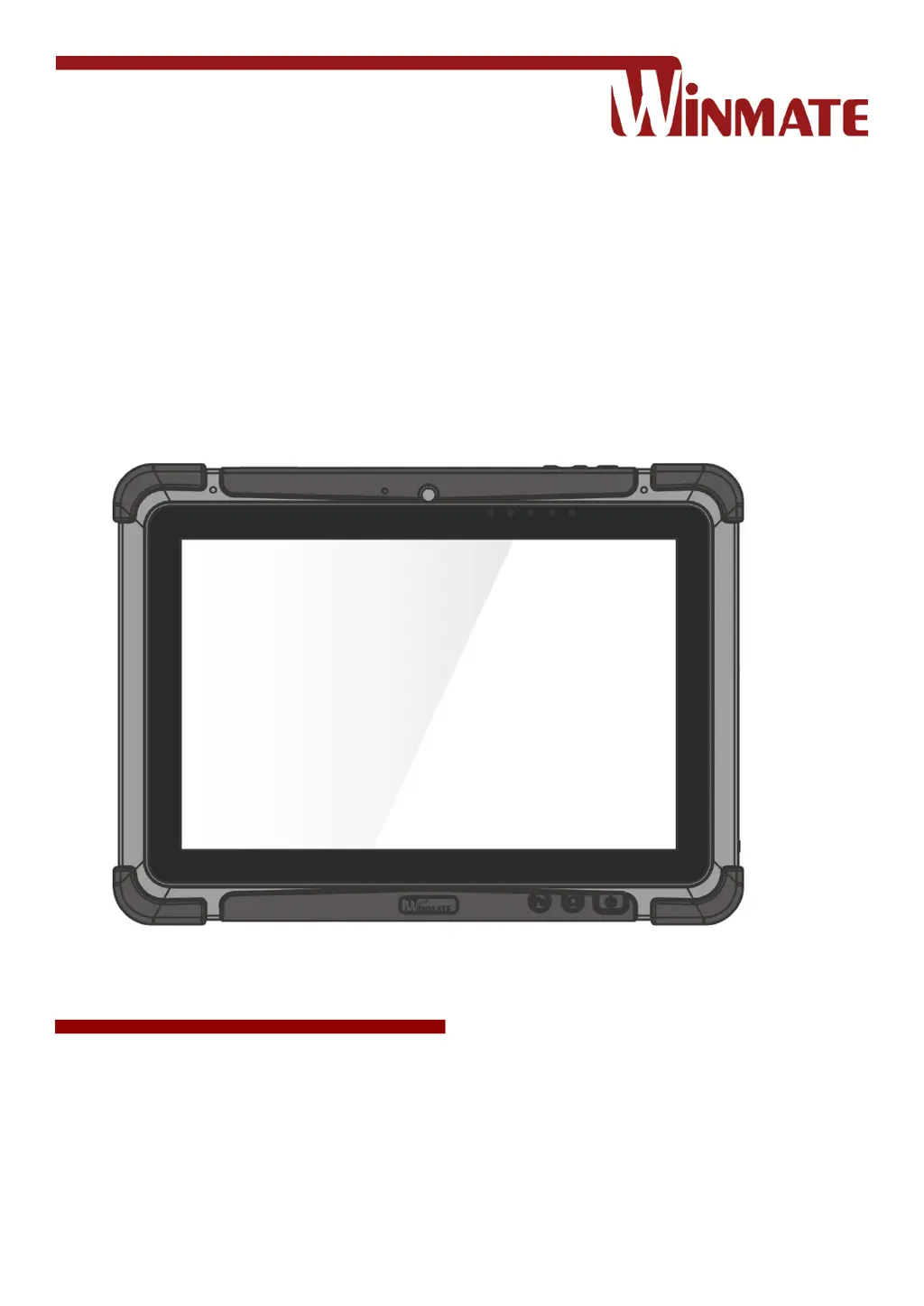
M101B, M101BL
Rugged Windows Tablet
Intel® Celeron® Quad Core N2930, 1.83 GHz
Windows 10 IoT Enterprise
Windows Embedded 8.1 Industry Pro
Windows 7 Pro for Embedded Systems
User Guide
Version 1.6
Document Part No. 9171111K101X

Table of Contents

Other manuals for Winmate M101B

Questions and Answers

  • K
    krystalgarciaAug 23, 2025
    Why is the Wireless LAN signal quality poor on my Winmate M101B Tablet?
    • T
      Timothy MillerAug 23, 2025
      If you are experiencing poor Wireless LAN signal quality on your Winmate Tablet, it could be due to the tablet being out of range. Try moving the tablet closer to the access point or another wireless LAN device associated with it. Also, check for interferences from devices like microwave ovens or cordless phones and move the tablet away from them.

Winmate M101B Specifications

General IconGeneral
Display Size10.1 inches
RAM4 GB
Storage64 GB eMMC
Operating SystemWindows 10 IoT Enterprise
Battery LifeUp to 8 hours
IP RatingIP65
SensorsAmbient light sensor, G-sensor
Resolution1920 x 1200
Wireless ConnectivityWi-Fi 802.11 a/b/g/n/ac
Ports3.5mm audio jack
Expansion SlotsMicroSD card slot
CameraRear: 5 MP, Front: 2 MP
TouchscreenCapacitive multi-touch

Related product manuals