Rugged Windows Tablet M101B/ M101BL User Guide
4. If the GPS Ext. Antenna is disabled (white), tap on the GPS Ext. Antenna icon to enable it
(orange).
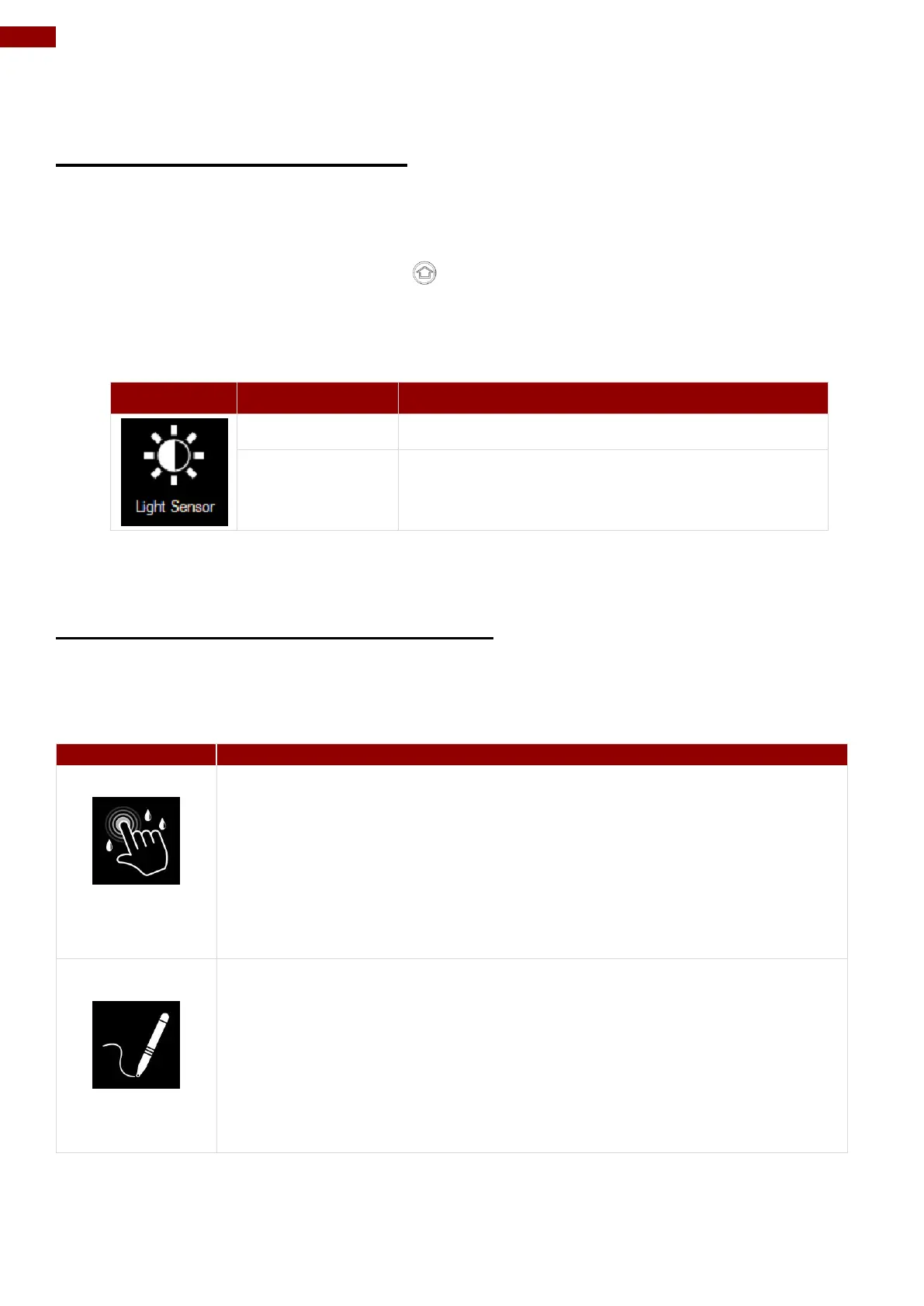
4.4.9 Turn on/off Light Sensor
The Light Sensor can be turned on/off from Hottab menu. To enable/disable the Light Sensor,
perform the following procedure:
1. Open the Hottab utility by press the (Menu) Button located on the front panel, OR
launching the Hottab Utility application.
2. Tap on the Device ON/OFF button.
3. Check the status color of the Light Sensor icon:
Light Sensor is disabled.
4.4.10 Changing Touchscreen Modes
The tablet’s advanced capacitive touchscreen has 3 built-in operating modes, for users to choose
under different usage scenarios:
The Hand/Rain mode is the default operating mode of the touchscreen.
Under this mode, the touchscreen is set to have the ability to reject false
touch inputs while liquid is present on the touchscreen. Once the liquid is
removed from the touchscreen, touch inputs from bare fingertips will
continue to operate.
Support the following input solutions:
Active stylus w/ palm rejection
Rubber Tip passive stylus
Finger
Under the Stylus mode, the touchscreen is set to have the ability to pick
up touch inputs from the fine-tip passive capacitive stylus that is shipped
with the tablet. Touch inputs from bare fingertips will also continue to
operate.
Support the following input solutions:
Fine-tip passive stylus w/ palm rejection
Active stylus w/ palm rejection
Rubber Tip passive stylus
Finger



 To Next Page