Rugged Windows Tablet M101B/ M101BL User Guide
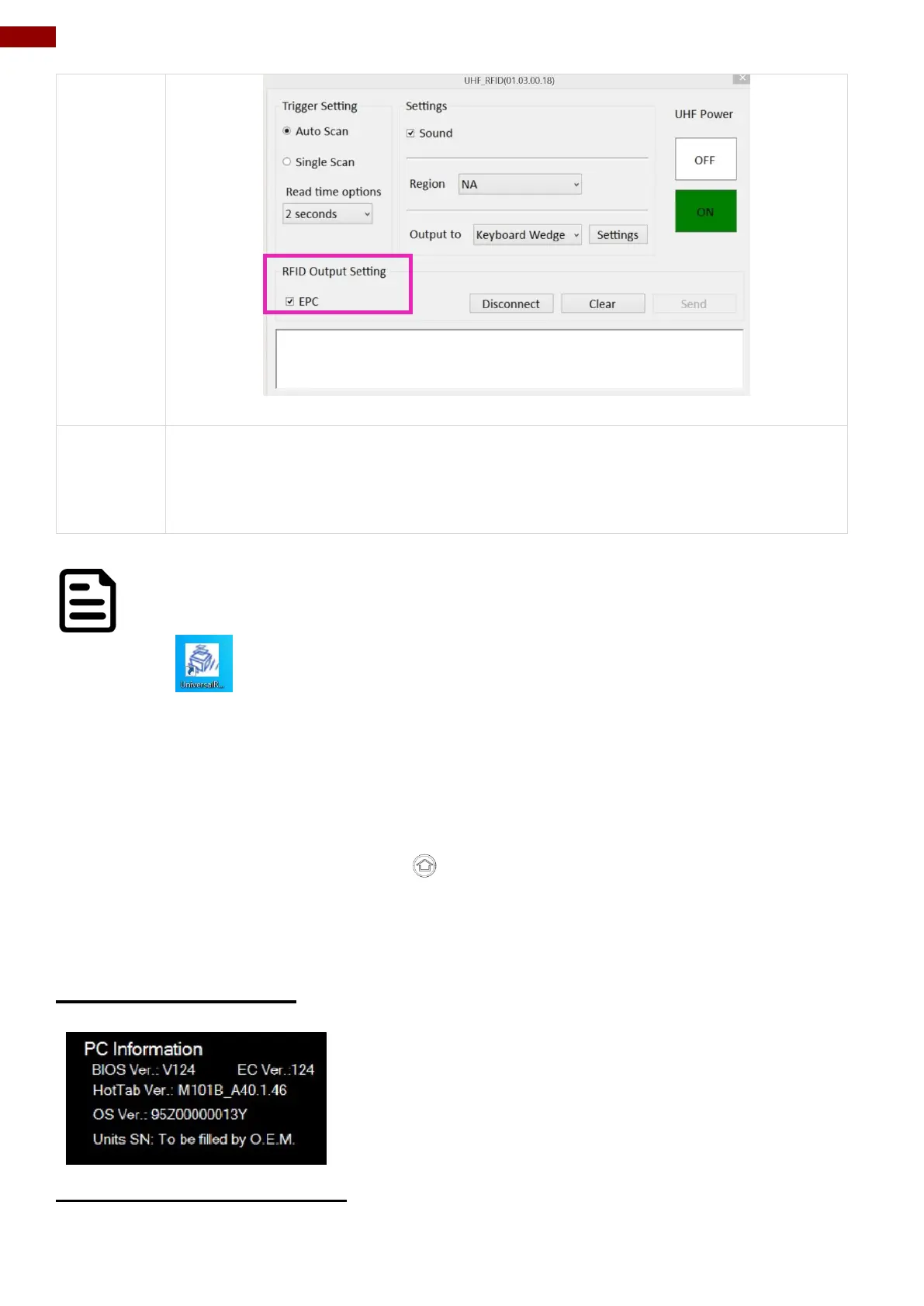
User can tap on the Disconnect button to stop the connection with UHF RFID
Reader.
*To recover the connection, please turn off the module from setting UI and then
turn on the module again.
NOTE:
For more information on setting, please download “Universal Reader Assistant”
UHF module configuration application from Thing Magic website.
4.5 Settings
This Hottab menu option provides users information such as PC Information, Battery status, and
also device settings such as power management setting, and function key mappings. Perform the
following procedure to access the Hottab Setting menu:
1. Open the Hottab utility by press the (Menu) Button located on the front panel, OR
launching the Hottab Utility application.
2. Tap on the Settings button.
3. Below shows the items listed in Settings Menu.
4.5.1 PC Information
This section provides user device information in regards to
BIOS Version, EC Versions, Hottab Versions, OS Versions, as
well as Unit Serial Number, shown in the picture sample.
4.5.2 Battery Information



 To Next Page