Chapter 3: Setting Up Windows for the First Time
3.3 Setting Up Windows Embedded 8 Standard
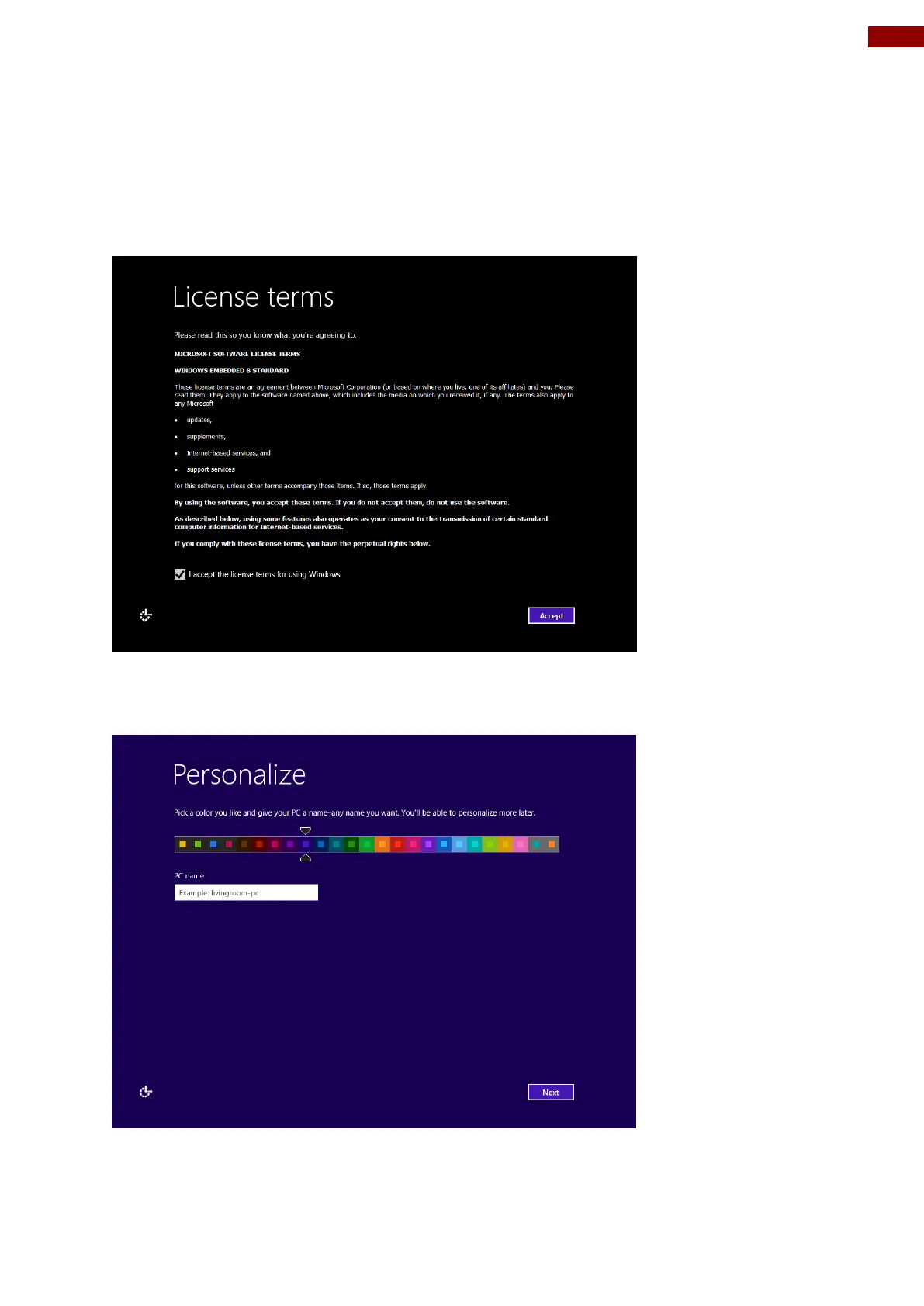
Follow the steps below to complete the setup process.
1. Press the power button to power on the computer.
2. Check I accept the license terms for using Windows to accept the terms, and then click
or tap Accept.
3. On the Personalize screen, choose a color you like – you can always change this later
from the Start screen.



 To Next Page