Rugged Windows Tablet M101B/ M101BL User Guide
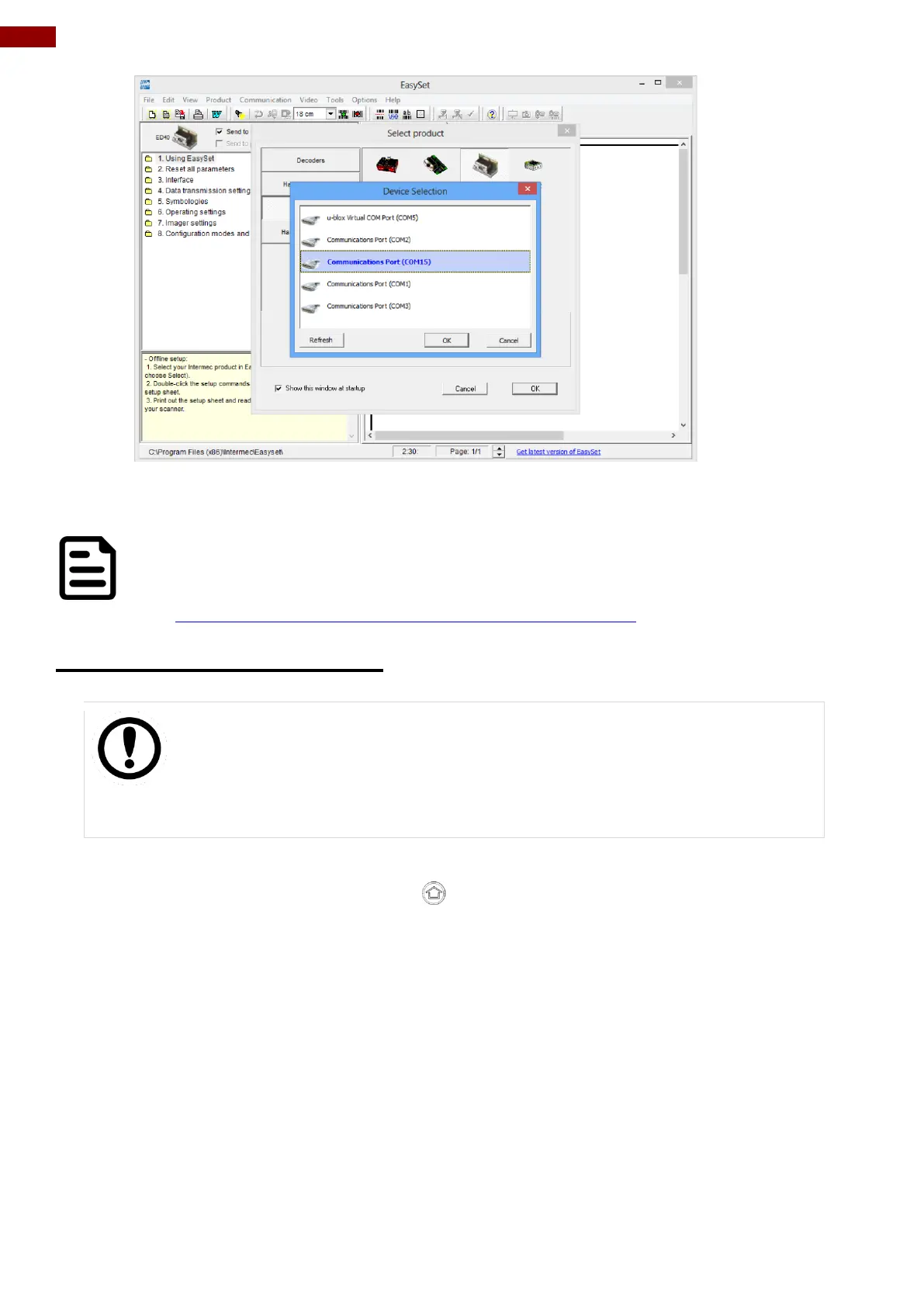
(5) User can select Barcode code type of interest by pressing “5. Symbologies”. in the navigation
pane, and it will show its configuration options.
NOTE:
For more information on how to use the “EasySet” application, please refer to
the complete EasySet User Manual from Intermec:
http://intermec.custhelp.com/app/answers/detail/a_id/5760
4.4.7 Using HF RFID Reader
IMPORTANT
The HF RFID Reader is optional for M101B Tablet PC and is not re-
workable by the end user. To use this feature, please make sure the tablet
PC is built-in HF RFID reader before use, or contact our sales contact
window for more details.
To enable the HF RFID Reader feature, perform the following procedure:
1. Open the Hottab utility by press the (Menu) Button located on the front panel, OR
launching the Hottab Utility application.
2. Tap on the Device ON/OFF button.
3. Tap on RFID, and the setting utility will show up as below:



 To Next Page