Chapter 2: Getting Started
2.3 HotKey for Specific Functions
For the physical buttons on the tablet computer, in addition to its dedicated functions detailed in
the previous section, it can also be used to emulate commonly used keyboard key strokes. Under
different scenario, a single physical button or a combination of physical buttons provide different
keyboard key strokes, which are specified below:
Under POST (before Windows boots up):
F7 to enter
BIOS setup
screen
F6 to enter
Recovery Menu
Volume Up (+) +
Volume Down (-)
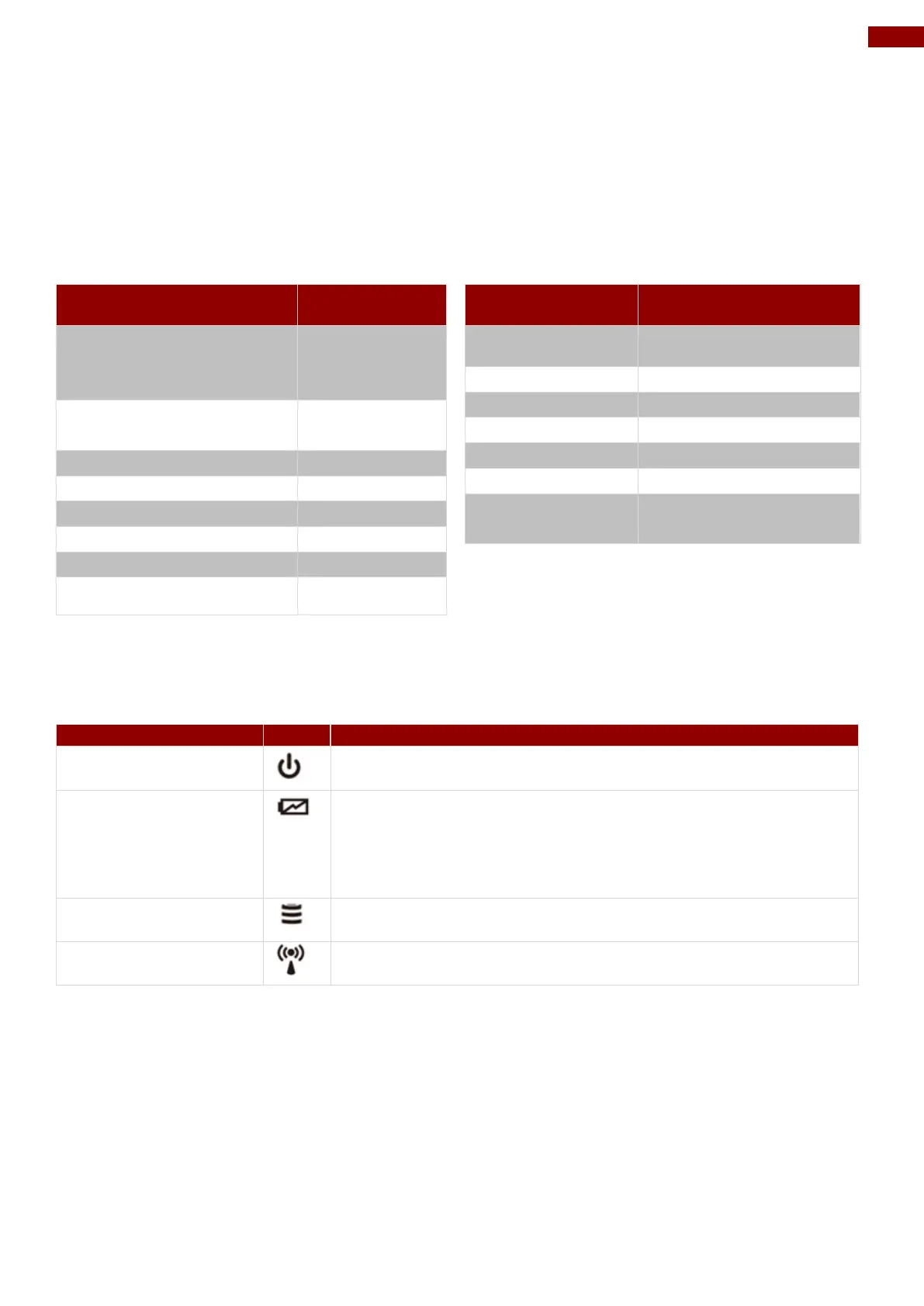
Blue– Tablet is ON
No light– Tablet is OFF
Orange–AC adapter is plugged in and charging
Green–AC adapter is plugged in and battery is full charged
Solid Red - Low battery (<10%)
Blinking Red – Battery is being hot swapped.
No light – Battery is in use and more than 10%
Green - Disk Activity
No light - Disk Idling
Green - WiFi/BT/WWAN/GPS ON
No light - WiFi/BT/WWAN/GPS are all OFF
2.4 First-Time Operation
To get started:
1. Install SIM card.
2. Install storage card.
3. Install the battery.
4. Charge your tablet.
5. Start the tablet.



 To Next Page