Rugged Windows Tablet M101B/ M101BL User Guide
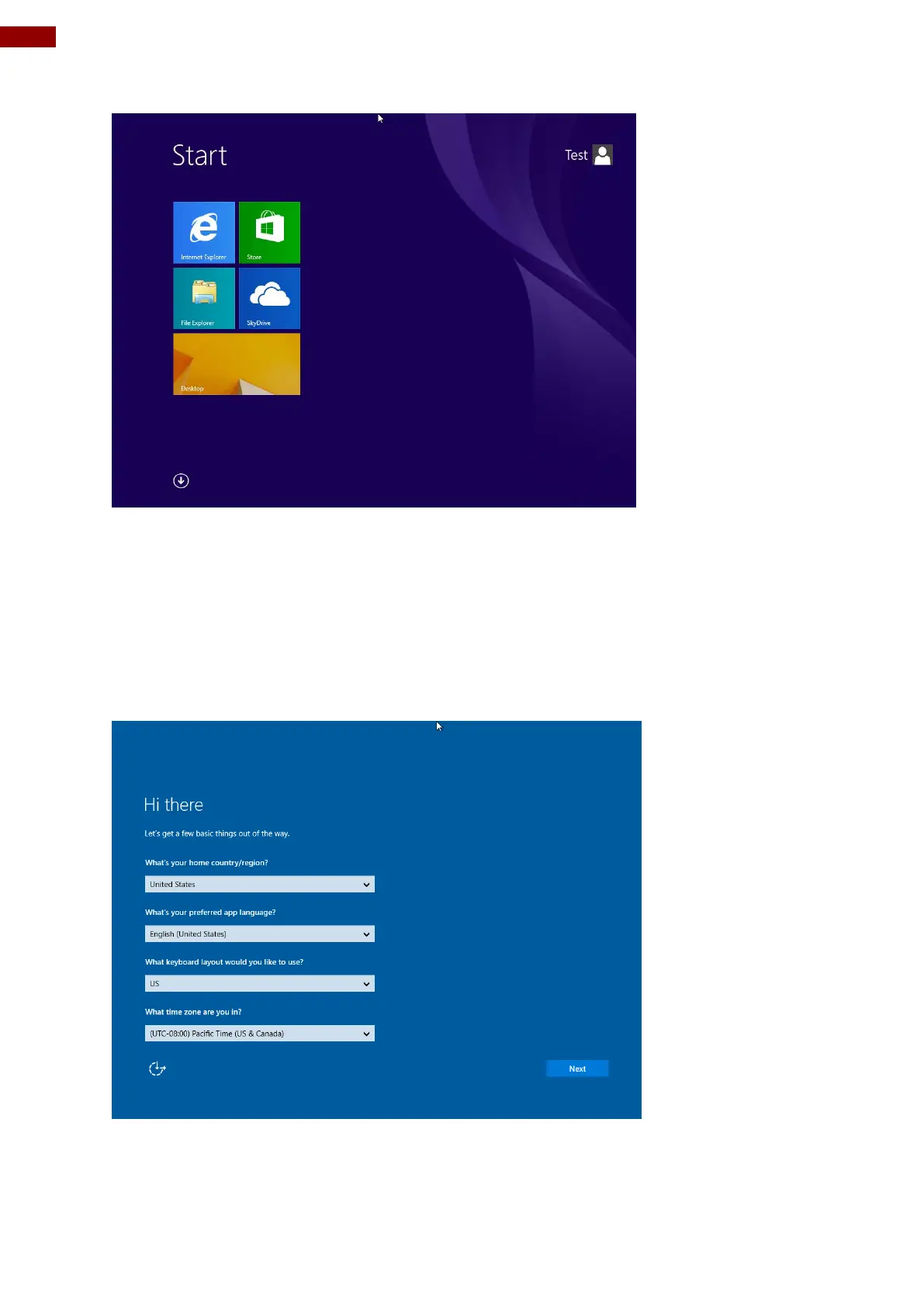
10. Once Windows finishes login, you are now ready to use the PC
3.5 Setting Up Windows 10 IoT Enterprise
Follow the steps below to complete the setup process.
1. Press the power button to turn on the computer.
2. First, select your country/region, your preferred app language, your preferred keyboard
layout, and your time zone, then tap Next.
3. On the Here's the legal stuff screen, read through the disclosures, then tap Accept.



 To Next Page