Chapter 3: Setting Up Windows for the First Time
4. Windows will then try to connect to network. Tap Skip this step to continue without a
wireless connection as you can then set up the network later.
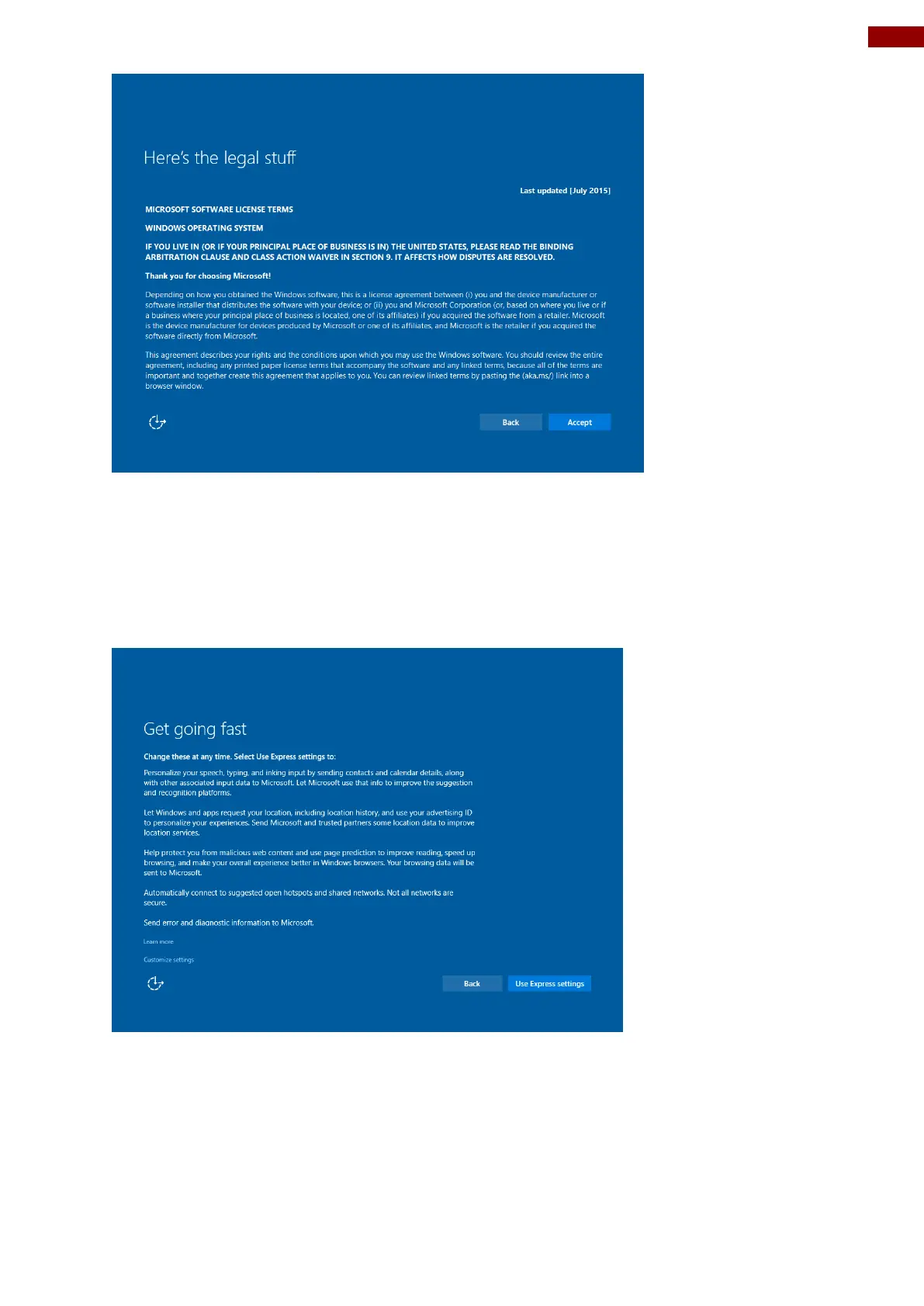
5. On the Get going fast screen, click Use Express settings for the fastest setup. If you
would like more information, tap Learn more, or if you would like to select your own options,
click Customize settings.
6. To create a local account, type your User name, password, and Password hint in the fields
provided, then tap Next.



 To Next Page