Chapter 4: Operating the Device
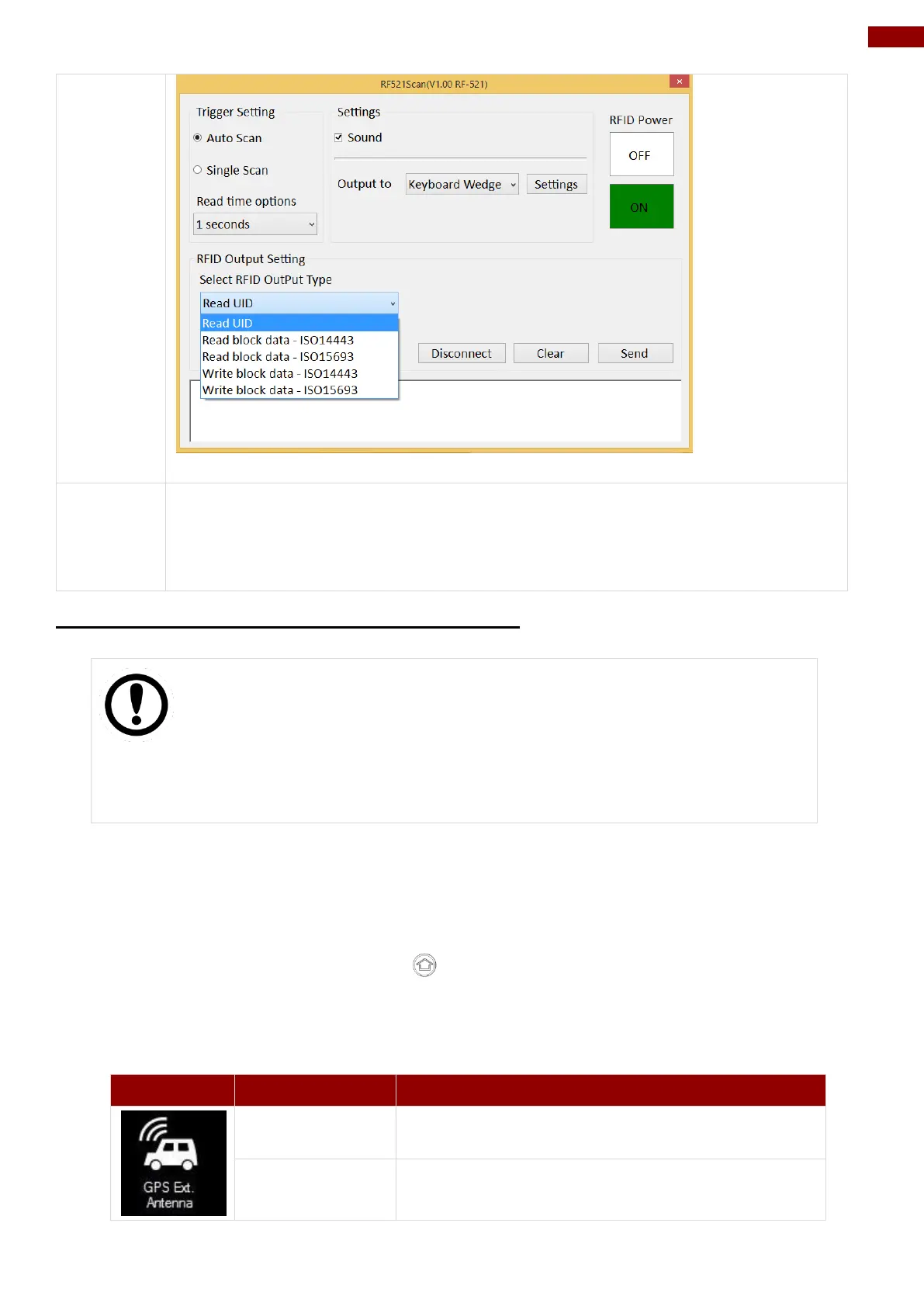
User can tap on the Disconnect button to stop the connection with built-in HF
RFID reader.
*To recover the connection, please turn off the module from setting UI and then
turn on the module again.
4.4.8 Turn on/off GPS External Antenna
IMPORTANT
The vehicle dock of M101B Tablet PC supports external GPS antenna
through standard SMA connector. To work with external GPS antenna,
please make sure the tablet PC is well installed to vehicle dock, and the
vehicle dock has connected with external GPS antenna.
When working with vehicle dock connecting to external antenna, user can switch GPS antenna
from the internal one to the external one from Hottab menu. To enable/disable the GPS Ext.
Antenna, perform the following procedure:
1. Open the Hottab utility by press the (Menu) Button located on the front panel, OR
launching the Hottab Utility application.
2. Tap on the Device ON/OFF button.
3. Check the status color of the GPS Ext. Antenna icon:
GPS Ext. Antenna is enabled, and using external
antenna if available
GPS Ext. Antenna is disabled, and using built-in
antenna



 To Next Page