Rugged Windows Tablet M101B/ M101BL User Guide
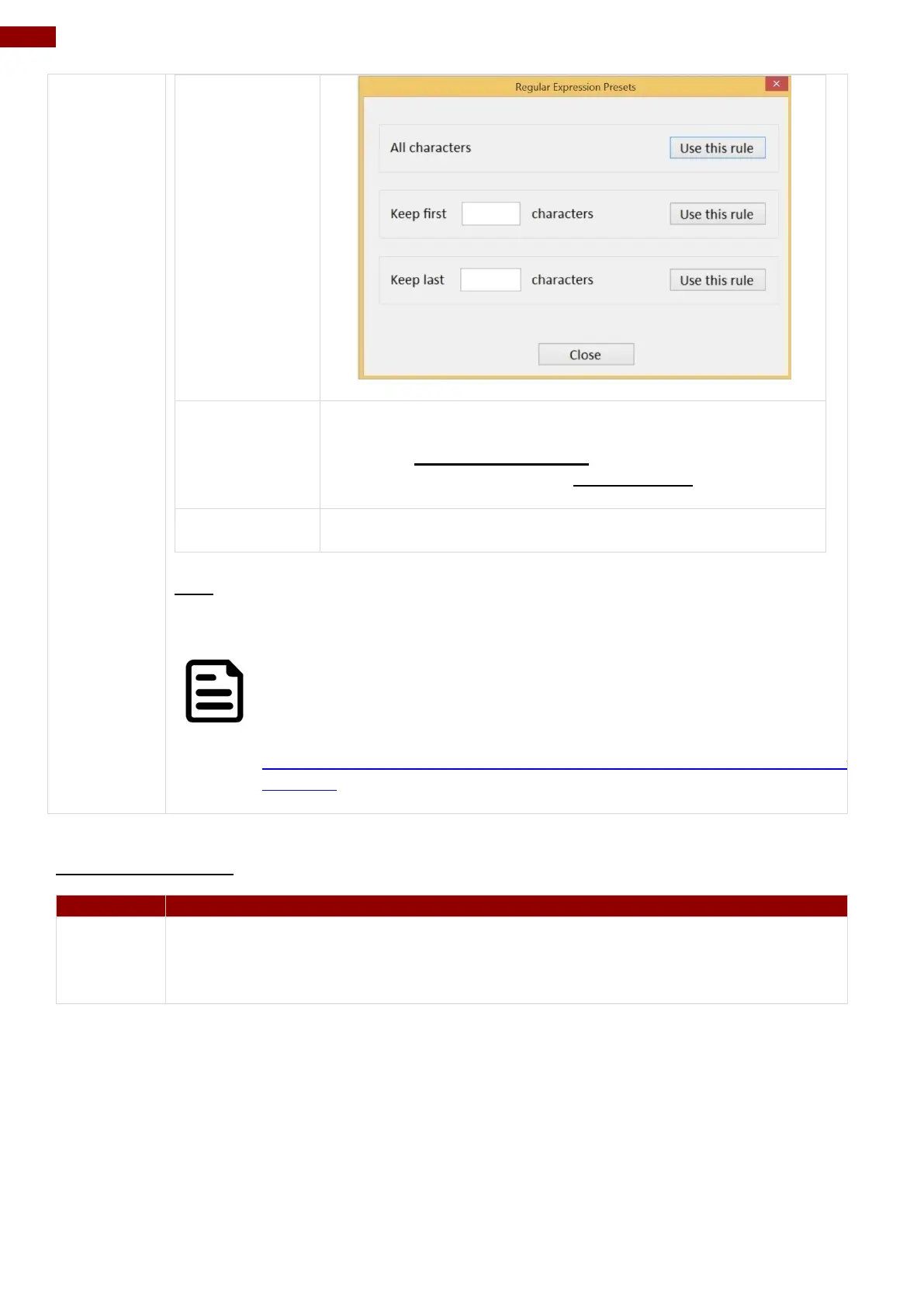
User can define specific characters to be replaced with
preferred characters automatically. When the characters
defined in Regex Substitution is scanned, the data will be
replaced with the one filled in Replace with.
User can remove all the set up and back to default mode.
SDK
For users following SDK for software porting, the scanned data can also be
output with the format needed.
NOTE:
User can download the SDK from Winmate Download center website
>> M101B/BL/BT >> Development Kit or check the Driver CD which is
shipped with the tablet.
http://www.winmate.com/DownCenter/DownLoadCenter.asp?DownType=2207&Onl
yContent=
RFID Output Setting
The default setting for built-in HF RFID Reader is to Read UID. For some
applications, user might need to read or write further block data; the drop-down
menu under this section can do this change.



 To Next Page