Chapter 3: Setting Up Windows for the First Time
3.2 Setting Up Windows 7 Ultimate/Professional
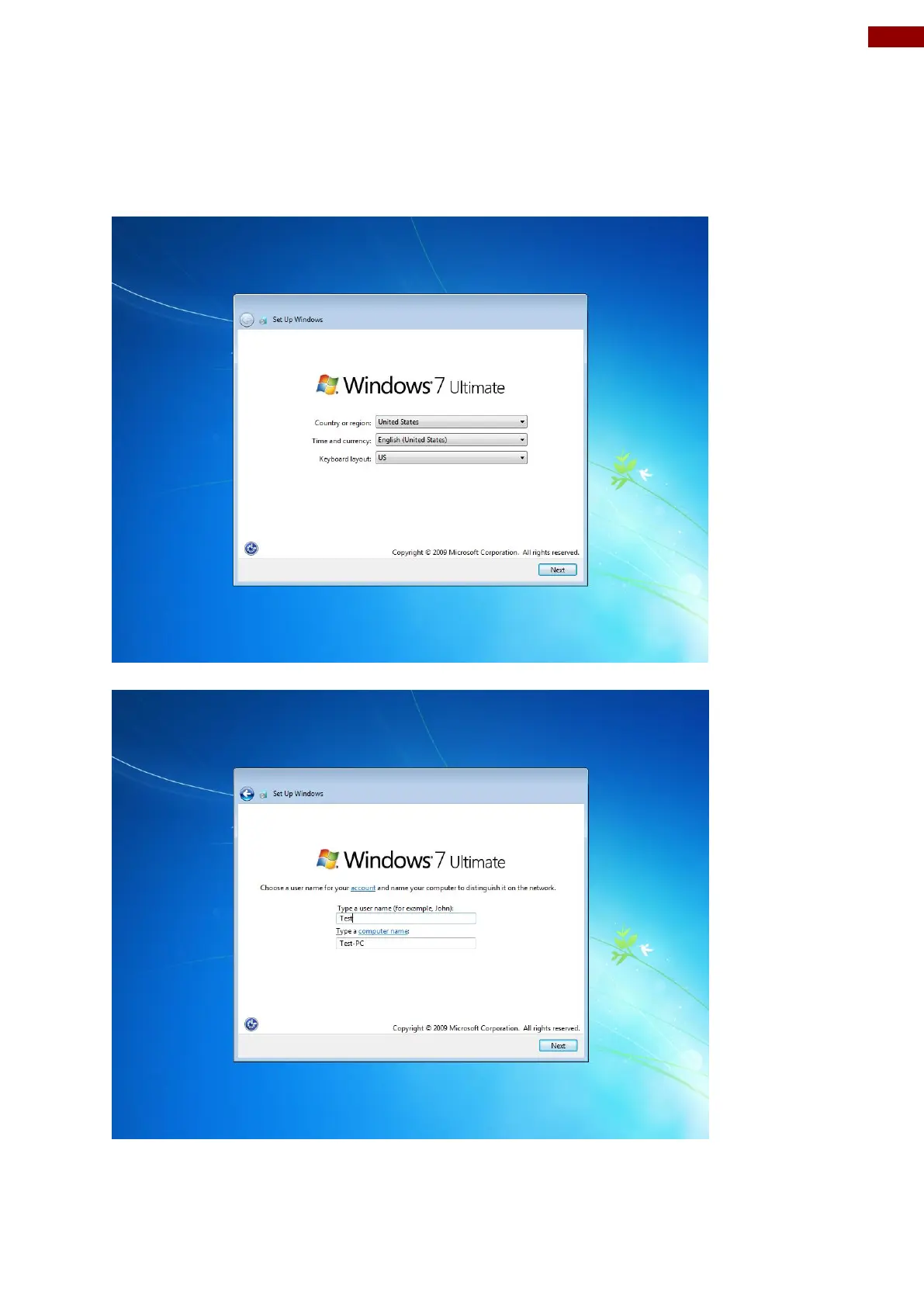
Follow the steps below to complete the setup process.
1. Press the power button to power on the computer.
2. First select your region and language information, and then tap Next
3. Type in a user name for your account to be used on this PC and tap Next



 To Next Page