Chapter 4: Operating the Device
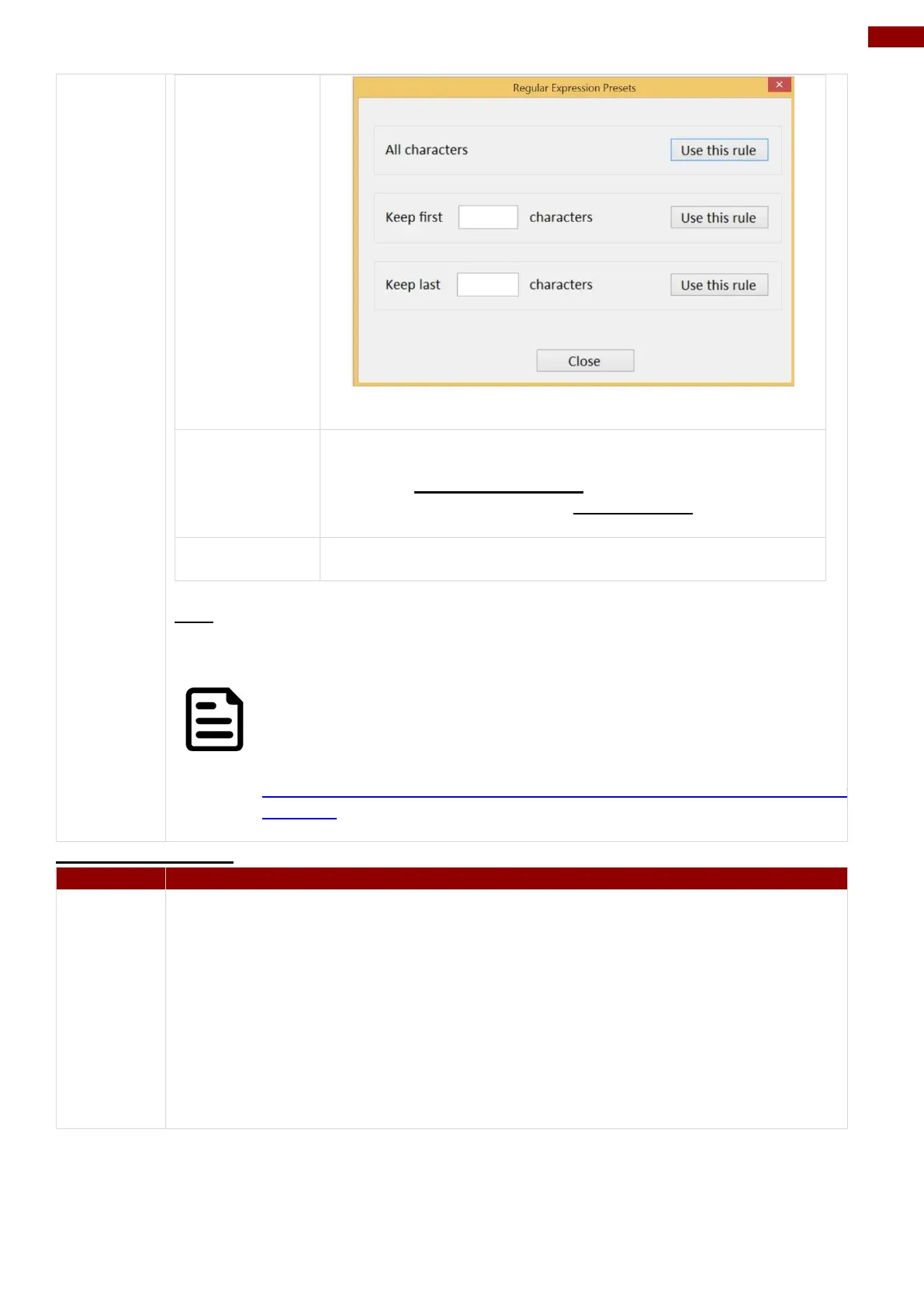
User can define specific characters to be replaced with
preferred characters automatically. When the characters
defined in Regex Substitutionis scanned, the data will be
replaced with the one filled in Replace with.
User can remove all the set up and back to default mode.
SDK
For users following SDK for software porting, the scanned data can also be
output with the format needed.
NOTE:
User can download the SDK from Winmate Download center website
>> M101B/BL/BT >> Development Kit or check the Driver CD which is
shipped with the tablet.
http://www.winmate.com/DownCenter/DownLoadCenter.asp?DownType=2207&Onl
yContent=
RFID Output Setting
The EPC check box defines whether to show the complete information of EPC
(Electronic Product Code), including
1. The identifiers of the object(s) or other entities that are the subject of the
event.
2. The date and time when the event took place, and the local time zone in
effect.
3. The identifier of the location at which the event occurred.
4. The Information about the business context.



 To Next Page