51
Chapter 6: Using Barcode Reader
6.1 Using Barcode Reader
6.1.1 Barcode Reader Location
2D Barcode Reader is an optional feature for Winmate® M101M8 and may not be present in your device.
Barcode Reader is located on the top side of the tablet.
6.1.2 Android Winmate® Data Collection (WDC)
The M101M8 with Barcode Reader comes with pre-installed software made by Winmate® - Winmate Data
Collection (WDC) that allows users to turn on the readers and set up the button to trigger the scan function.
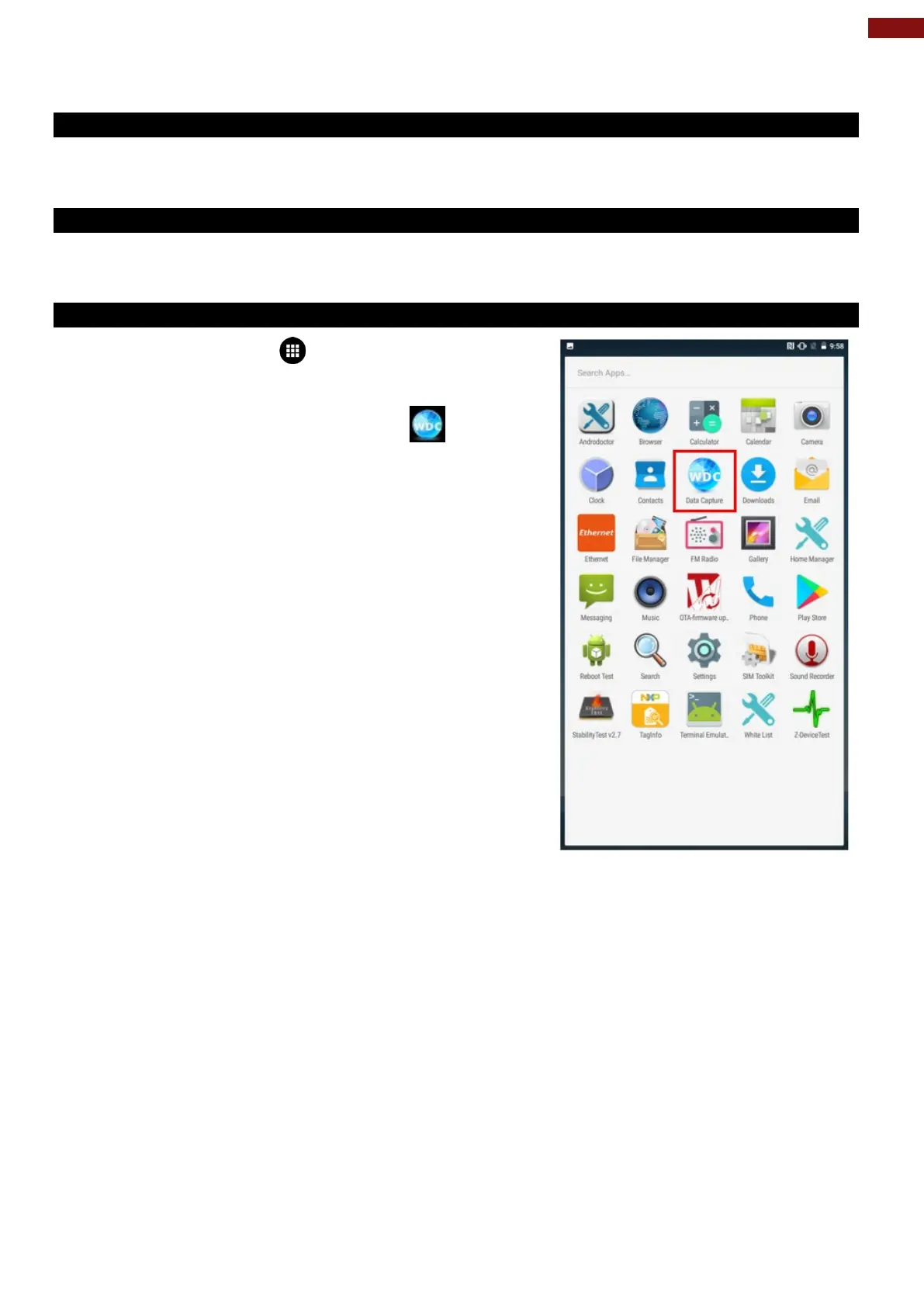
6.1.3 Where to Find WDC
1. Tap application menu .
2. User can find the application Data Capture (WDC) on
the menu screen, with the Globe mark .
3. User can change the settings of the Barcode Reader
through WDC application.



 To Next Page