21 Chapter 2: Using the Tablet
2.3 Using the Home Screen
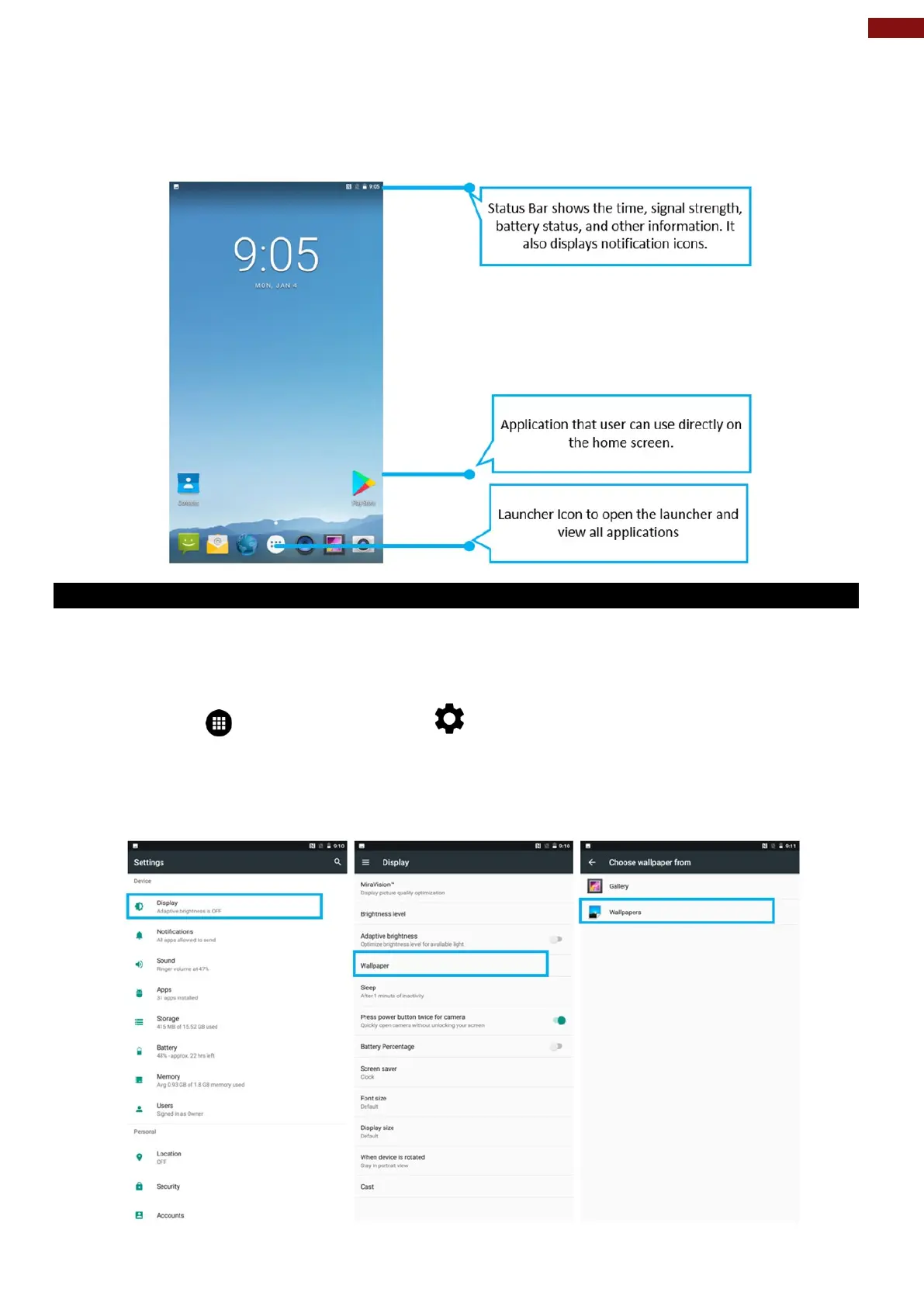
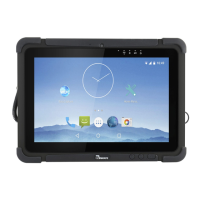
Home screen is the starting point to access all the features on your tablet Device. It displays application
icons, widgets, shortcuts, and other features. User can personalize the home screen. See “Personalizing
home screen”.
2.3.1 Personalizing Home Screen
User can add application icons, shortcuts, widgets, and other items to any part of any Home screen where
there is free space. User can also switch the wallpaper.
To change wallpaper on the HOME SCREEN:
1. Tap MENU , and then open Settings .
2. In the Device tab, tap Display > Wallpaper.
3. In the Wallpaper menu select the location of wallpaper, and then tap the type of item you want to
add.


 To Next Page