The Expansion Port is optional for M101H Tablet PC and is not re-workable by the
end user. To work with Add-on module, please make sure the tablet PC is built-in
expansion port before use, or contact our sales contact window for more details.
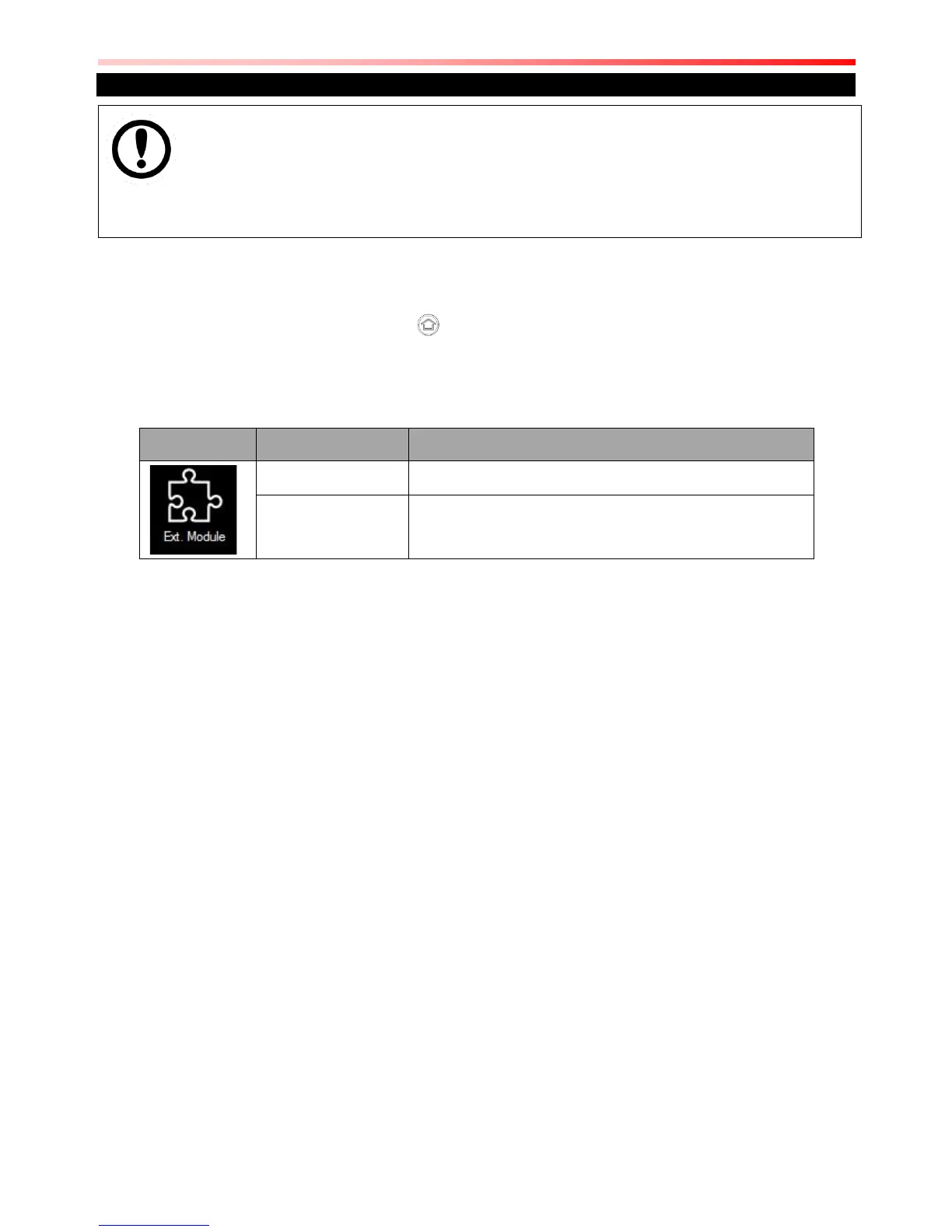
To enable the add-on module from expansion port, perform the following procedure:
1. Open the Hottab utility by press the (Menu) Button located on the front panel, OR
launching the Hottab Utility application.
2. Tap on the Device ON/OFF button.
3. Check the status color of the Ext. Module icon:



 To Next Page