This section details how to setup different version of the Windows that may be installed on the
tablet for the first time.
Please notice that BIOS will vary with different Windows OS; for users going to change OS,
please contact our sales contact window for details.
Setting Up Windows Embedded Standard 7 (WS7P)
During the setup process, you create a user name and password, verify the correct time and date,
and then choose your Internet network.
Creating a user name and password
1. Create a User name. (This user name is for the administrator of the computer.)
2. Type the selected user name in the text box, and then click Next.
3. On the next screen, type the password in the text box, retype the password in the next box,
and then click Next.
License Agreement
The next screen requests confirmation that you accept the Software License Terms and the End
User License Agreement.
Click both check boxes and then click Next.
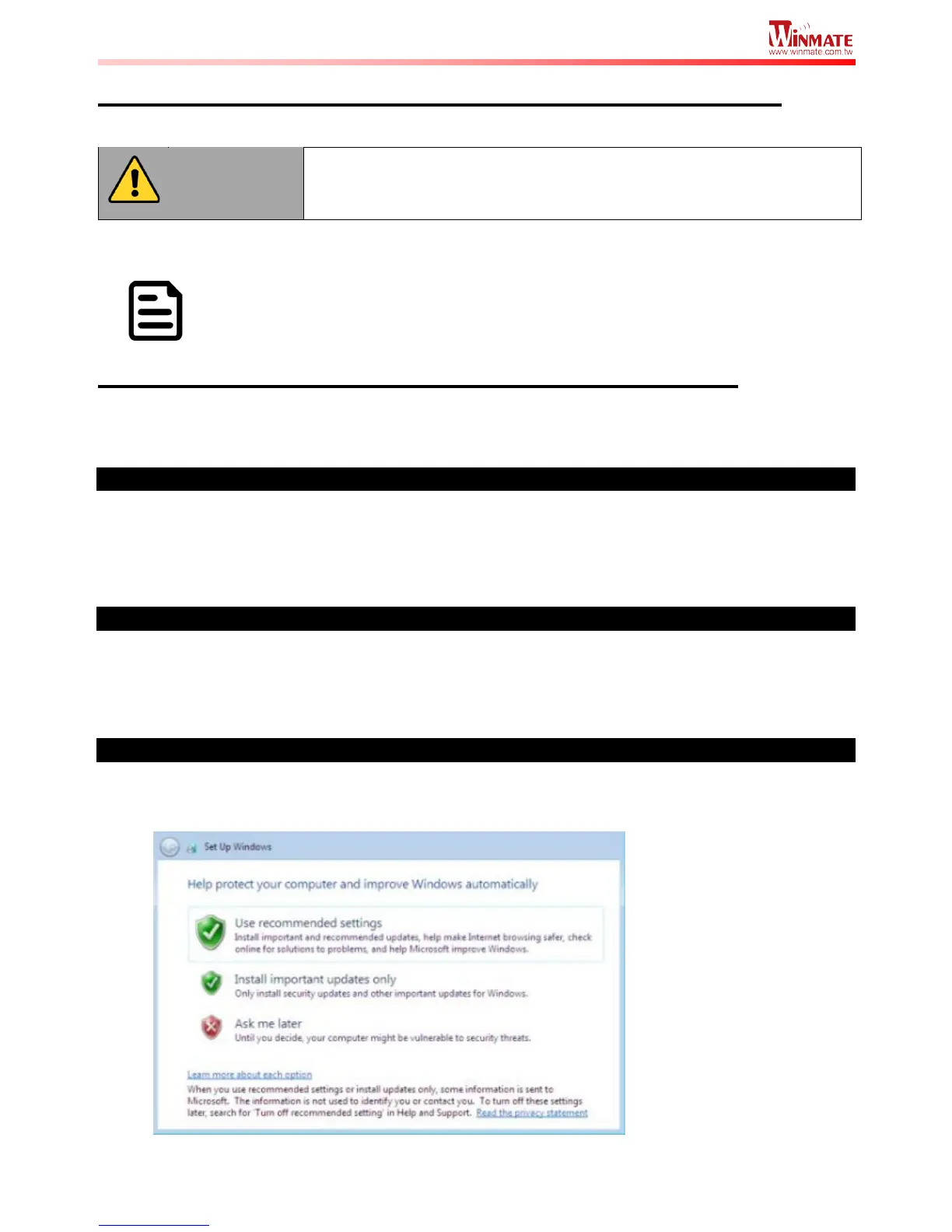
Protecting your computer
The next screen displays options for protecting the security of your computer and for receiving
Windows updates.



 To Next Page