M101H Series User Guide 29
Setting Up Windows Embedded 8.1 Industry Pro
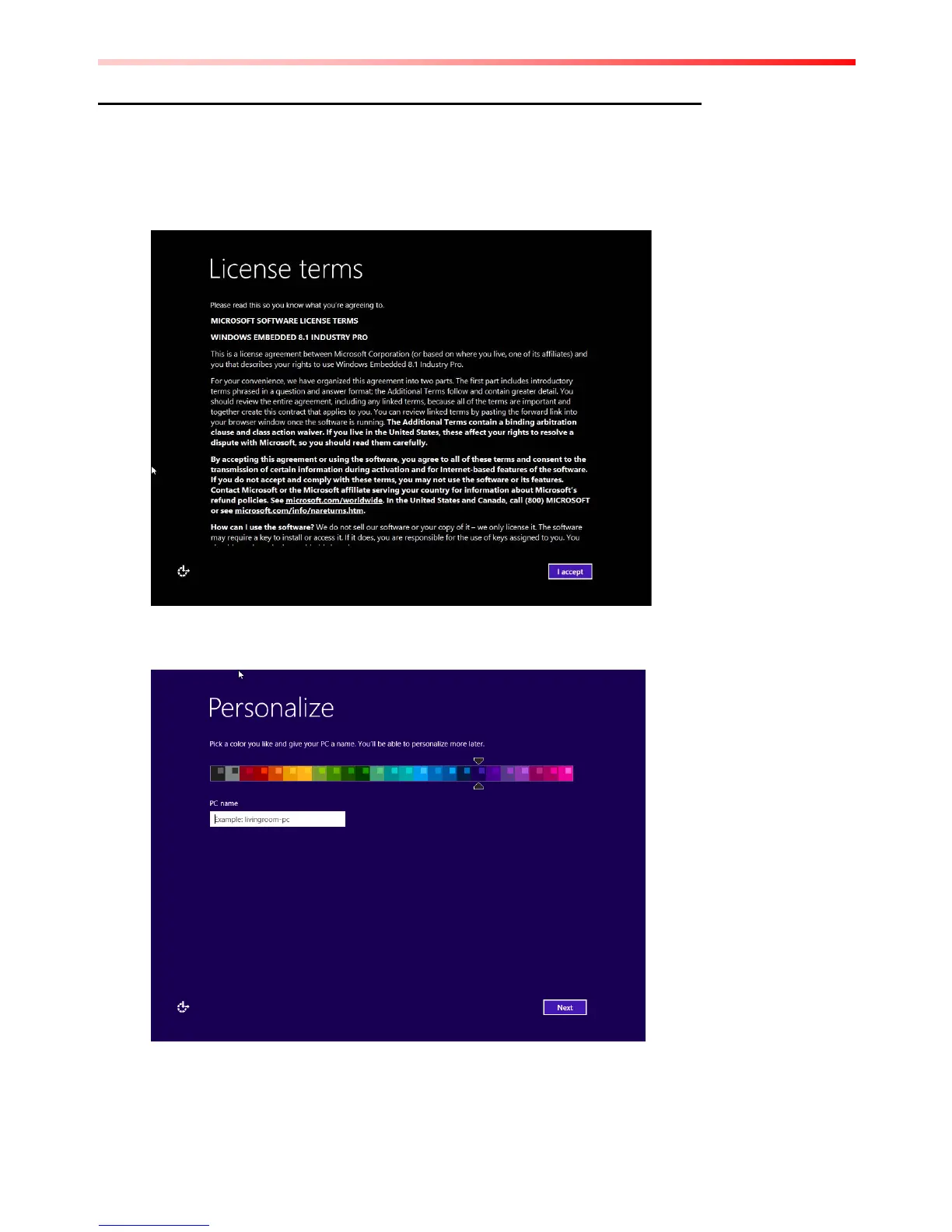
Follow the steps below to complete the setup process.
1. Press the power button to power on the computer.
2. Check I accept the license terms for using Windows to accept the terms, and then click
or tap "I Accept".
3. On the Personalize screen, choose a color you like – you can always change this later
from the Start screen.



 To Next Page