56 M101H Series User Guide
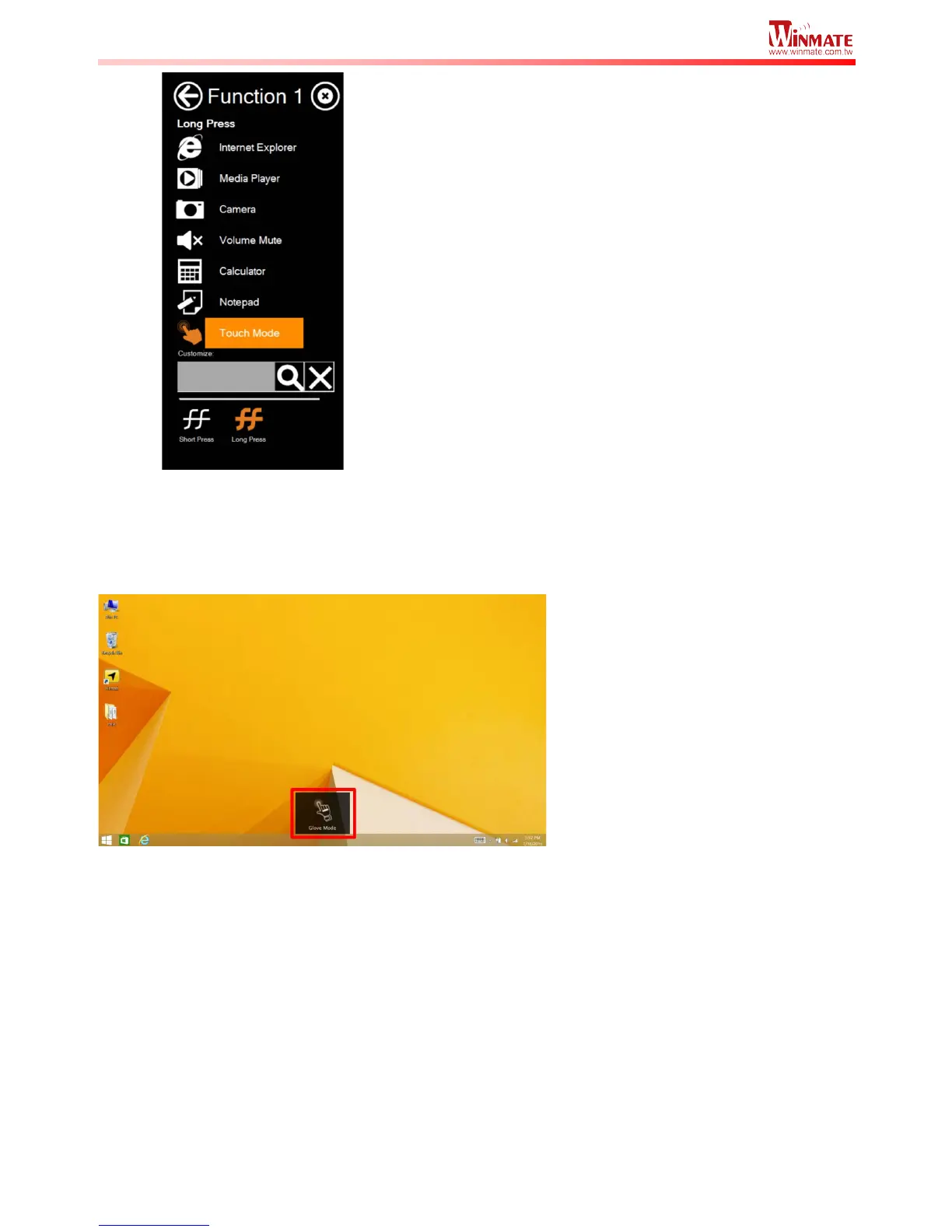
Once the touchscreen mode switching is set to the programmable function button, Long Press
on “F1” function button to cycle through the different touchscreen modes. When touchscreen
mode is switched, an icon will temporarily overlay on the lower center of the screen to indicate
current touchscreen mode:



 To Next Page