62 M101H Series User Guide
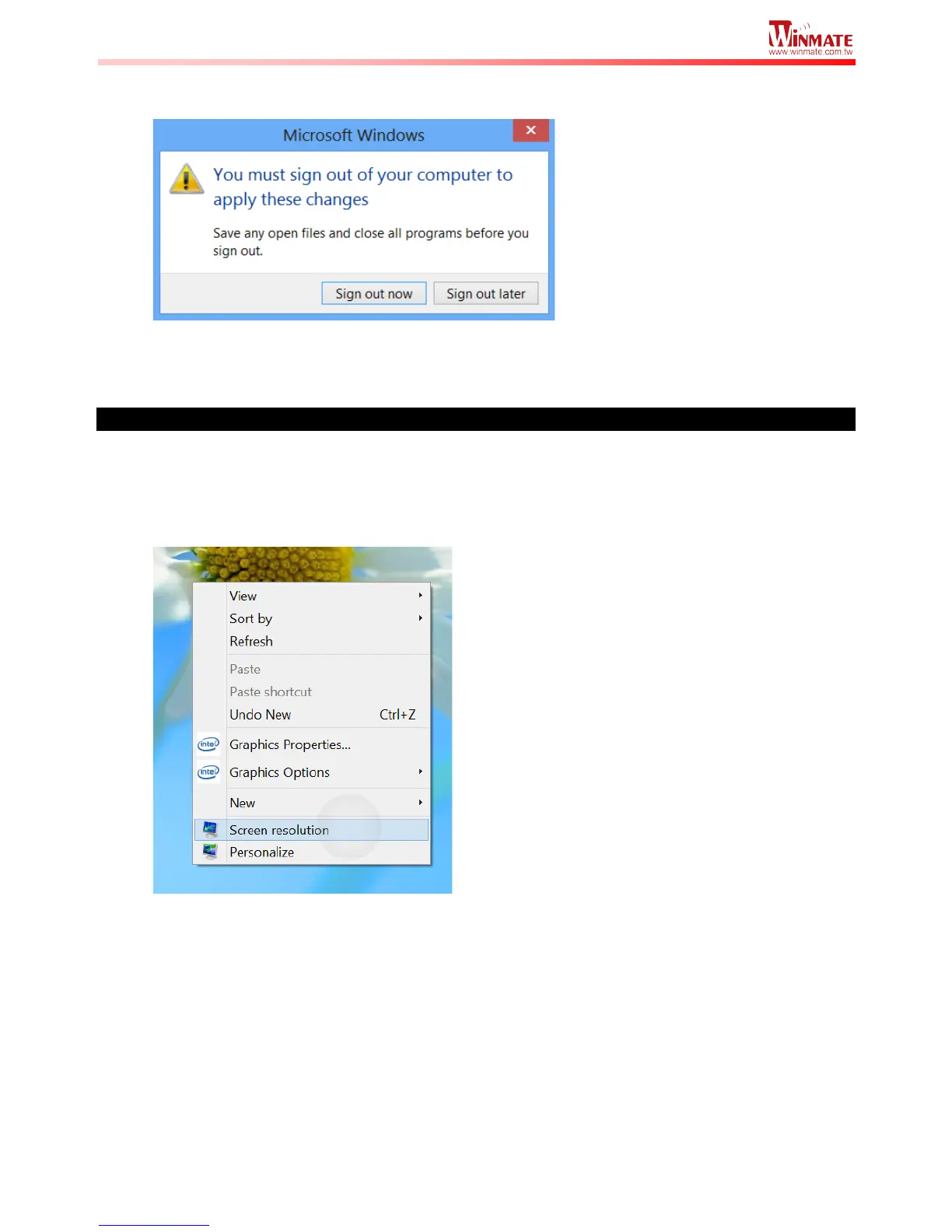
4. A prompt may show up to ask if you want to sign out to apply the scaling change. Hit
“Sign out Now” to apply changes, as shown below:
5. The user may now login again to Windows to see the changed display scaling already
being applied.
Changing screen resolution setting
Alternatively, instead of changing the display scaling setting, user may choose to change the
overall resolution setting to make screen elements bigger.
1. Tap and hold anywhere on the desktop for 3 seconds and release to bring up the context
menu, and select “Screen resolution” option as shown below:



 To Next Page