Lubricator Operating manual
Revision: 02
2022-D064493
en-22
6.9 Replace the cartridge
NOTE
An opened cartridge may not be screwed on again. Only full cartridges may be in-
stalled because the counter is reset by removing a cartridge.
NOTE
Use only original cartridges.
A cartridge can be replaced during the normal operation. If the cartridge is empty the LCD displays E1
and the LED flashes red. If a dosing sequence was interrupted it will be resumed automatically after
screwing on a new cartridge.
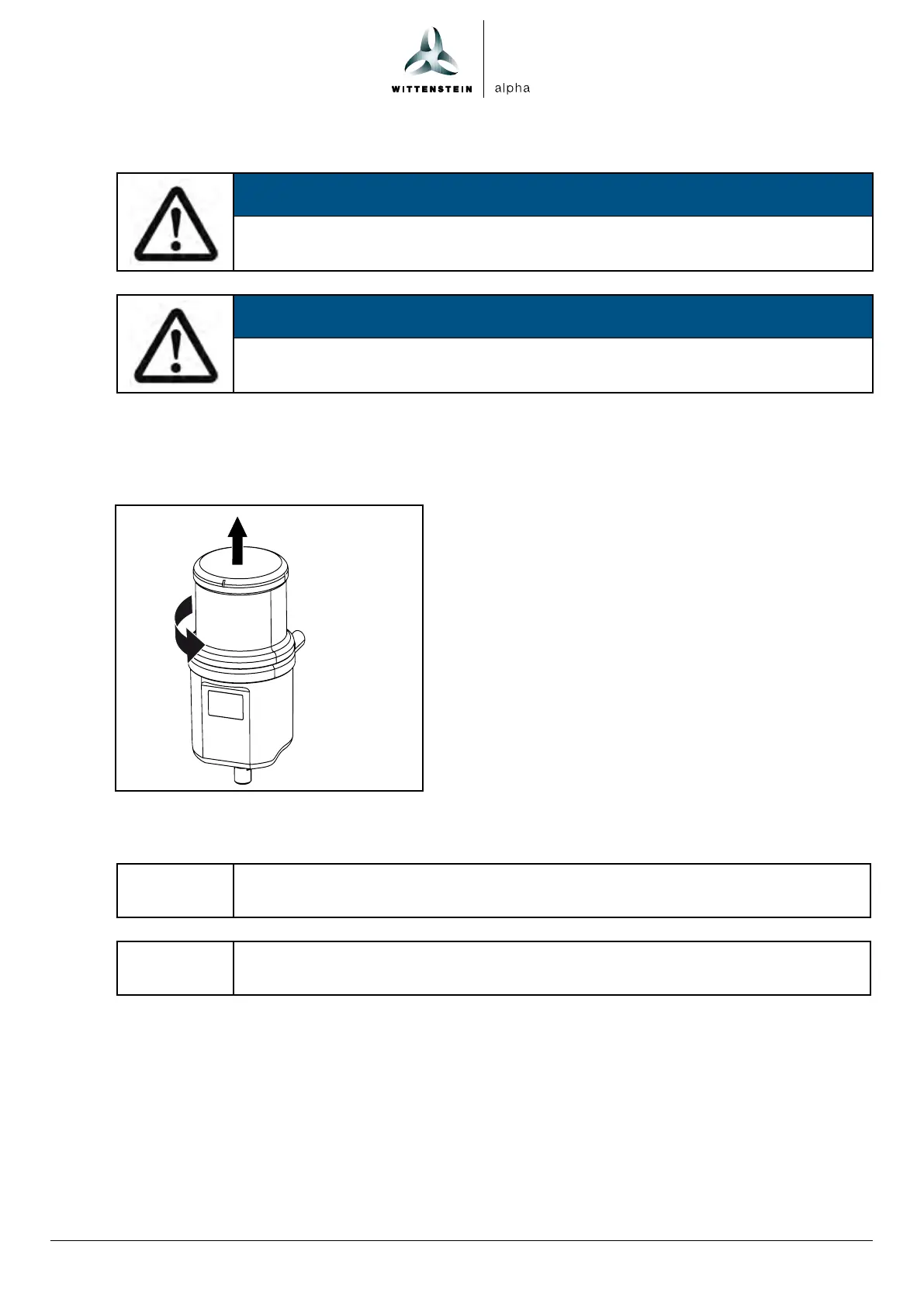
1. Unscrew the empty cartridge and
dispose of it properly.
The display on the LCD changes from E1 to E2.
The LED flashes red.
2. Screw on a new full cartridge until the type plate
is facing forwards.
Any interrupted dosing sequence will be
resumed. The LED flashes green.
6.10 Replacing the battery
If using the battery version, the battery must be replaced at the same time
as the cartridge.
• Observe the safety instructions for the battery.
• Remove the battery.
• Disconnect the plug.
• Connect the plug to the new battery.
• Insert the battery.
• Dispose of the old battery in accordance with the applicable national regulations.



 To Next Page