\Manuals\GettingStartedManual8500eRev2
10/02/08
35
MatDesigner™ - Getting Started Manual - Model 8500e
Help Screen
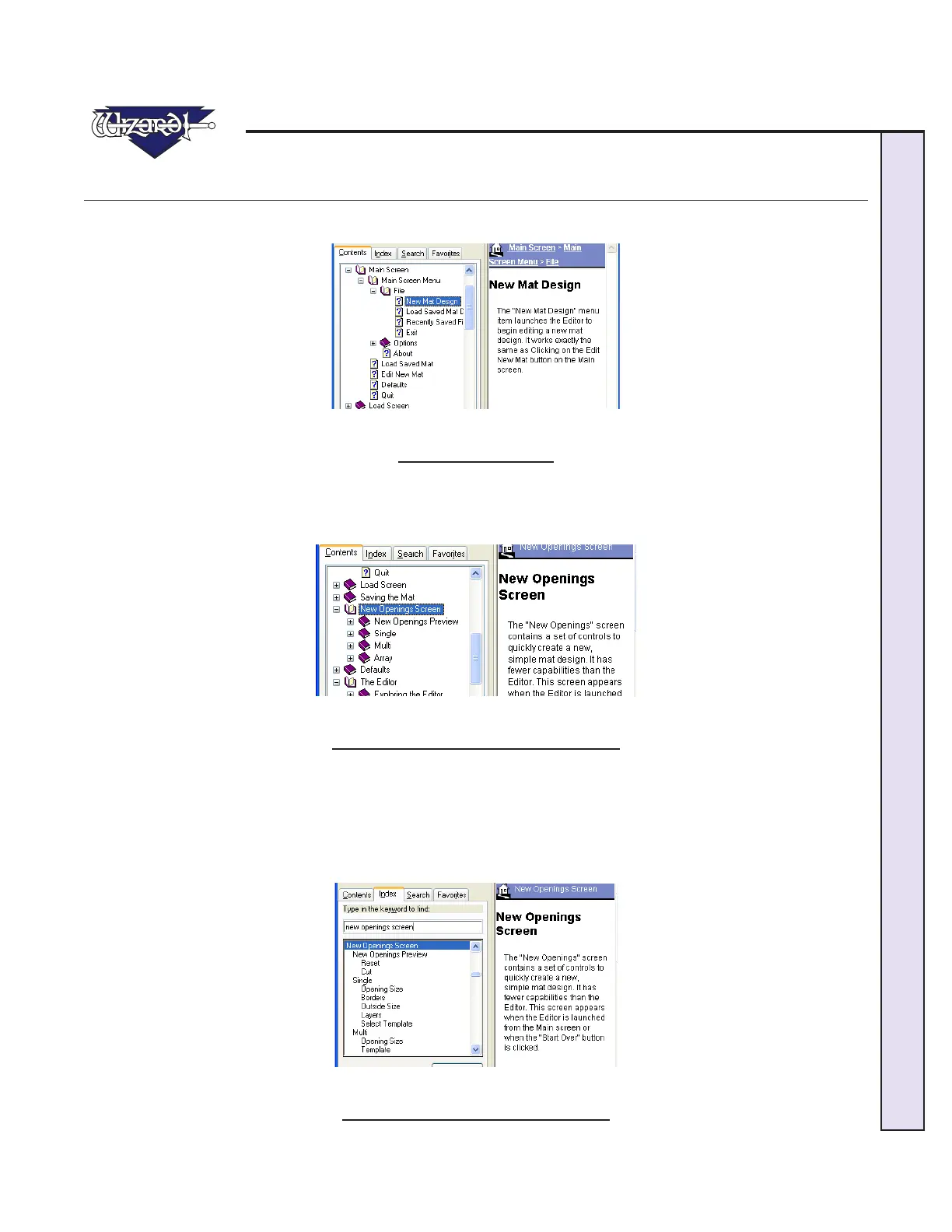
The Help screen will appear and display information about the current item. The current topic will be highlighted on the topics
list on the left.
Fig D.
Fig D: The Help screen.
Contents
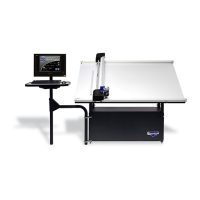
You can navigate through the help topics manually through the Contents Tab. Click on a topic to display the Help information.
Click + to expand a topic; Click - to collapse it.
Fig E.
Fig E: The Contents Tab on the Help screen.
Index
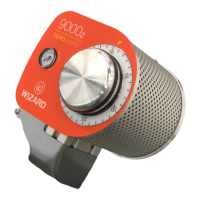
You can navigate through the help topics manually through the Index Tab. Double-Click on a topic to display the Help infor-
mation.
OR
Type in a keyword to search for and Click Display at the bottom of the screen.
Fig F.
Fig F: The Index Tab on the Help screen.


 To Next Page