Operation
Chapter 2 Operation
2.1 Switch on coffee machine
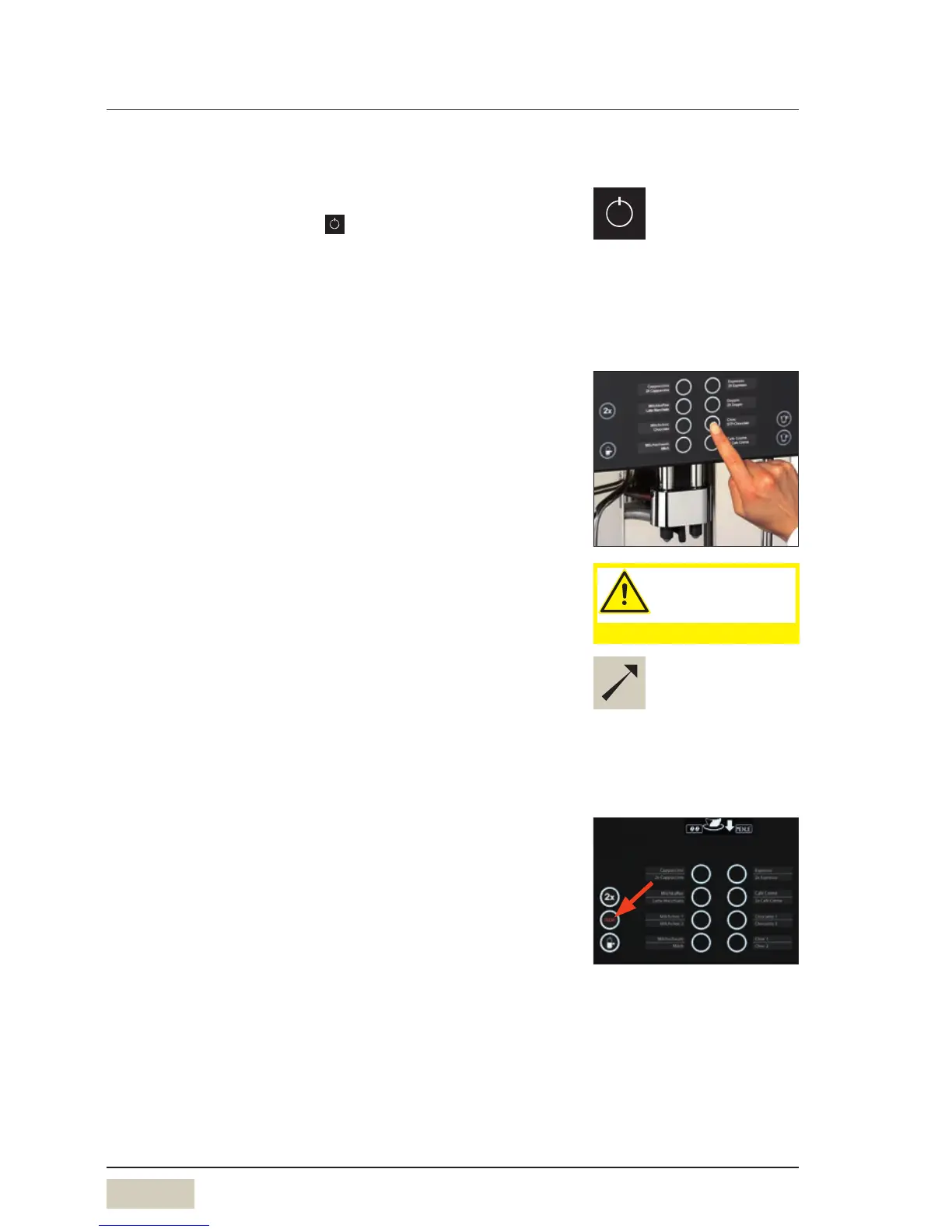
Press the ON/OFF button and hold for more than
2seconds
Coffee machine switches on and heats up.
When the coffee machine is ready to dispense beverages,
the “Ready to operate” display appears.
2.2 Beverage dispensing
Pressing the beverage buttons triggers dispensing of the
beverage selected.
• Lit up button = ready to dispense
• Flashing button = beverage dispensing
• Unlit button = not ready to dispense/
button disabled
Place asuitably sized cup below the combi spout
Press the desired beverage button
Desired beverage and progress of dispensing are indicated
on the display.
2.3 Decaf button (optional)
Preparation of adecaffeinated coffee beverage from the
decaf grinder:
Press the Decaf button
Press the desired beverage button
PIN access control
w Software
w Settings
w Operating options
page 33
w Timer program
page 23
Caution.
Hot liquids in the
dispensing area.
Observe the Safety chapter.
Button allocation
w Software w Settings
w Recipes and buttons
page 28


 To Next Page