Software | Timer program
3.3.2 Timer program
The timer program sets the switch on and switch off times.
The “Timer program” main menu contains the following
selection options.
• Timer state
• Set timer
• Timer overview
• Delete timer
• Timer information
Timer state
Touch
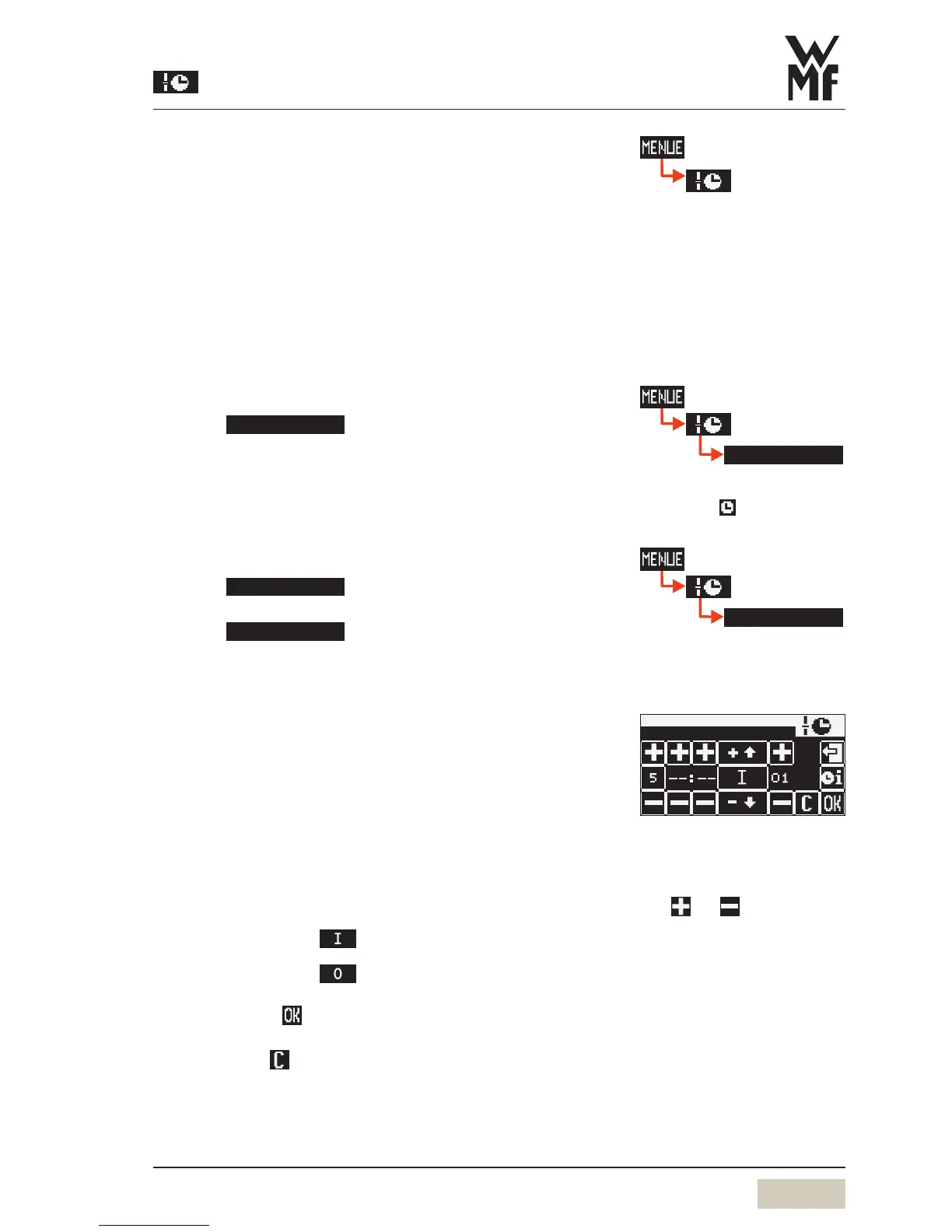
The “operation time” display appears. Here the day, time,
and desired operation are set.
Set day (Day)
• 1 = Monday
• 2 = Tuesday, etc. up to 7 = Sunday
• 1–5 = Monday to Friday (weekdays)
• 1–7 = entire week (Monday to Sunday)
Set the time (hours, minutes)
Set the desired switching time (action)
• Switch on time =
(on display)
• Switch off time =
(on display)
Confirm with
or
Delete with
PIN rights, access control
w Software
w Settings
w PIN rights, access control
page 36
When the timer is activated, the
timer symbol appears on the
display.
day h min
action prg
in day 1–5or day 1–7, the
switching times are copied to the
indicated days.
Select desired settings with the
pads
and .
Current selection is inversely
displayed.


 To Next Page