Software | Timer program
Display programmed switching times
Touch the
and pads under
Programmed switching times are displayed here.
Up to 16switching times (events) per day can be
programmed.
Programmed times are sorted chronologically.
Any new switching time is sorted chronologically
immediately upon entry and confirmation with
.
Touching the pad directly accesses the timer overview.
Copy day
Any day may be copied to other days, complete with its
switching times.
Touch
timer adjustment
Program the switch on and switch off times.
Touch
Touch the number pad under
The selection of the week days is displayed.
Scroll through to page 4
Touch
copy day
The selection of the week days is displayed again.
Select the day that you want to copy
Touch
Select the day you want to copy the time settings to
The day is copied.
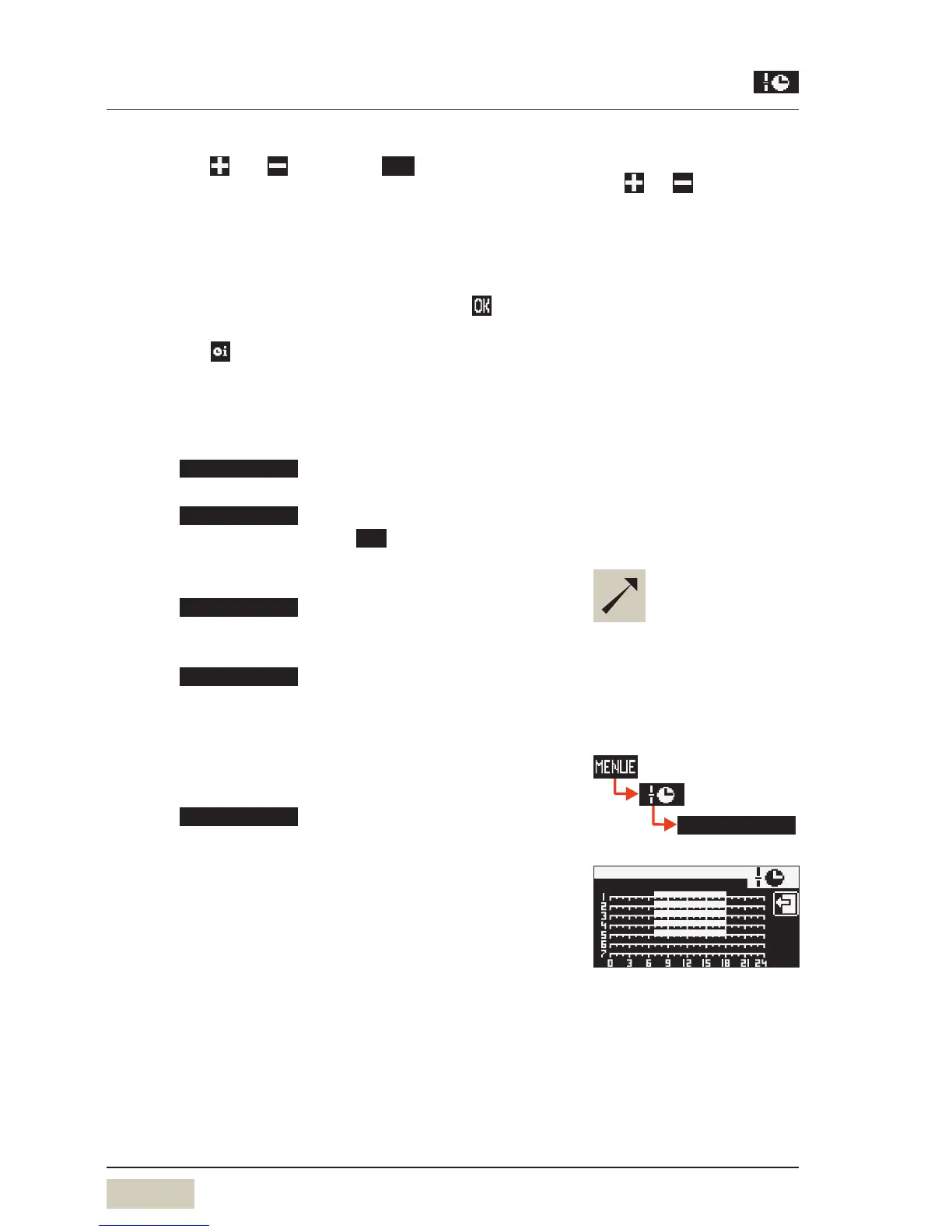
Timer overview
Checking the programmed switching times:
Touch
The switching times overview for the week is displayed
graphically. Switch on times are indicated by bars.
Select desired settings with the
pads
and .
Current selection is inversely
displayed.
In day 1–5or day 1–7, the
switching times are copied to the
indicated days.
The individual days 1,2,3...7are
displayed.
To check times
w Timer overview
timer overview
Example:
operating time
switching times Monday to Friday
(1–5).
On time 7a.m. (7:00)
Off time 6p.m. (18:00)


 To Next Page