Operation
2.8 SteamMilk (optional) /
DualMilk(optional)
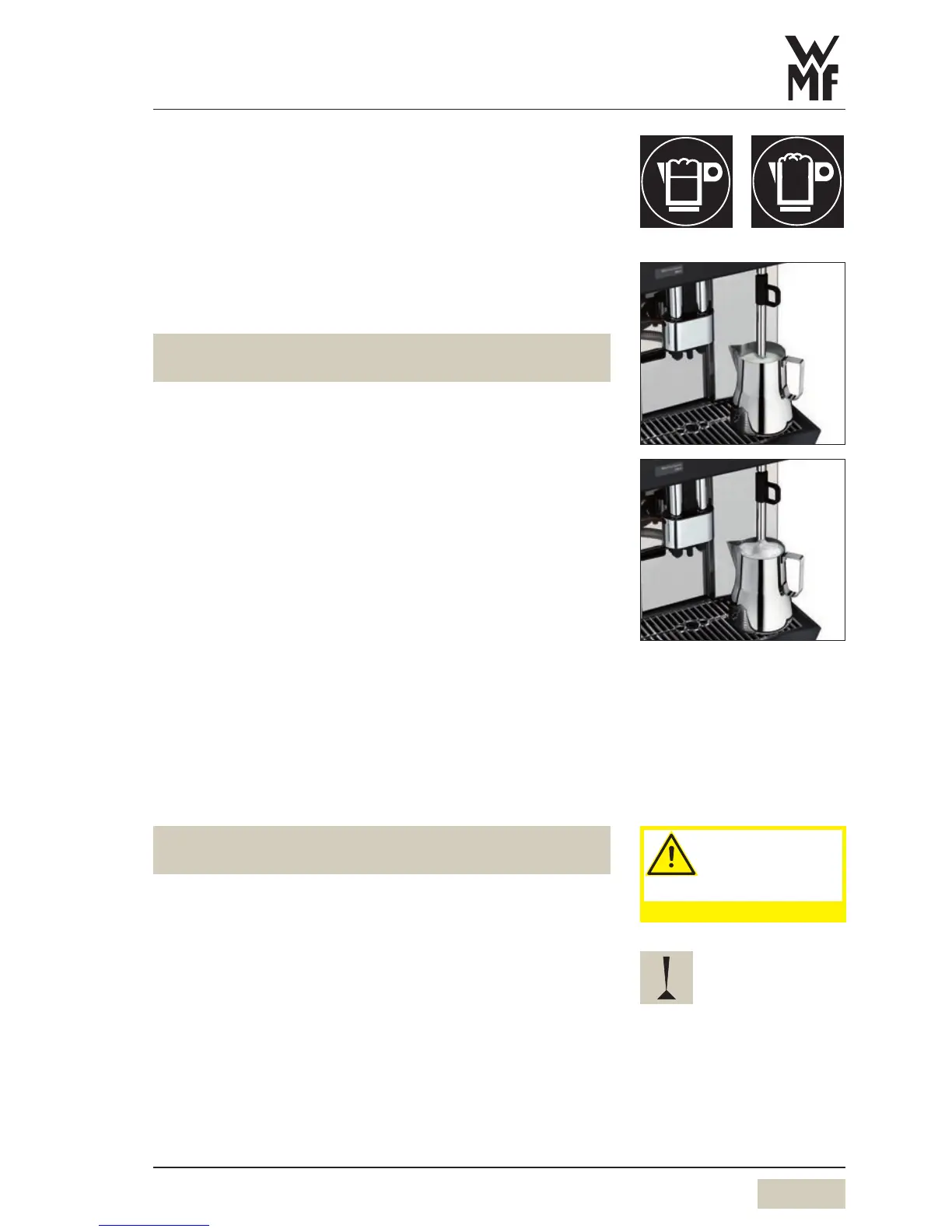
The milk is automatically heated or foamed.
The SteamMilk buttons can be assigned to up to four milk
foam quality levels, or to hot milk.
The SteamMilk buttons are assigned at the factory to
three foam quality levels (superfine, fine, standard) and hot
milk.
A beverage can be dispensed via the combi spout at the
same time.
Heat milk or foam milk
Fill atall, narrow jug with the desired milk volume
Do not fill the jug above the halfway point, so that the
milk will not run over when it foams.
Insert the steam nozzle deep into the milk
Briefly press the desired SteamMilk button
Steam is discharged, depending on the SteamMilk button
allocation.
Steam dispensing ends after reaching the set temperature,
or when the SteamMilk button is pressed again.
Wipe steam outlet with adamp cloth
Override function (optional)
Function is adjusted upon request by WMFService.
Milk and foam can boil over if the temperature is set to
90°C, or when the override function is used.
Press and hold the desired SteamMilk button
Steam is dispensed for as long as the button is held.
Wipe steam outlet with adamp cloth
The maximum temperature setting is 90°C.
SteamMilk buttons
Button allocation
w Software w Settings
w Recipes and buttons
page 28
w Change recipes
page 29
Caution.
Hot surfaces.
Burn hazard.
Scalding hazard.
Observe the Safety chapter.
Do not overheat milk when
foaming, otherwise milk foam
volume decreases.


 To Next Page