Operation
32
> Place an appropriate drinking vessel under the All-In-One spout.
> Once again press the beverage button of the adjusted beverage.
The beverage is prepared with the adjusted settings.
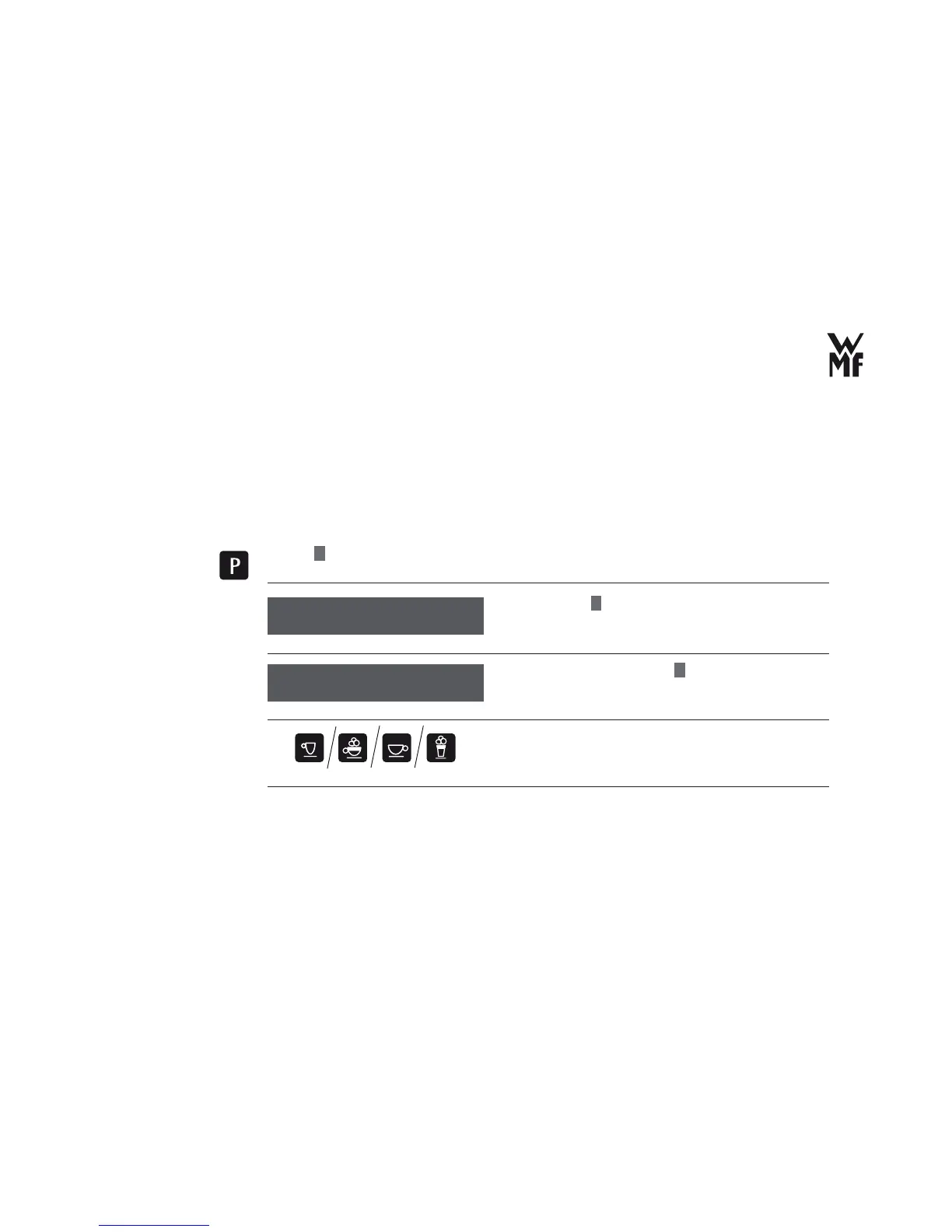
3.6.1 Set the cup size
Here, you have the option to individually adjust the cup volume to your cup sizes. But the recipe remains
the same.
> Press
P
button.
> Browse with
+
for basic settings.
> Confi rm your selection with
P
button.
> With the help of the beverage button, select the
beverage for which you want to adjust the cup volume
with the cup size.
Select program
browse: +
Select the cup size
Cup size
OK: P change: -/+



 To Next Page