Initial setup
14
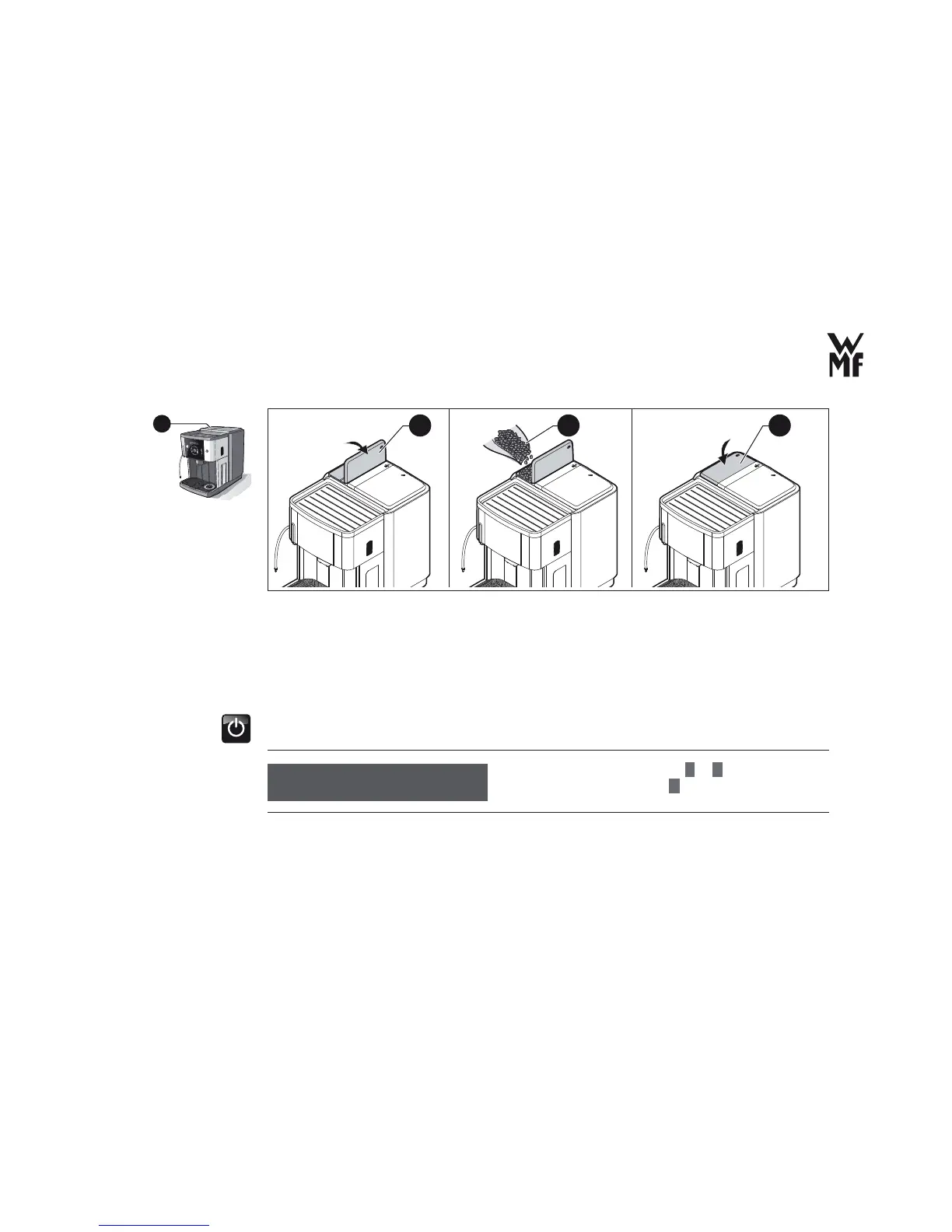
15a 15b 15c
> Open the lid (15a)of the coffee bean hopper.
> Fill the hopper (15b) with coffee beans
> Close the lid (15c).
2.9 Initial setting
> Press the On-/Off-switch.
The commissioning program begins.
> Set the desired language with
–
or
+
.
> Confi rm the language with
P
button.
15
Cup volume: max. 250 g
language: english
OK: P change: -/+
Set the language



 To Next Page